Configuring Computers to Use Network Printers
636 Check Point UTM-1 Edge User Guide
12. In the Port name field, type the port name.
13. Select the Query the printer and automatically select the driver to use check
box.
14. Click Next.
The following things happen:
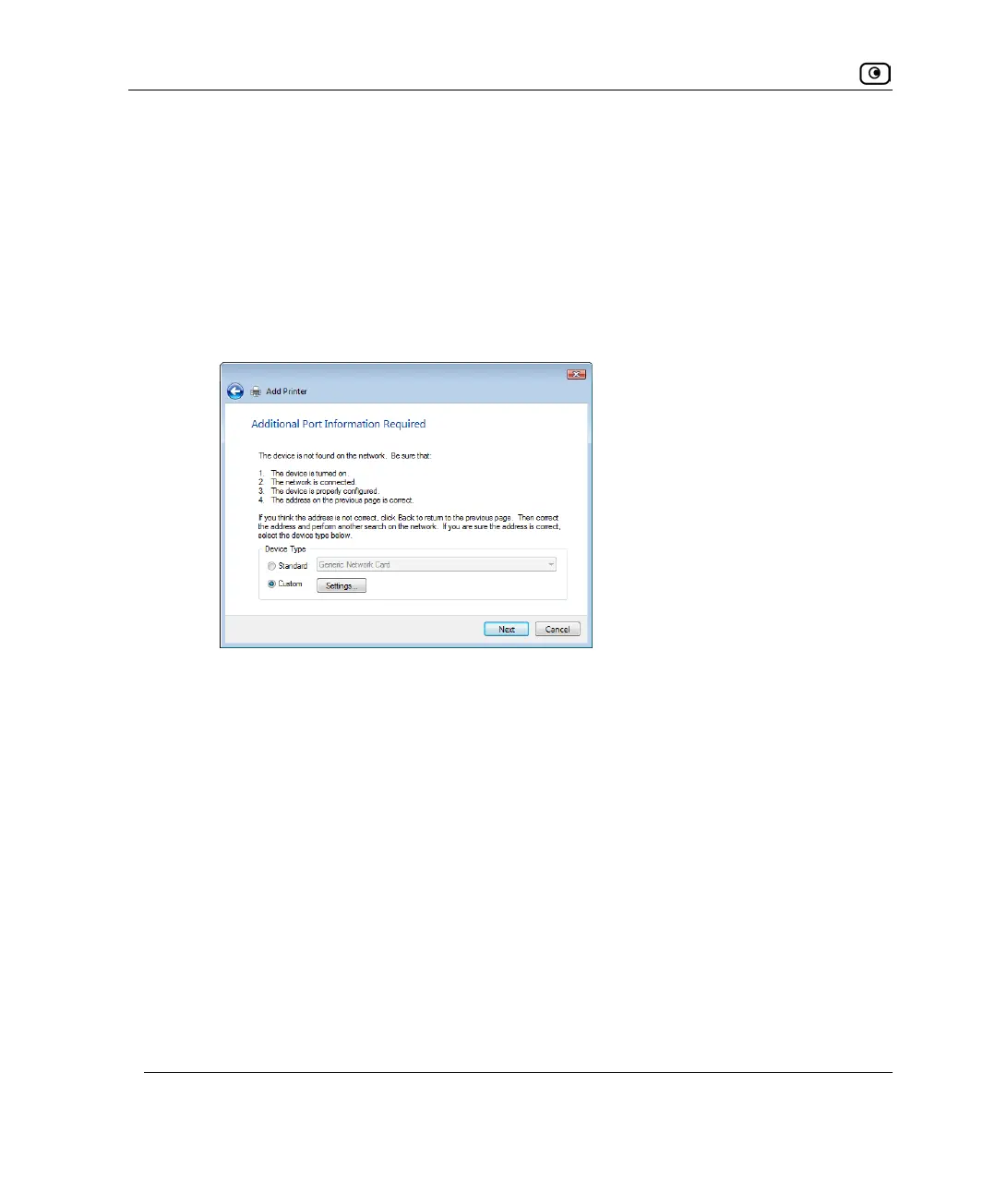
• If Windows cannot identify your printer, the Additional Port Information
Required dialog box appears.
Do the following:
1) Click Custom.
2) Click Settings.















 To Next Page