Configuring Computers to Use Network Printers
Chapter 20: Using Network Printers 637
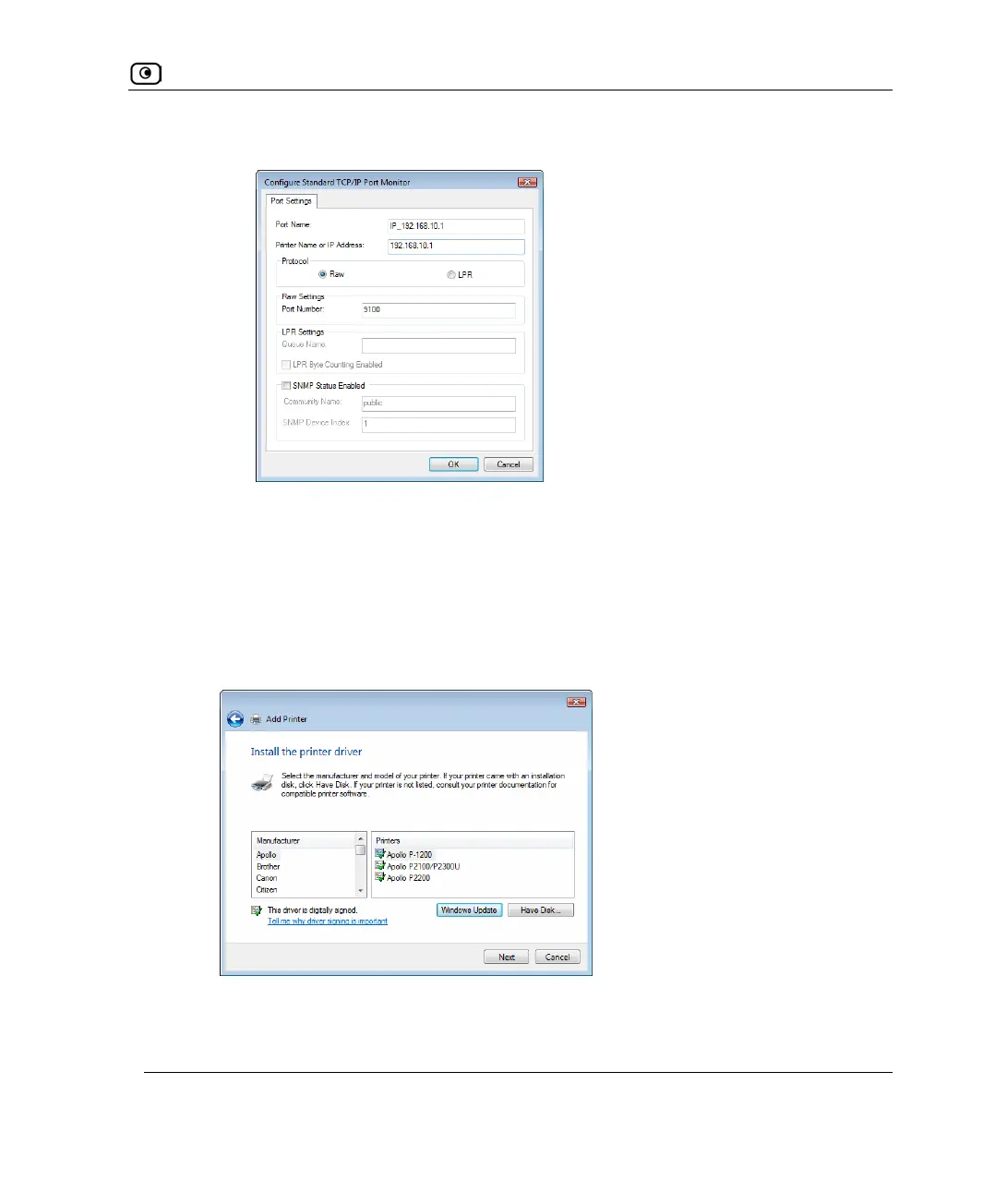
The Configure Standard TCP/IP Port Monitor dialog box opens.
3) In the Protocol area, make sure that Raw is selected.
4) In the Port Number field, type the printer's port number, as shown in
the Printers page.
5) Click OK.
6) Click Next.
• The Install the printer driver dialog box displayed.















 To Next Page