Configuring Computers to Use Network Printers
638 Check Point UTM-1 Edge User Guide
15. Do one of the following:
• Use the lists to select the printer's manufacturer and model.
• If your printer does not appear in the lists, insert the CD that came with your
printer in the computer's CD-ROM drive, and click Have Disk.
16. Click Next.
17. Complete the remaining dialog boxes in the wizard as desired, and click
Finish.
The printer appears in the Printers and Faxes window.
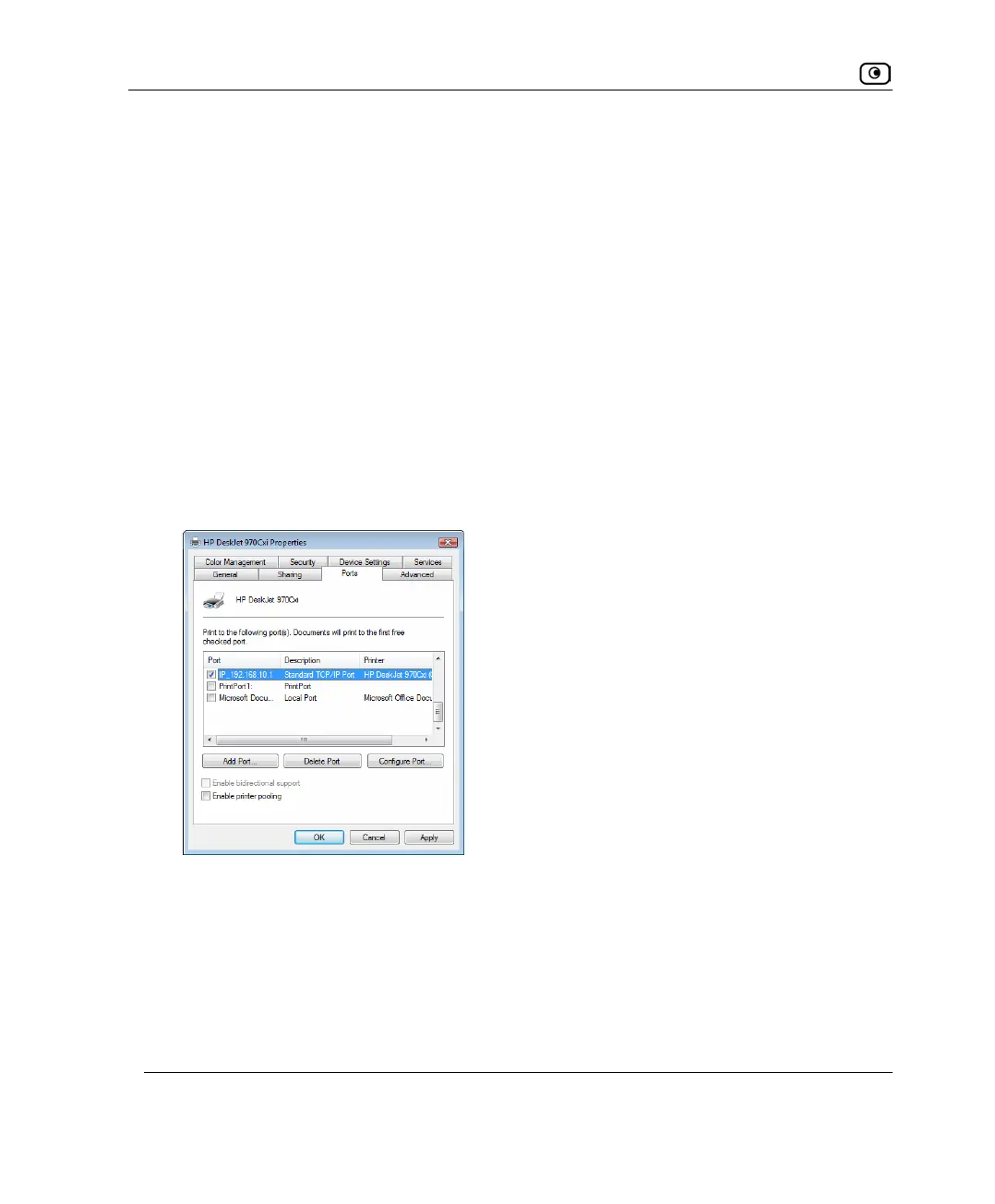
18. Right-click the printer and click Properties in the popup menu.
The printer's Properties dialog box opens.
19. In the Ports tab, in the list box, select the port you added.
The port's name is IP_<LAN IP address>.
20. Click OK.















 To Next Page