Configuring Computers to Use Network Printers
Chapter 20: Using Network Printers 643
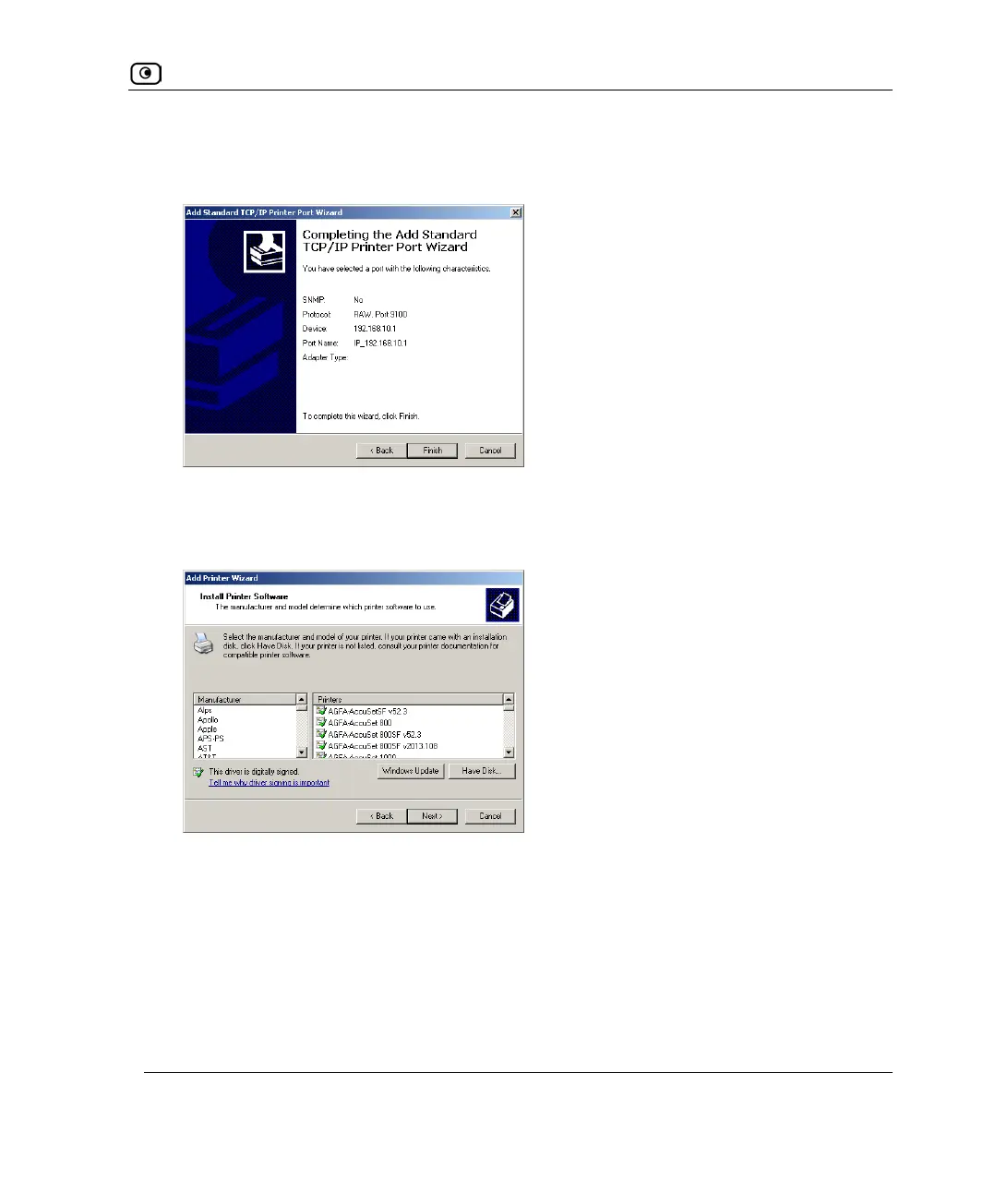
19. Click Next.
The Completing the Add Standard TCP/IP Printer Port Wizard dialog box appears.
20. Click Finish.
The Add Printer Wizard reappears, with the Install Printer Software dialog box
displayed.
21. Do one of the following:
• Use the lists to select the printer's manufacturer and model.
• If your printer does not appear in the lists, insert the CD that came with your
printer in the computer's CD-ROM drive, and click Have Disk.
22. Click Next.















 To Next Page