Configuring Computers to Use Network Printers
Chapter 20: Using Network Printers 647
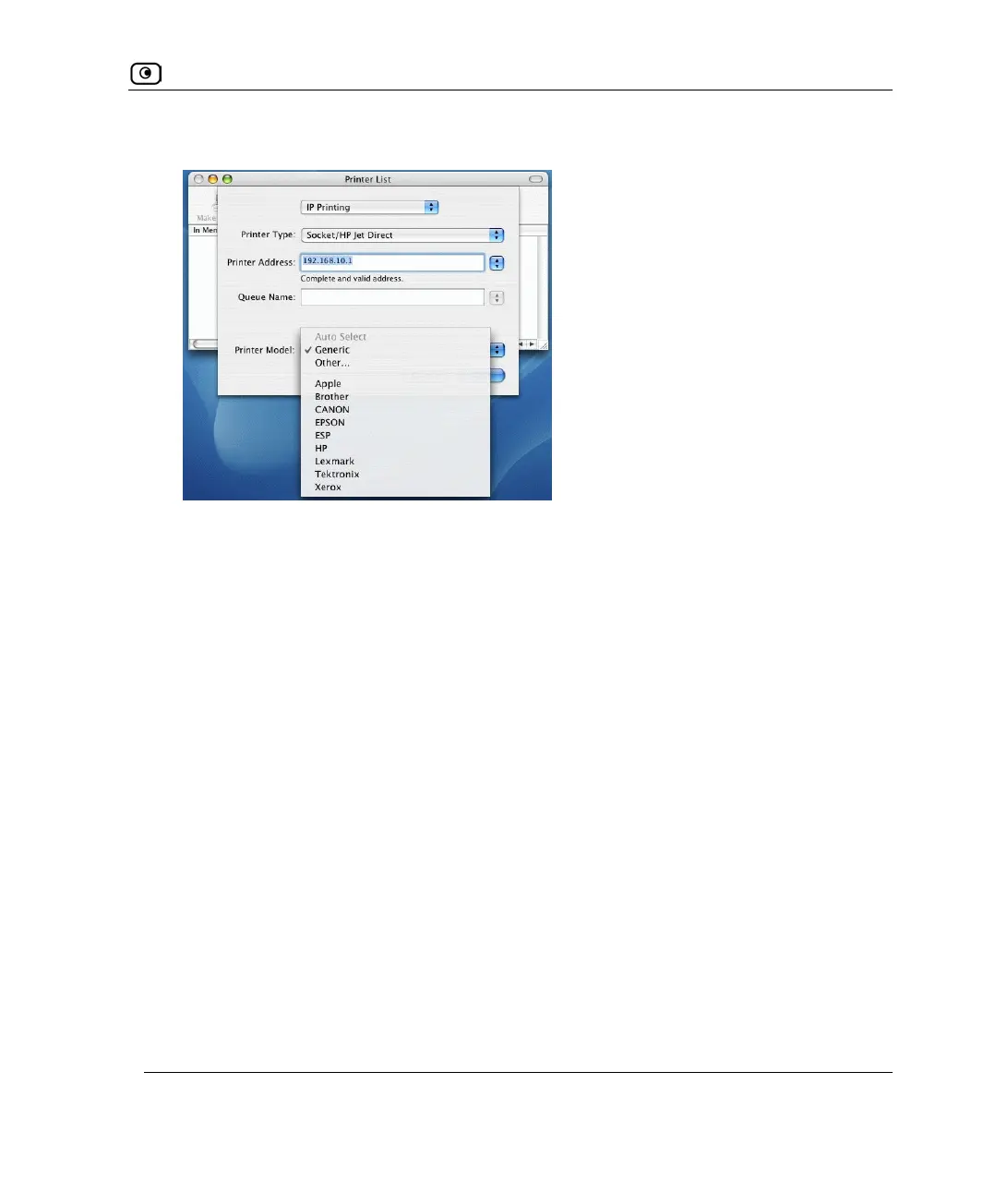
New fields appear.
7. In the first drop-down list, select IP Printing.
8. In the Printer Type drop-down list, select Socket/HP Jet Direct.
9. In the Printer Address field, type the UTM-1 appliance's LAN IP address, or
"my.firewall".
You can find the LAN IP address in the UTM-1 Portal, under Network > My Network.
10. In the Queue Name field, type the name of the required printer queue.
For example, the printer queue name for HP printers is RAW.
11. In the Printer Model list, select the desired printer type.















 To Next Page