Configuring Computers to Use Network Printers
648 Check Point UTM-1 Edge User Guide
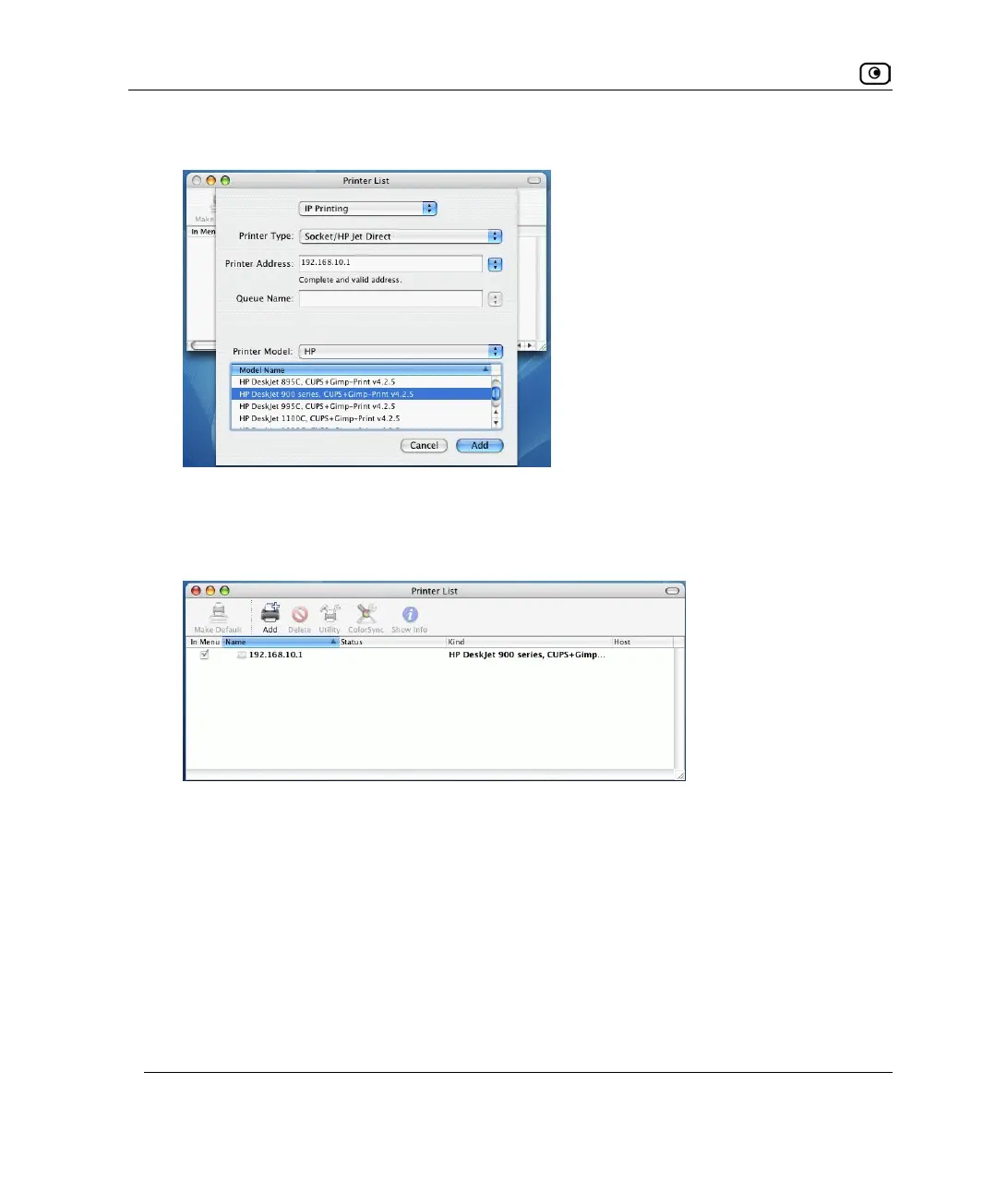
A list of models appears.
12. In the Model Name list, select the desired model.
13. Click Add.
The new printer appears in the Printer List window.
14. In the Printer List window, select the newly added printer, and click Make
Default.















 To Next Page