Before You Install the UTM-1 Appliance
Chapter 3: Installing and Setting Up UTM-1 57
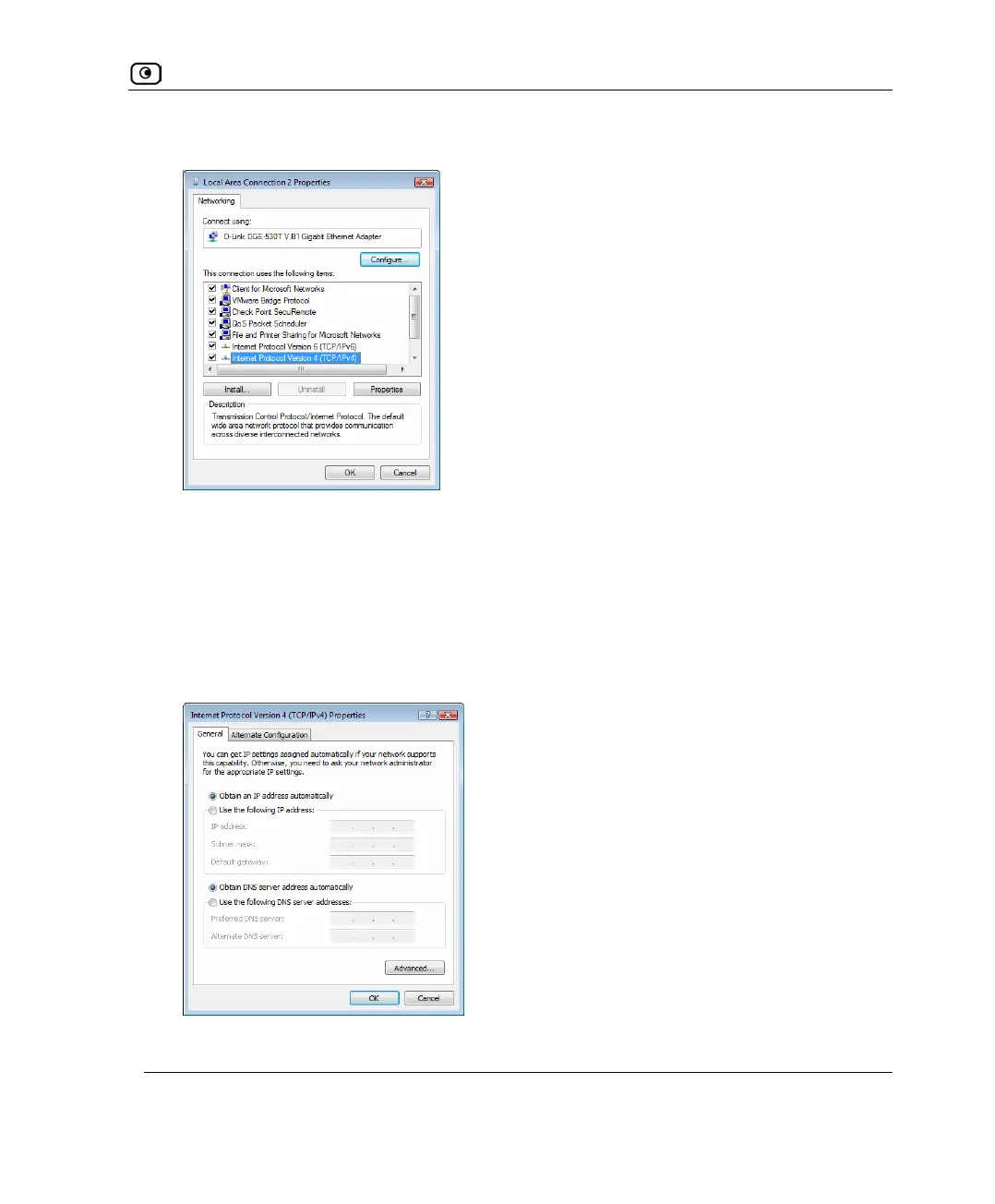
The Local Area Connection Properties window opens.
6. Check if Internet Protocol Version 4 (TCP/IPv4) appears in the list box and if it
is properly configured with the Ethernet card installed on your computer.
TCP/IP Settings
1. In the Local Area Connection Properties window, double-click the Internet
Protocol Version 4 (TCP/IPv4) component, or select it and click Properties.
The Internet Protocol Version 4 (TCP/IPv4) Properties window appears.
2. Click the Obtain an IP address automatically radio button.















 To Next Page