Before You Install the UTM-1 Appliance
Chapter 3: Installing and Setting Up UTM-1 63
Mac OS
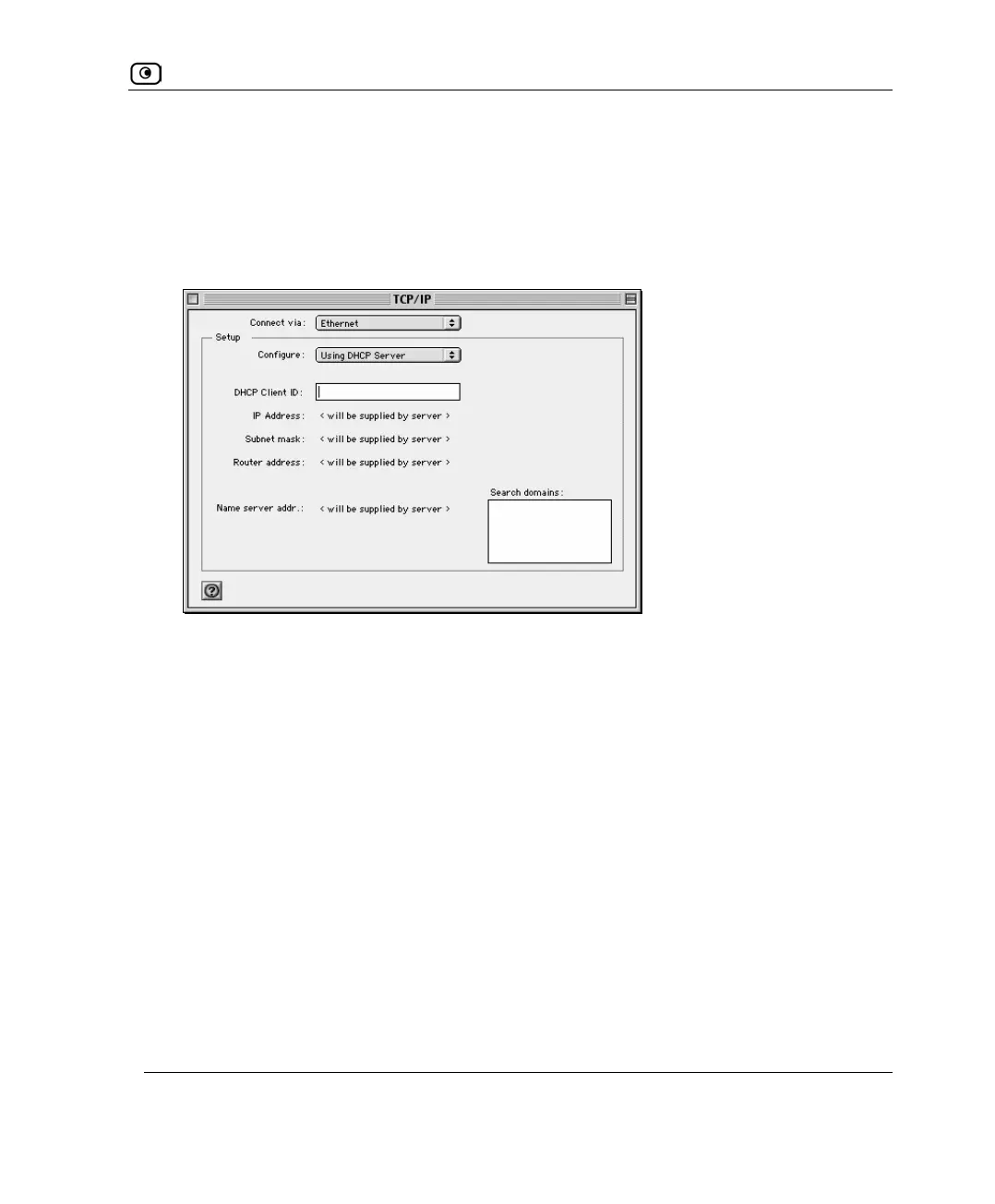
Use the following procedure for setting up the TCP/IP Protocol.
1. Choose Apple Menus -> Control Panels -> TCP/IP.
The TCP/IP window appears.
2. Click the Connect via drop-down list, and select Ethernet.
3. Click the Configure drop-down list, and select Using DHCP Server.
4. Close the window and save the setup.















 To Next Page