Before You Install the UTM-1 Appliance
64 Check Point UTM-1 Edge User Guide
Mac OS-X
Use the following procedure for setting up the TCP/IP Protocol.
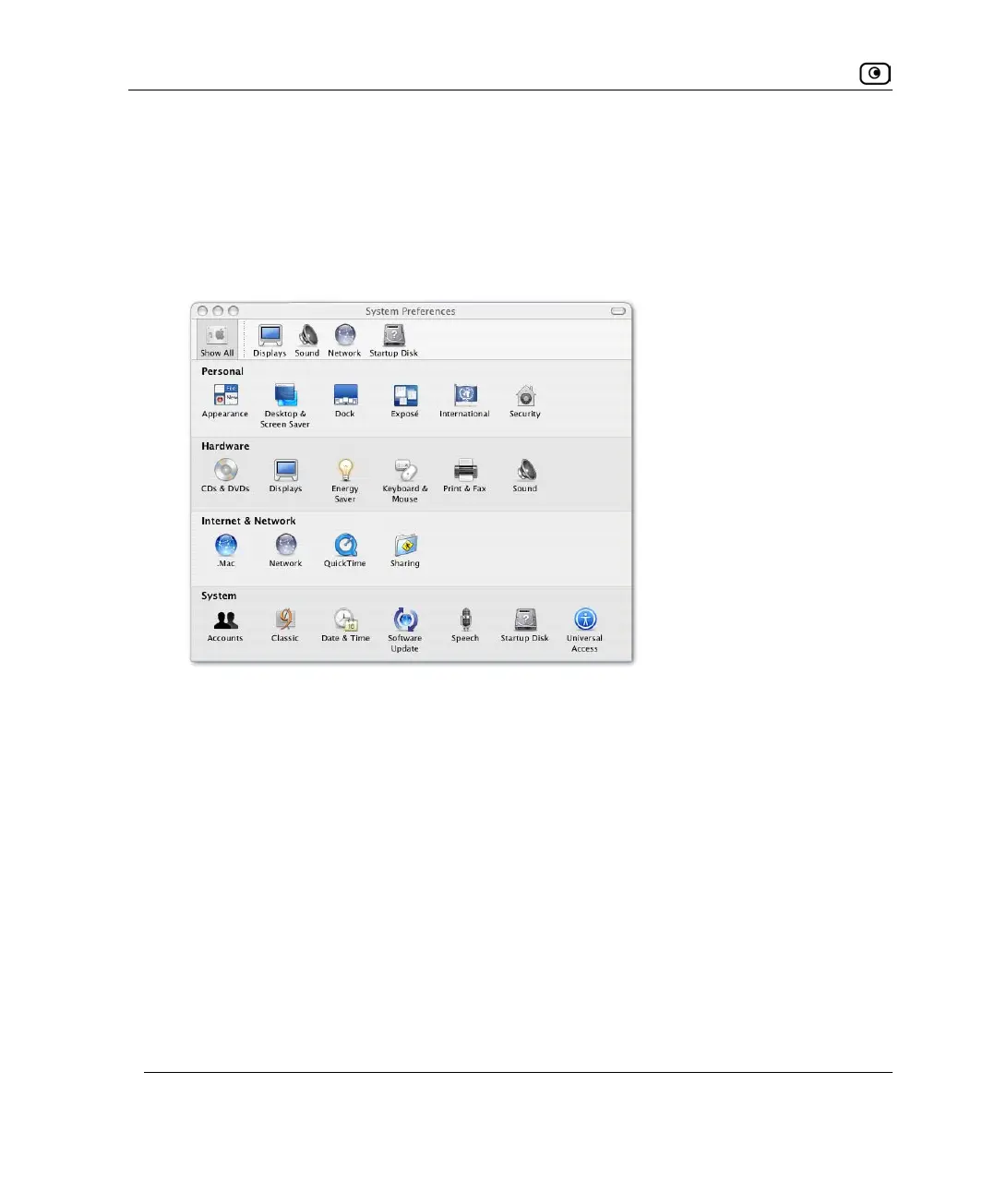
1. Choose Apple -> System Preferences.
The System Preferences window appears.
2. Click Network.
The Network window appears.















 To Next Page