UTM-1 Edge X and UTM-1 Edge W Installation
Chapter 3: Installing and Setting Up UTM-1 75
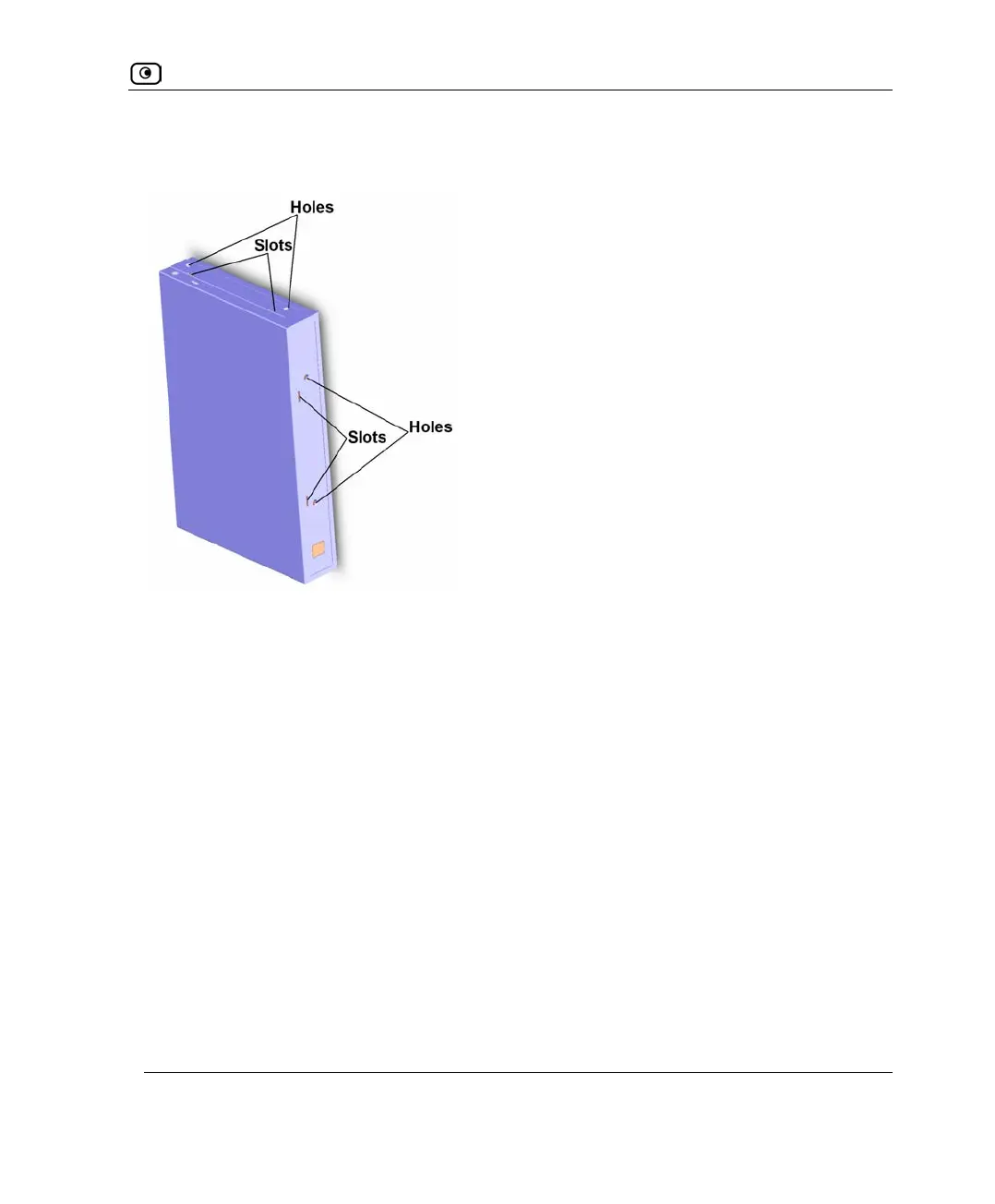
You can mount the appliance facing up, down, or outwards. The appliance includes slots
and holes on both side panels and on its rear panel, for this purpose:
To mount the UTM-1 appliance on a DIN rail
1. Decide on the mounting orientation.
2. Do one of the following:
• To mount the appliance facing outwards, thread the DIN rail bracket's knobs
in the slots on the appliance's rear panel.
• To mount the appliance facing up, thread the DIN rail bracket's knobs in the
slots on the appliance's right side panel.
• To mount the appliance facing down, thread the DIN rail bracket's knobs in
the slots on the appliance's left side panel.















 To Next Page