Setting Up the UTM-1 Appliance
84 Check Point UTM-1 Edge User Guide
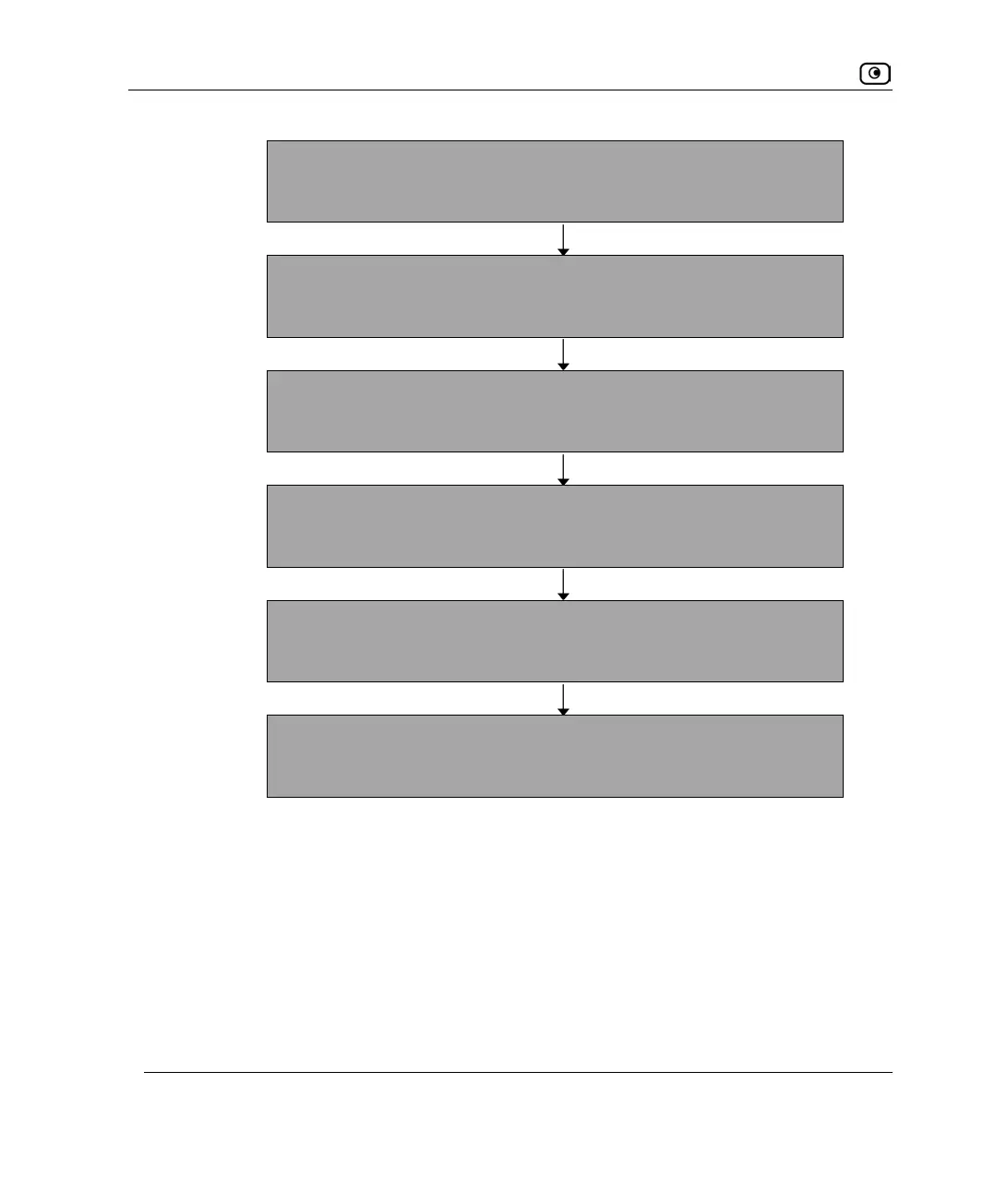
Logging on to the UTM-1 Portal and setting up your password
Initial Login to the UTM-1 Portal on page 87
Configuring an Internet connection
Using the Internet Wizard on page 98
Setting the Time on your UTM-1 appliance
Setting the Time on the Appliance on page 602
Setting up a wireless network (wireless appliances only)
Configuring a Wireless Network on page 265
Installing the Product Key
Upgrading Your Software Product on page 582
Setting up subscription services
Connecting to a Service Center on page 446
You can access the Setup Wizard at any time after initial setup, using the procedure below.
To access the Setup Wizard
1. Click Setup in the main menu, and click the Firmware tab.















 To Next Page