6 - USE AND OPERATION
Schermate display (ME)
ME2000S - User Manual
65 - 133
Text
Dialog
OK
Cancel
Q W E R T
Y U I O P
A S D F G H J K L <--
Low Z X C V
B N M S
ABC
123 =%$
New format 1
Fields
OK
Cancel
1 2 3 4 5
6 7 8 9 0
<--
12
1) F-01-PROTOCOL-MULTI Fi...
2) F-02-PROTOCOL-CIMSTD ...
3) F-03-PROTOCOL-CIMSTD ...
4) Open Fields: 26
5) Open2 Fields: 26
1234
LCD EDIT
HOME
BACK
1
6
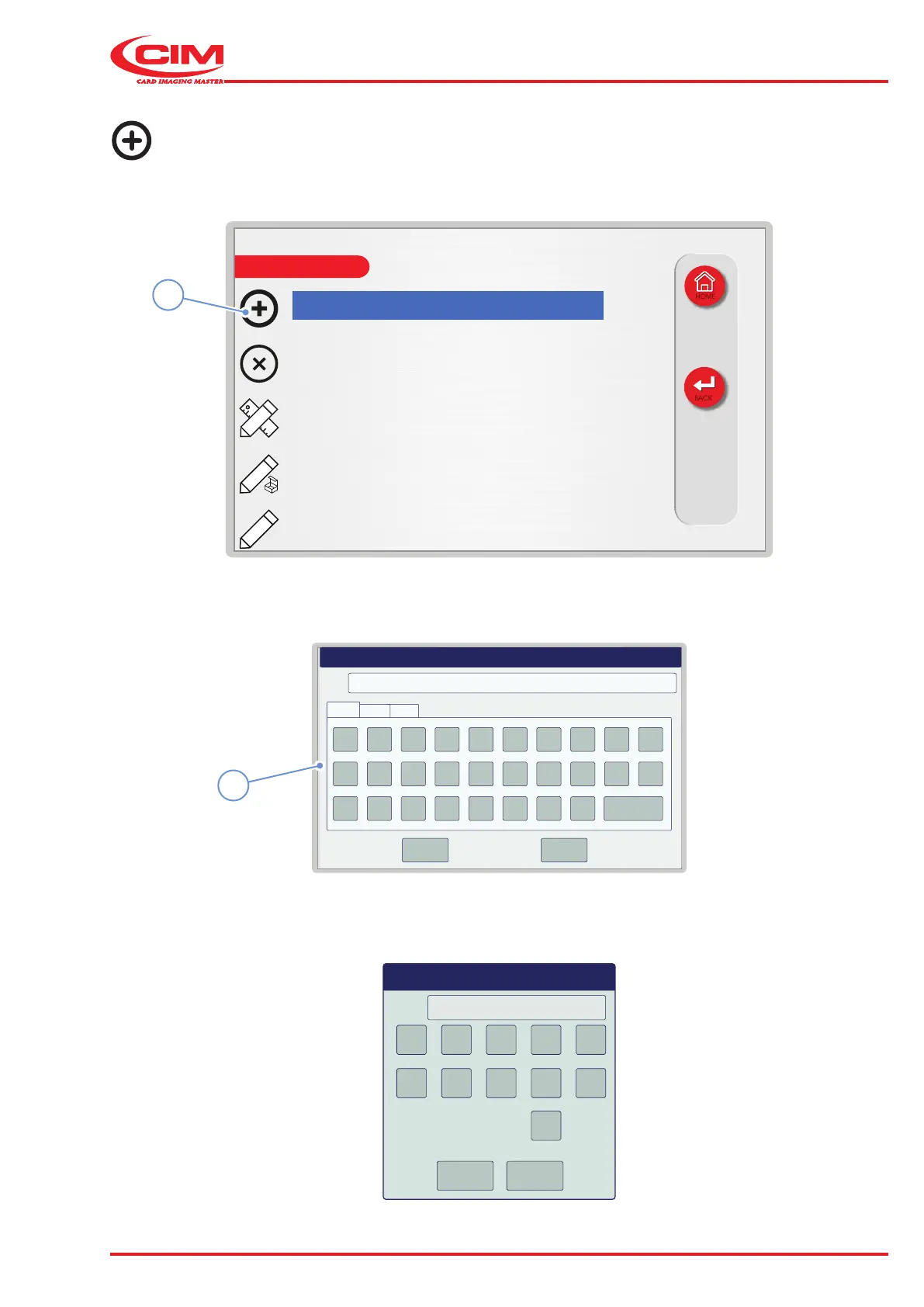
Creating a new format:
1) Press the icon (1) or the [F1] key on the external keyboard to create a new format.
2) Enter the name (max. 19 alphanumeric characters) of the new format using the virtual keyboard (6) or the
external keyboard and conrm.
3) Specify the number of elds (maximum 26) in the new format and conrm.



 To Next Page