6 - USE AND OPERATION
Schermate display (ME)
ME2000S - User Manual
66 - 133
1) F-01-PROTOCOL-MULTI Fi...
2) F-02-PROTOCOL-CIMSTD ...
3) F-03-PROTOCOL-CIMSTD ...
4) Open Fields: 26
5) Open2 Fields: 26
6) New format 1 Fields: 12
1234
LCD EDIT
HOME
BACK
Increment counters
OK
Cancel
OK
Cancel
OK
Cancel
Dialog
A
0
Number of copies
OK
Cancel
1 2 3 4 5
6 7 8 9 0
<--
5
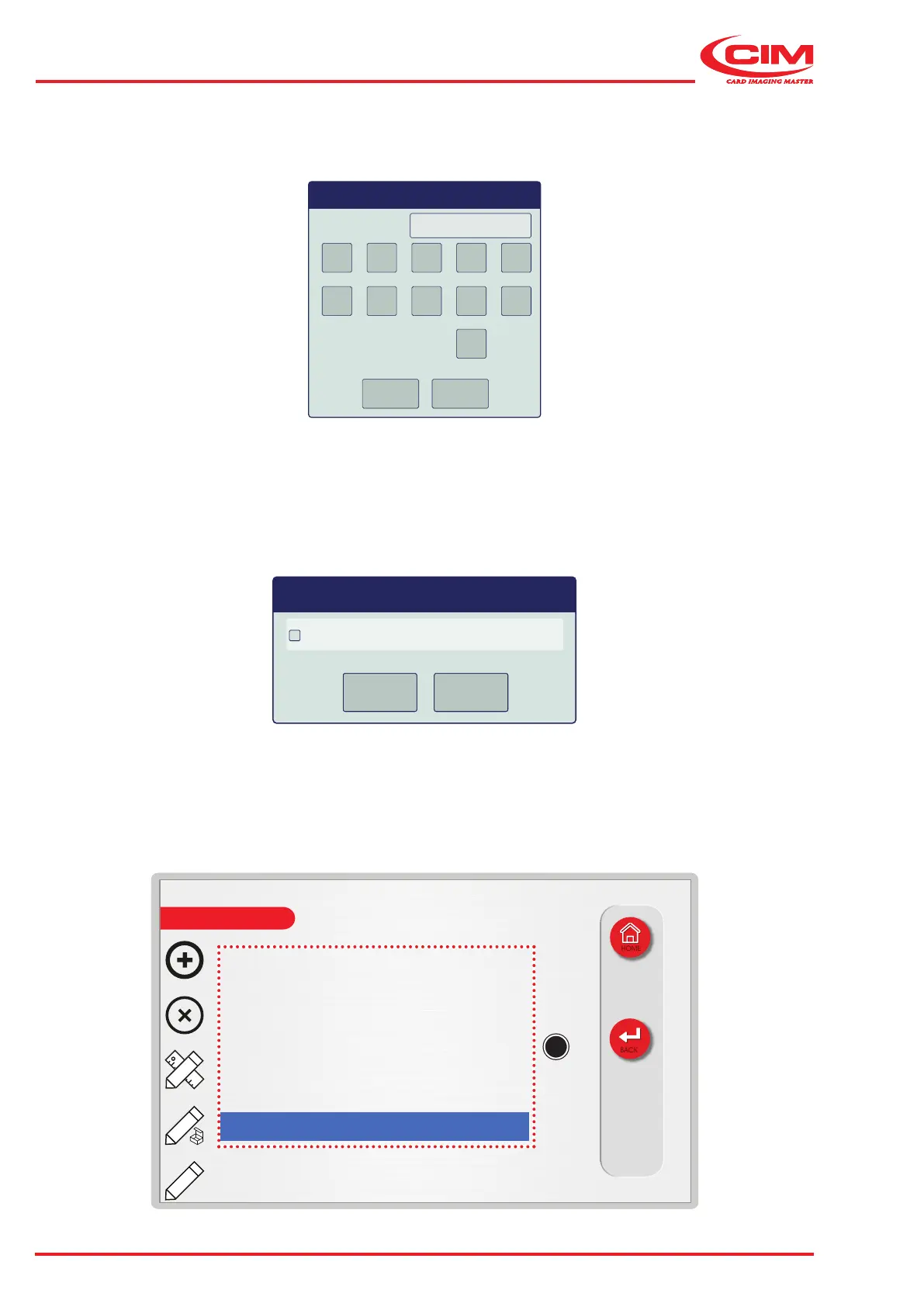
5) Enable or disable the counter increments in the specied elds when duplicating the tag.
This option is available only when the number of copies set in the previous point is dierent from 0
(zero)
6) The new format appears in the list (A) and is set as the active format.
4) Enter the number of copies (maximum 99) of the tag to be produced.



 To Next Page