108 Gateway and Gateway 4 Manual v1.2
© Tieline Research Pty. Ltd. 2021
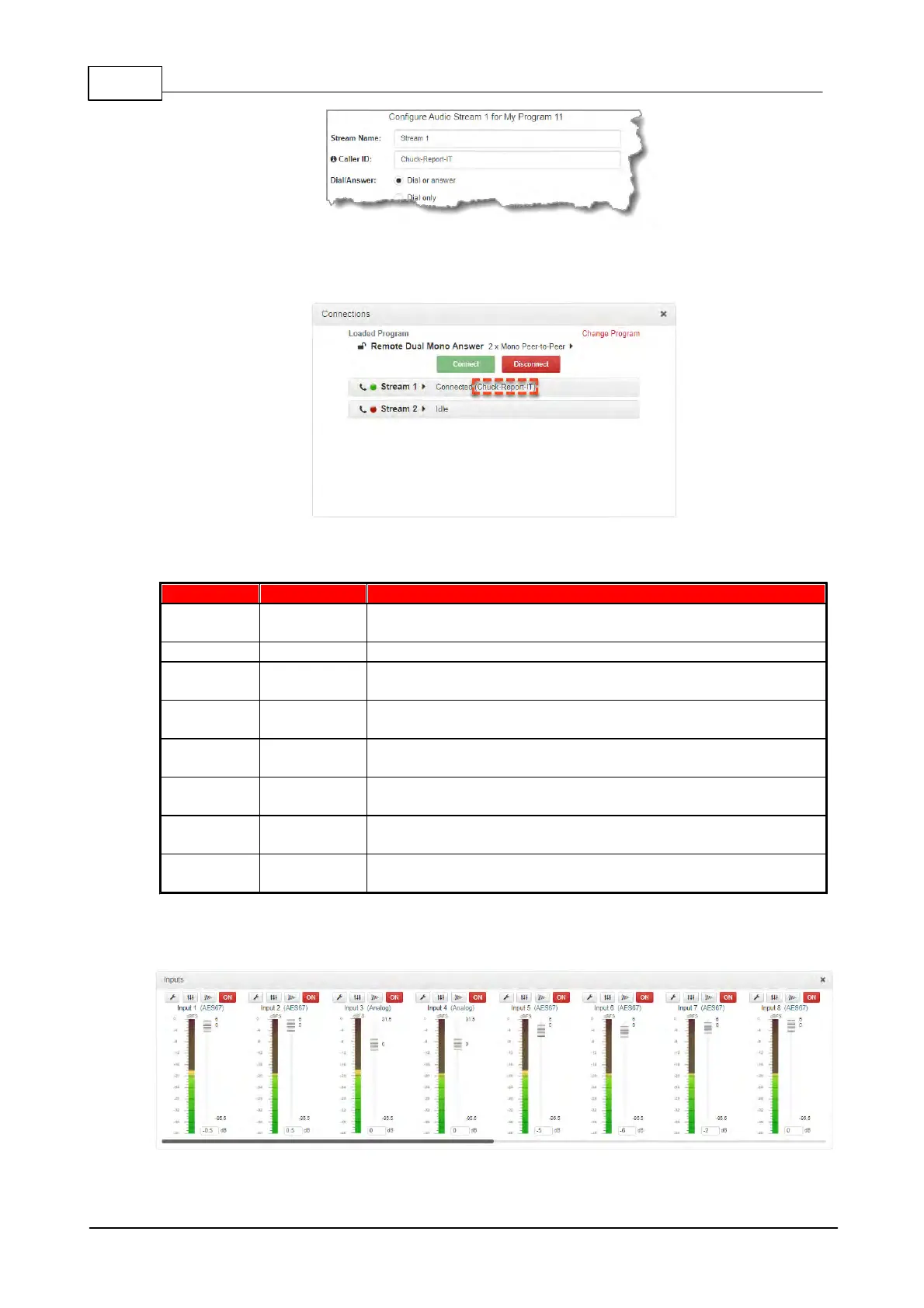
Any Tieline G5 codec dialing can display a designated Caller ID in the Connection panel. In the
following example, Remote1 has called into the codec using a specific caller ID, which is displayed
next to the Send and Return link quality connection.
23.7 Configuring Input Settings
8 PPMs on front panel display 4 channel inputs/outputs or
encoders/decoders
Inputs 1-4 can be configured as analog or digital inputs (AES3 or
AES67) in pairs
4 inputs and PPMs displayed
16 PPMs on front panel can display
inputs/outputs/encoders/decoders
8-16 Channels In/Out (depending on codec configuration
purchased)
Inputs 1-8 can be configured as analog or digital inputs (AES3 or
AES67) in pairs
8 - 16 inputs and PPMs displayed (depending on codec
configuration purchased)
Open the HTML5 Toolbox Web-GUI and click Audio in the Menu Bar, then click Inputs to display
the Inputs panel.
Gateway (8/16) input panel



 To Next Page