43
© Tieline Research Pty. Ltd. 2021
Gateway and Gateway 4 Manual v1.2
15 Headphone Output
The codec has a 6.35mm (1/4") RTS stereo HEADPHONE output on the front panel. Audio streams
and analog inputs or digital inputs can be selected and monitored.
Adjust Headphone Output Settings
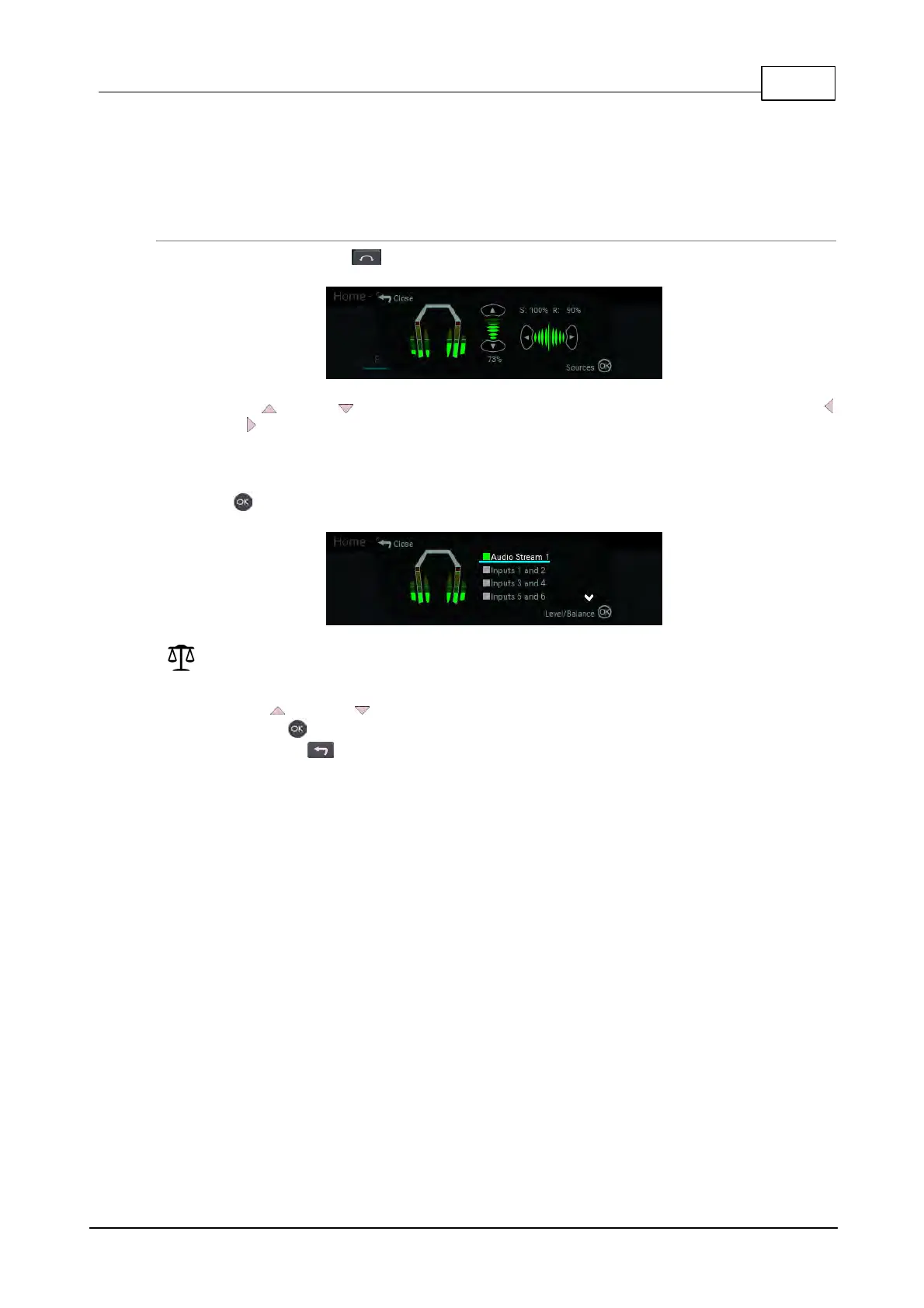
1. Press the HEADPHONE button to display the headphone monitoring screen.
2. Use the up or down navigation buttons to adjust the volume level up or down. Use the left
and right navigation buttons to adjust the send and return audio balance. The send and return
audio balance dictates whether the HEADPHONE output monitors send (input/encoder) audio
only, return audio only (decoder audio from a connected device), or a mix of both send and return
audio. Level and send/return audio balance adjustments occur in real-time.
3. Press to display the Sources screen and select an audio stream or audio inputs to monitor.
Codec Model Note: The number of inputs and audio streams displayed varies depending on
the codec model purchased.
4. Use the up or down navigation buttons to select an audio stream or pair of inputs to
monitor. Press again to return to the headphone monitoring screen.
5. Press the Return button to exit the menu.



 To Next Page