21
© Tieline Research Pty. Ltd. 2021
Gateway and Gateway 4 Manual v1.2
6 Overview of Gateway Codec Family
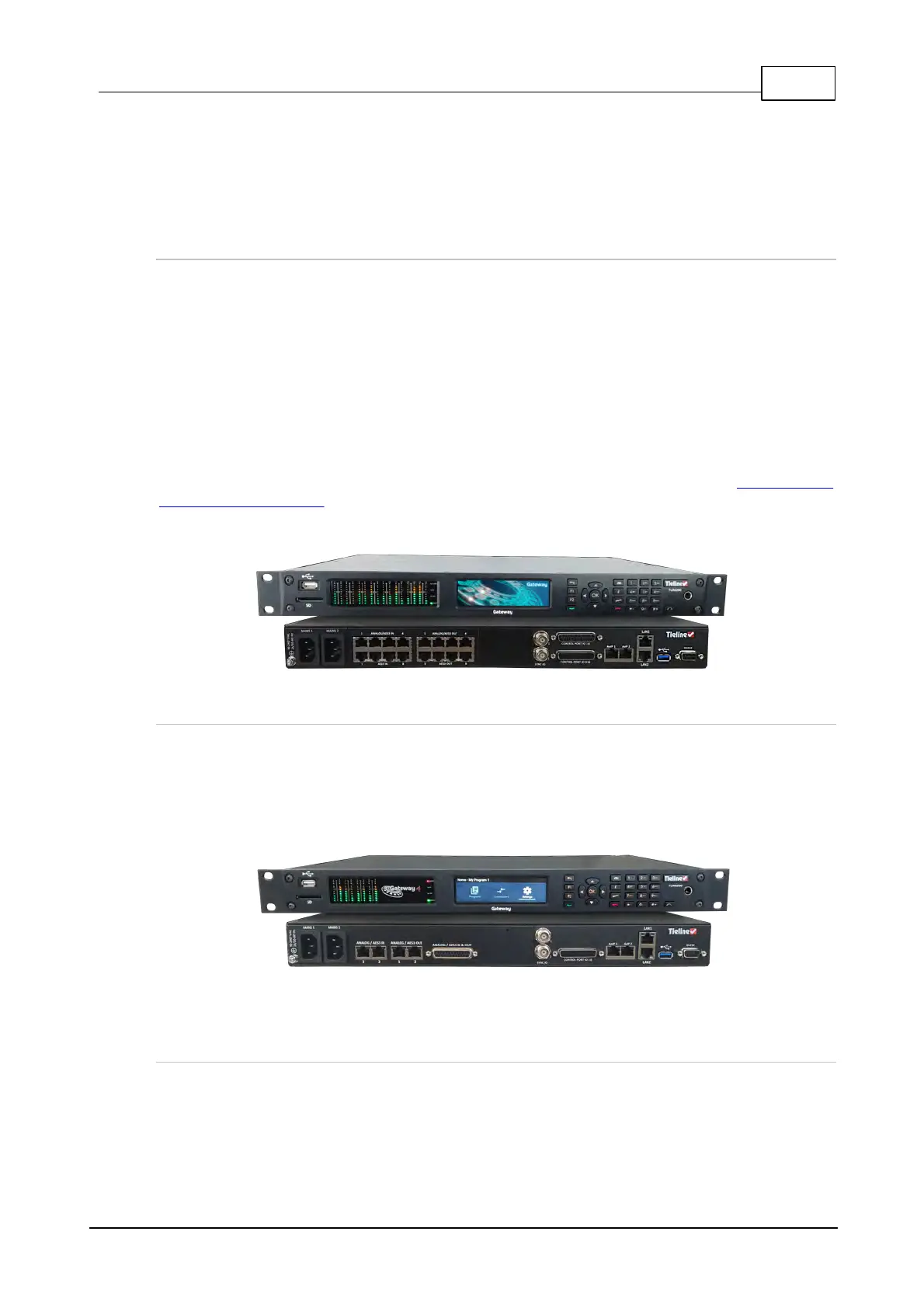
This user manual documents how to use Tieline's Gateway and Gateway 4 codecs. The Gateway
has a different front and rear panel compared to the Gateway 4 and there are also some minor
software differences between the two codec models.
Gateway
The Tieline Gateway is the most powerful DSP-based 1RU IP codec enabling transport of multiple
channels of mono or stereo audio across any QoS-enabled IP network, including T1 and T3
connections and private WANs with MPLS. The Gateway streams up to 16 IP audio channels with
support for AES67, ST2110-30, AES3 and analog I/O as standard.
The codec can be licensed for between 8 and 16 channels of audio and has two standard versions:
· Gateway supporting 8 Channels in/out (8 Mono or 4 Stereo)
· Gateway supporting 16 Channels in/out (16 Mono or 8 Stereo)
The codec also supports a flexible upgrade path that allows you to buy a Gateway with 8 channels
and upgrade the codec over time as needs change or your network expands. See Purchase and
Install Channel Licenses for more details about how to order licenses and upgrade a Gateway codec
to support more channels.
Gateway 4
The Gateway 4 has a different front and rear panel and is designed for solutions requiring up to 4
audio streaming channels with advanced redundancy features and remote configuration and control.
It supports 4 full-duplex audio channels* in 1RU and is backward compatible with all Tieline IP
codecs. The Gateway 4 provides two stereo connections, or one stereo and two mono connections,
or up to 4 mono connections.
*The Gateway 4 codec supports 4 channels only and is not upgradable to support more channels.
Overview of this User Manual
Use this manual to learn how to:
· Configure codec 'programs' and connections.
· Adjust audio and connection settings within the codec.



 To Next Page