195
© Tieline Research Pty. Ltd. 2021
Gateway and Gateway 4 Manual v1.2
If codec 1 always uses the first directory number to call then it will always be routed via Route 1 to
the Answering Audio Stream Connection using Answer Route 1 (configured in step 1). Codec 2
should always use the second directory number and then it will always be routed via Route 2 to the
Answering Audio Stream Connection configured with Answer Route 2.
23.26 Reset Factory Default Settings
There are several options which allow you to restore default settings within the codec. See Reset and
Restore Factory Defaults for more details on each option.
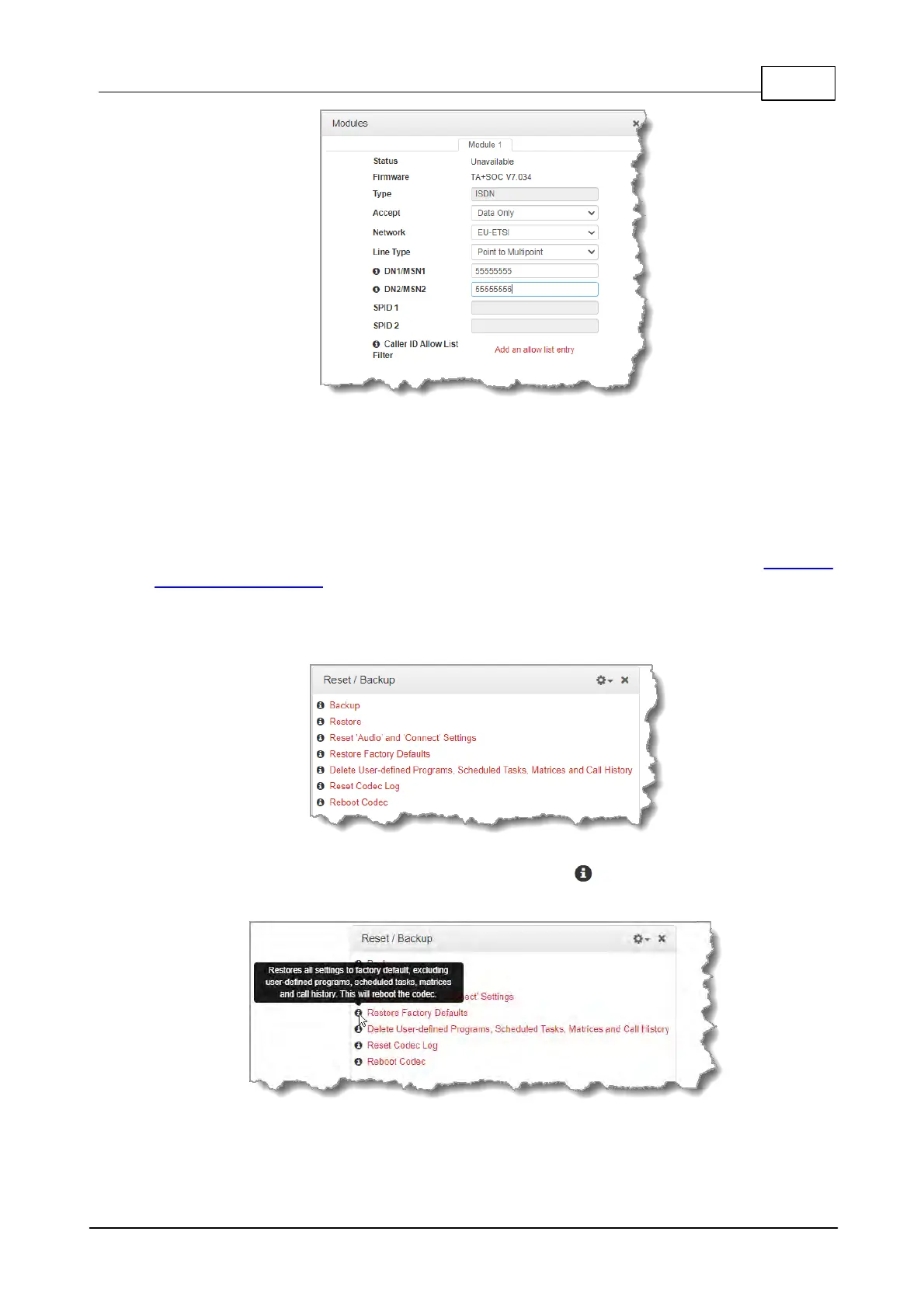
1. Open the HTML5 Toolbox Web-GUI and click Settings at the top of the screen, then click
Reset / Backup to display the Reset / Backup panel.
2. Click one of the available reset options to adjust codec settings, or reboot the codec. Note:
Hover with the mouse pointer over the Information symbol to view a tool-tip for each
reset option.
3. A confirmation dialog appears for each option; click Yes to proceed.



 To Next Page