49
© Tieline Research Pty. Ltd. 2021
Gateway and Gateway 4 Manual v1.2
19 Configure Language and Country
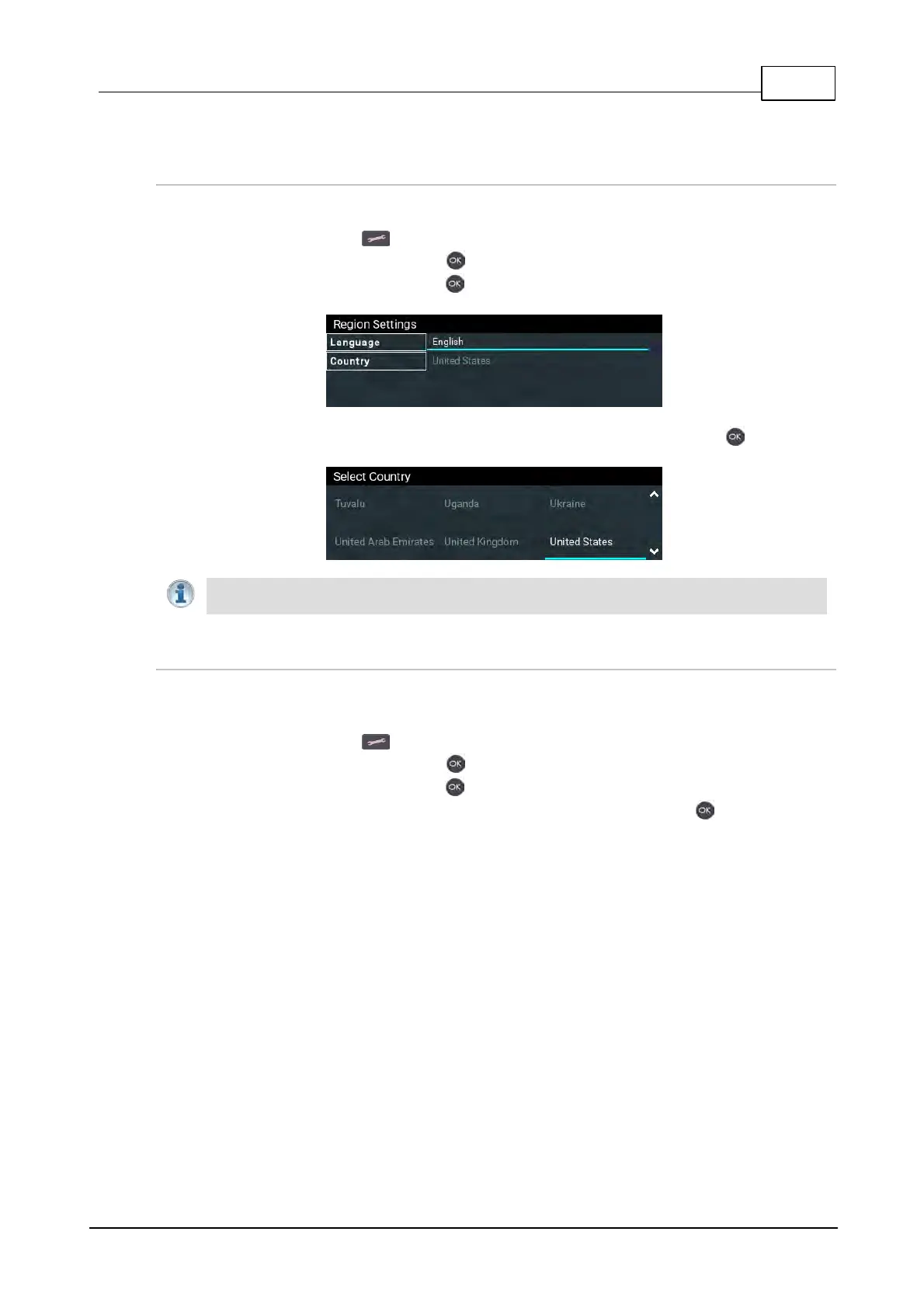
Configure Country Setting
To configure the country setting in the codec:
1. Press the SETTINGS button.
2. Navigate to System and press the button.
3. Navigate to Region and press the button.
4. Use the navigation buttons to select your country of operation and press the button.
Important Note: The country setting affects whether G.711 µ-Law (North America/Japan)
or A-Law (Europe/Australasia) coding is used over IP and SIP connections.
Configure Language Setting
The codec menus are available in English, French, Spanish and Portuguese. To configure the
language setting in the codec:
1. Press the SETTINGS button.
2. Navigate to System and press the button.
3. Navigate to Region and press the button.
4. Use the navigation buttons to select a preferred language and press the button.



 To Next Page