228 Gateway and Gateway 4 Manual v1.2
© Tieline Research Pty. Ltd. 2021
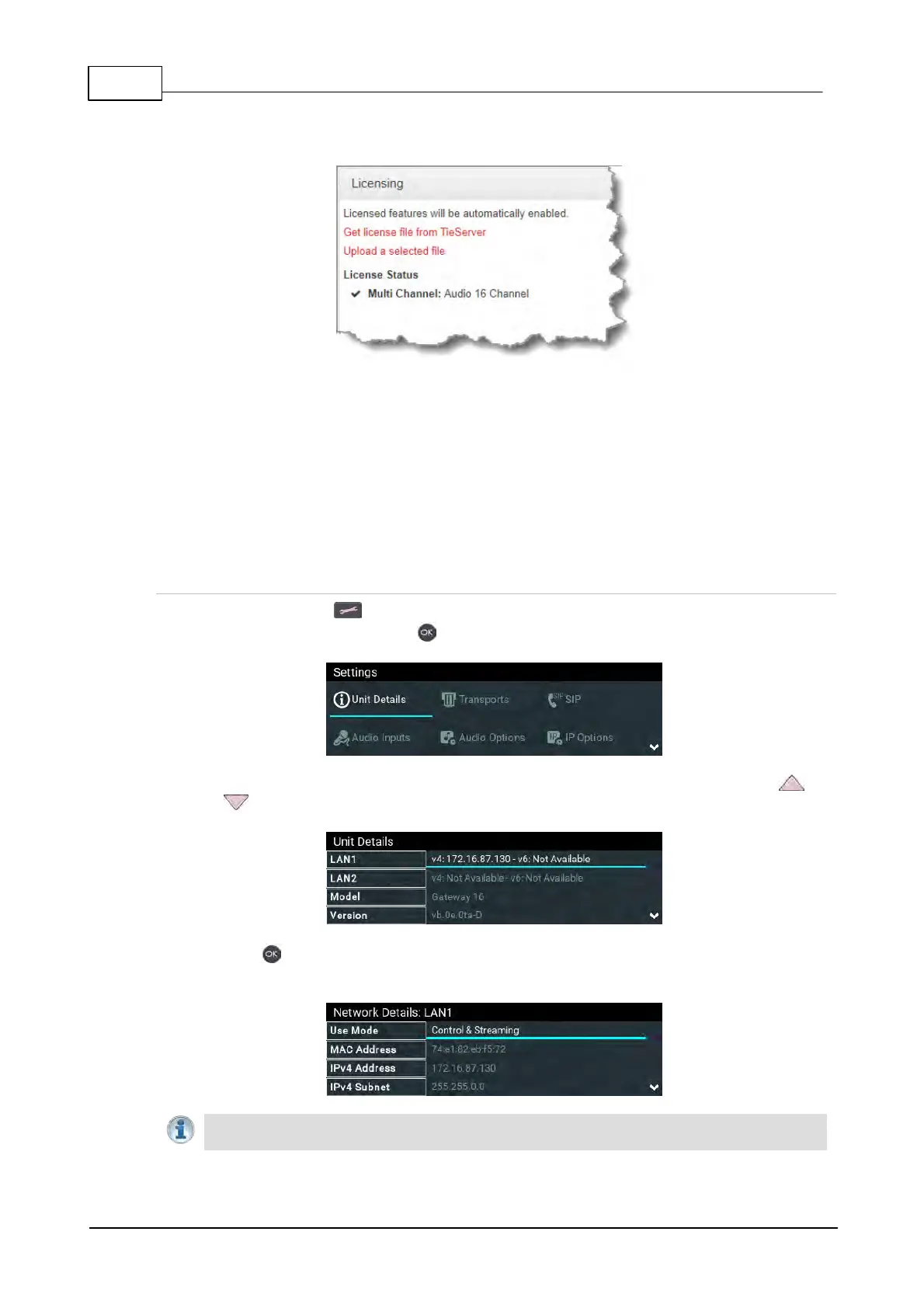
8. Verify that the license settings have been installed in the Licenses panel.
24 Front Panel Configuration Tasks
The following sections explain how to configure codec settings using the front panel LCD SCREEN
and KEYPAD.
24.1 Configuring IP via the Front Panel
Checking IP Address and Unit Details in the Codec
1. Press the SETTINGS button.
2. Select Unit Details and press the button.
3. IP address information, serial number, and other unit details are listed. Use the arrow up and
down buttons to scroll and view all details listed.
4. Press the button for LAN1 and LAN2 to display Network Details including the MAC
Address, which is used to add the codec to a domain along with the serial number.
Important Note: For assistance with configuration of IPv4 or IPv6 network connections
contact your IT Administrator.



 To Next Page