44 Gateway and Gateway 4 Manual v1.2
© Tieline Research Pty. Ltd. 2021
16 Inserting Hardware Modules
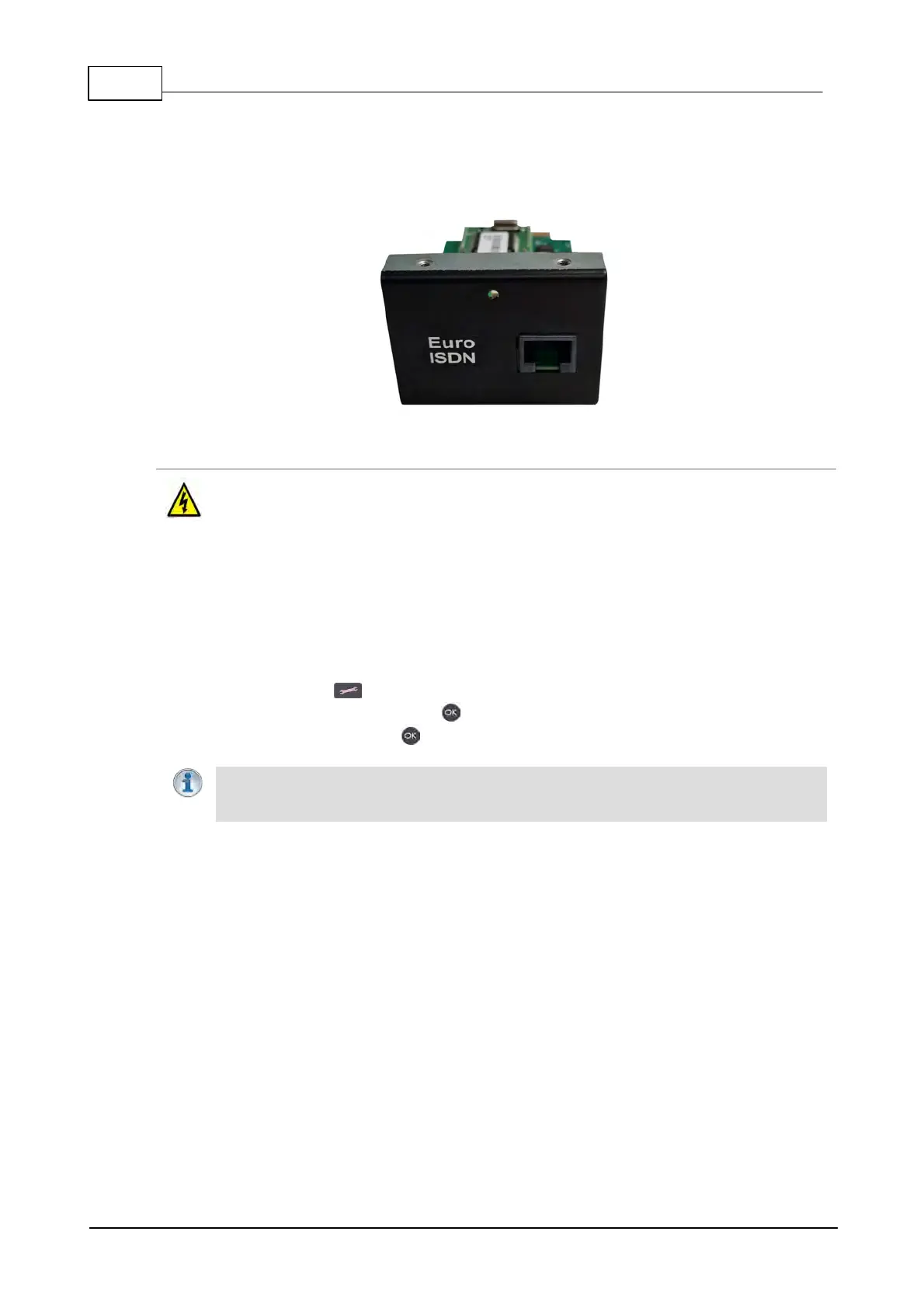
A module slot on the codec rear panel supports the optional Gateway Euro ISDN module and future
hardware and technology upgrades.
Inserting or Removing a Module
Ensure the codec is not powered up when inserting or removing modules. Where possible
use anti-static precautions to help minimize the chance of static charges damaging the
highly sensitive circuitry. Do not force a module into the codec. Modules should be
installed slowly and gently.
1. Remove power from the codec and then remove the 4 screws from the blanking panel or module
installed in the codec.
2. Carefully slide the new module into the module slot and ensure the base of the module remains
flat during insertion, to ensure it lines up correctly with the module connector within the codec.
3. Reinsert the 4 screws to hold the module firmly in place.
4. Power up the codec.
5. Press the SETTINGS button.
6. Navigate to Transports and press the button.
7. Navigate to ISDN and press the button to verify it is installed correctly.
Important Note: If the module does not appear in the Transports menu in the codec, it
is possible that the connector on the module has not lined up correctly with the connector
inside the codec. Remove the module and reinsert it carefully to resolve this issue.



 To Next Page