203
© Tieline Research Pty. Ltd. 2021
Gateway and Gateway 4 Manual v1.2
23.32
Download Logs
The codec is capable of providing diagnostic information via user logs, which can either be sent to
Tieline support, or downloaded for user diagnostics.
Procedure for Sending Logs to Tieline
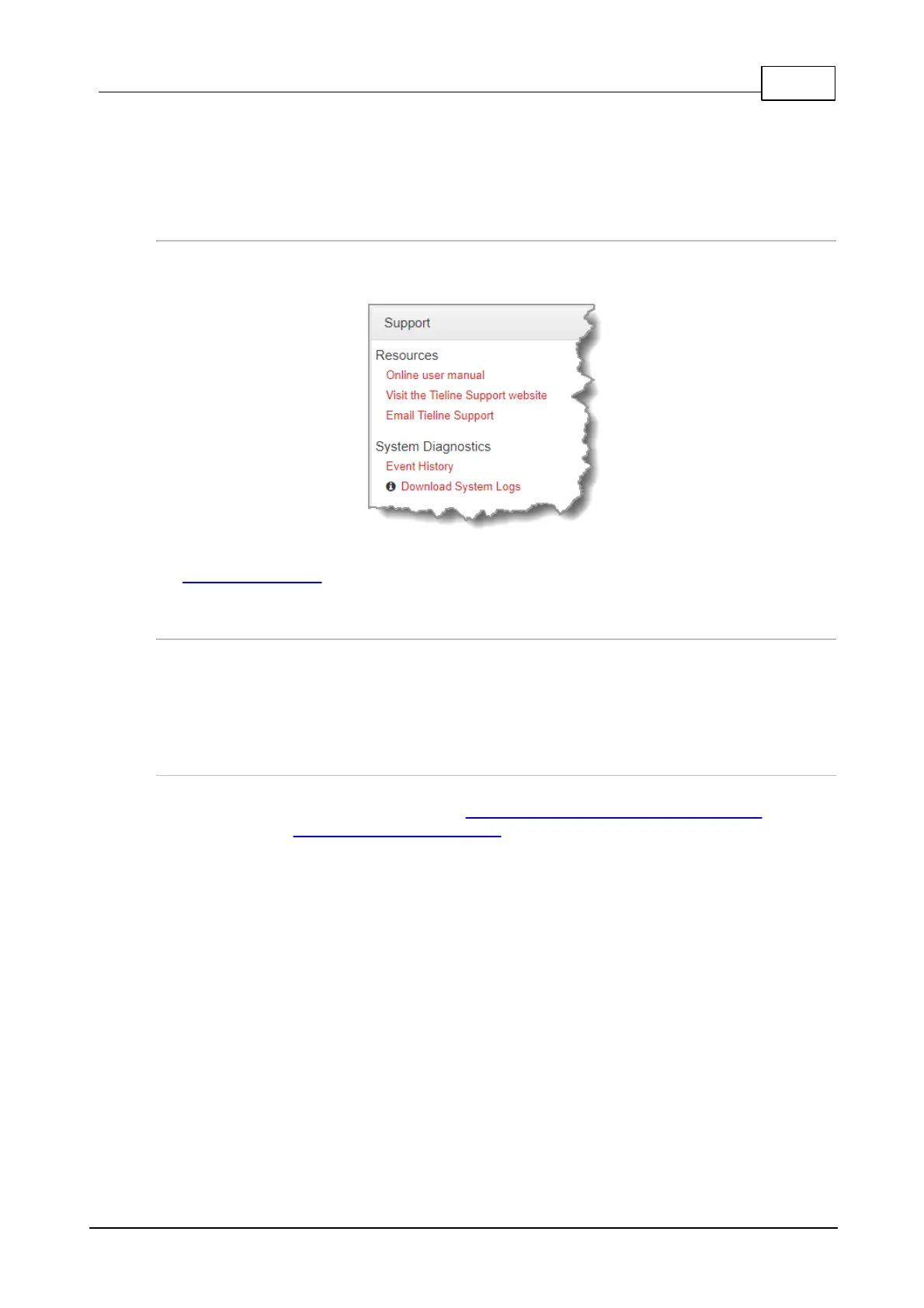
1. Open the HTML5 Toolbox Web-GUI and click Help in the Menu Bar, then click Support.
2. Click Download System Logs.
3. Save the file to your computer and then send the .zip file to Tieline support at
support@tieline.com
Download Event Logs
Event logs can be downloaded from the codec and viewed in your browser.
1. Open the HTML5 Toolbox Web-GUI and click Help in the Menu Bar, then click Support.
2. Click Event History to view the event log in a new web-browser window.
Clearing Logs
This option should only be used if instructed to by Tieline support staff. To clear all event and other
logs in the codec via the front panel, see the Reset and Restore Factory Default Settings section of
this manual, or see Reset Factory Default Settings to clear recent log history using the Web-GUI.



 To Next Page