272 Gateway and Gateway 4 Manual v1.2
© Tieline Research Pty. Ltd. 2021
24.21
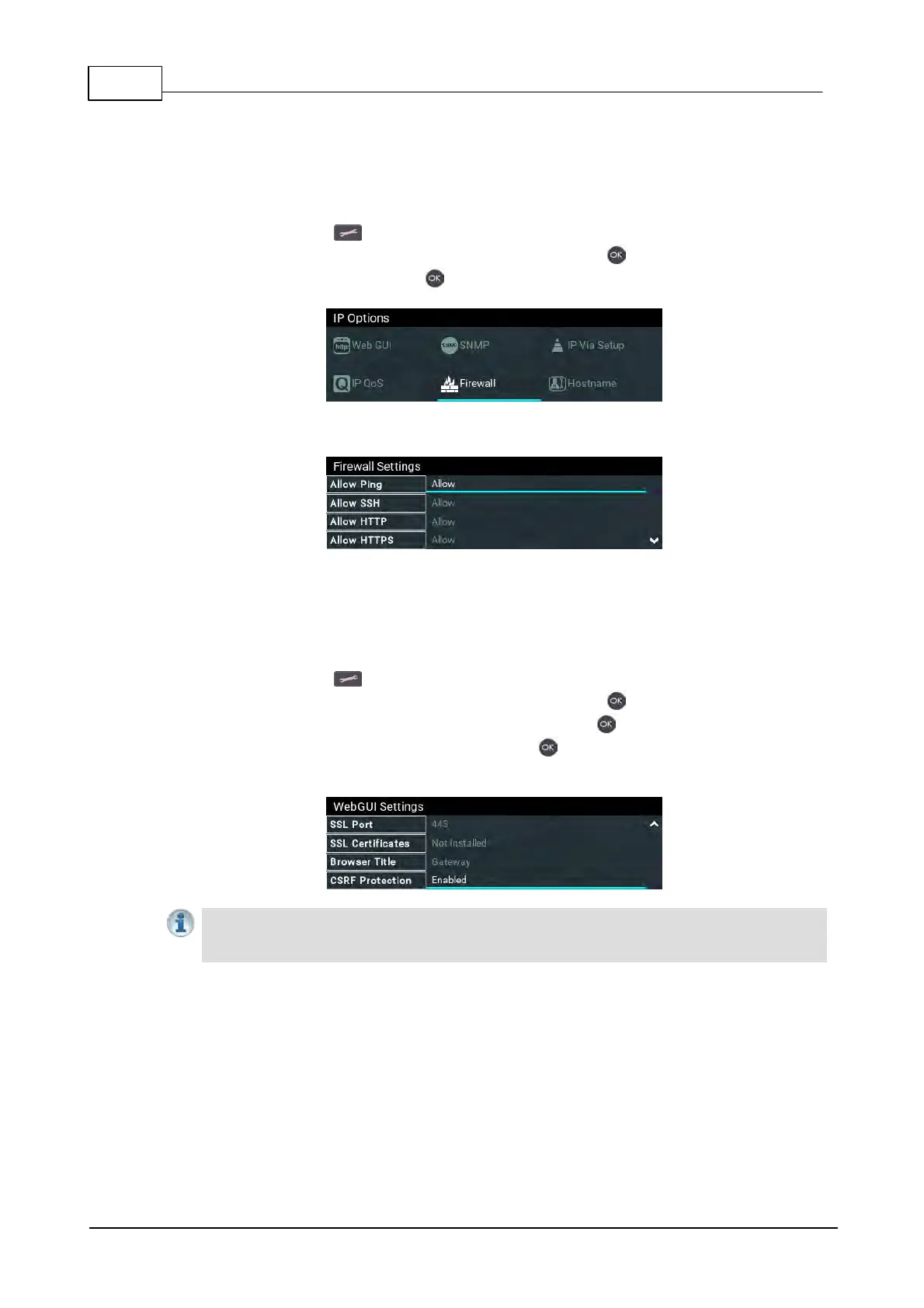
Firewall Configuration
The Firewall menu can be used to enable or disable a range of firewall-related network services, or
limit ping to only work in a local subnet. Tieline also recommends that SNMP is disabled if a codec
is connected to a public facing network like the internet.
1. Press the SETTINGS button.
2. Use the navigation buttons to select IP Options and press the button.
3. Navigate to Firewall and press the button.
4. Select and configure Ping, SSH, HTTP, HTTPS, NTP and SNMP firewall options.
24.22 Enabling CSRF Security
CSRF (Cross-Site Request Forgery) protection can be configured to protect the codec from CSRF
attacks. To enable or disable this setting:
1. Press the SETTINGS button.
2. Use the navigation buttons to select IP Options and press the button.
3. Use the navigation buttons to select Web-GUI and press the button.
4. Navigate down to CSRF Protection and press the button to toggle between Enabled and
Disabled.
Important Note: Ensure CSRF Protection is disabled in the codec when connecting to the
CCC. This setting is [Disabled] by default and can also be configured using the Options
panel in the HTML5 Toolbox Web-GUI.



 To Next Page