184 Gateway and Gateway 4 Manual v1.2
© Tieline Research Pty. Ltd. 2021
23.24
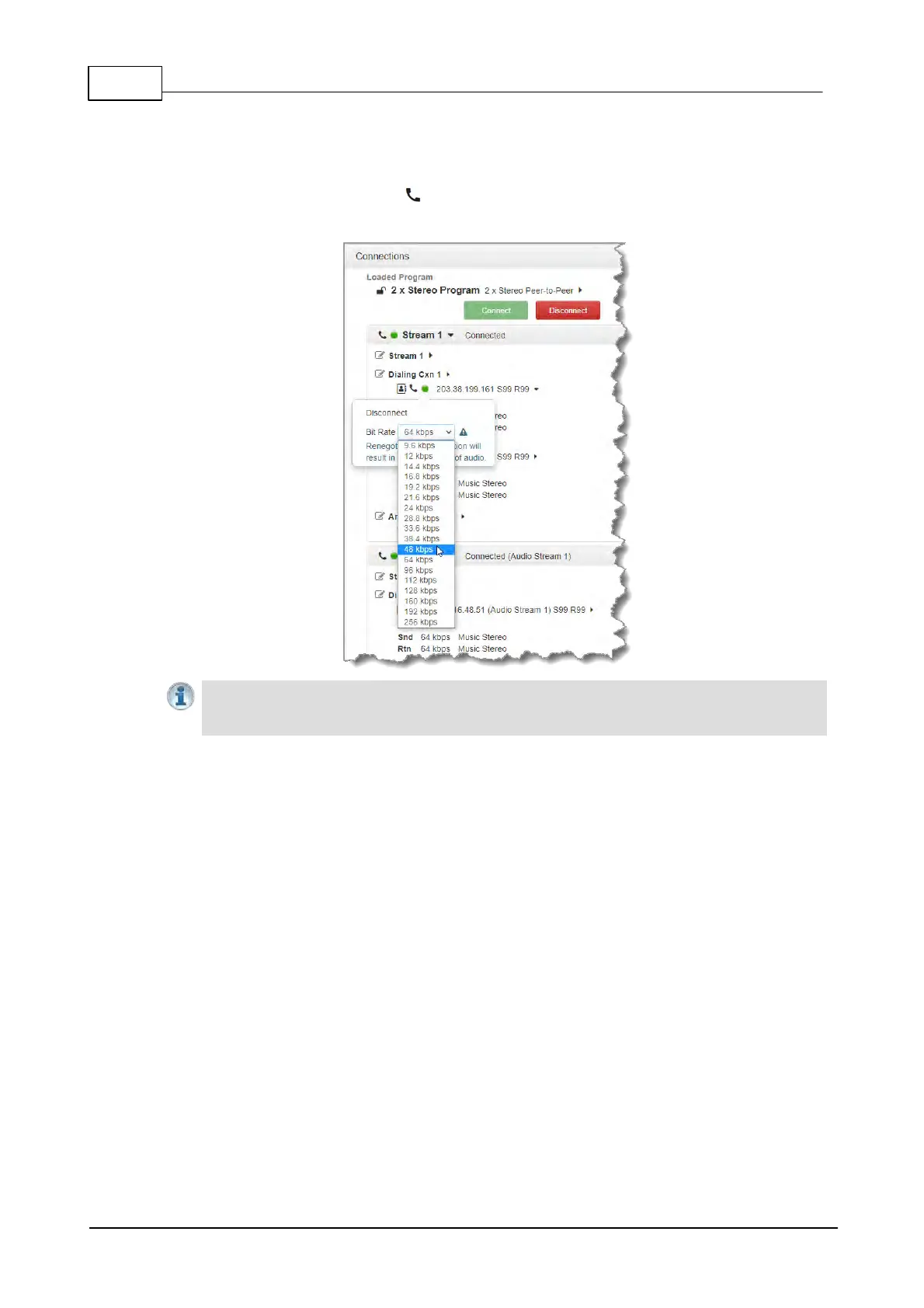
Adjusting the Connection Bit Rate
1. Open the HTML5 Toolbox Web-GUI and click Connect, then select Connections to open the
Connections panel.
2. Click the Connect/Disconnect symbol for an active connection and then click the drop-
down Bit Rate arrow to select and renegotiate a new bit-rate.
Important Notes:
· Renegotiation will result in a temporary loss of audio.
· It is not possible to renegotiate the connection bit rate of a SIP connection.



 To Next Page