222 Gateway and Gateway 4 Manual v1.2
© Tieline Research Pty. Ltd. 2021
23.37
Monitoring Control Port I/O Status
Supports 8 control port inputs and 8 opto-isolated outputs via a
single DB25 CONTROL PORT I/O connectors
Supports 16 control port inputs and 16 opto-isolated outputs via
dual DB25 CONTROL PORT I/O connectors
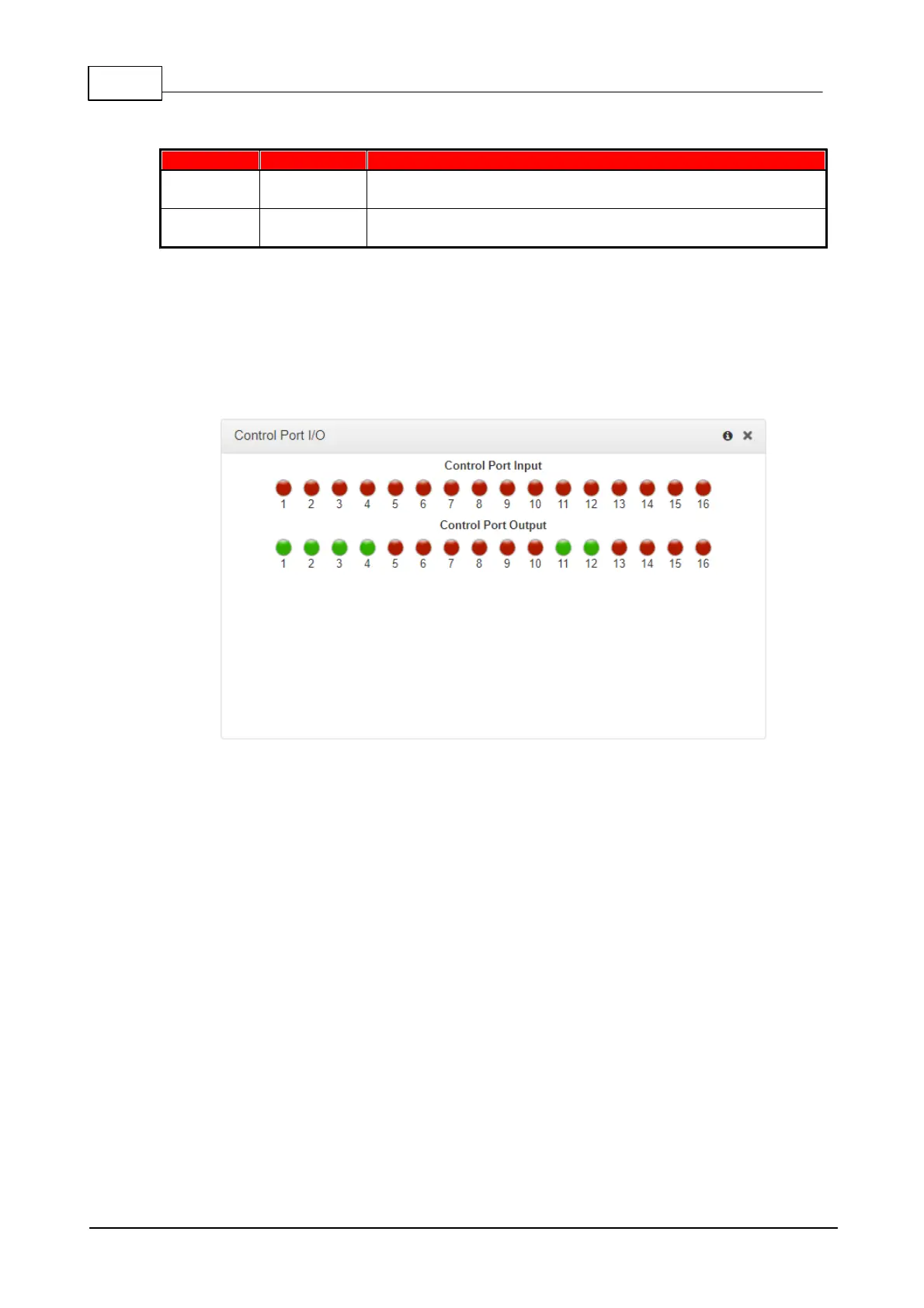
Monitor the status of control port inputs and opto-isolated outputs using the Control Port I/O
panel.
1. Open the Toolbox HTML5 Web-GUI and click Control in the Menu Bar, then click Control
Port I/O to display this panel.
2. Click on an output to change the state from Off to On, then click Save. Note: Input states
cannot be changed.



 To Next Page