207
© Tieline Research Pty. Ltd. 2021
Gateway and Gateway 4 Manual v1.2
Other Scheduler Options
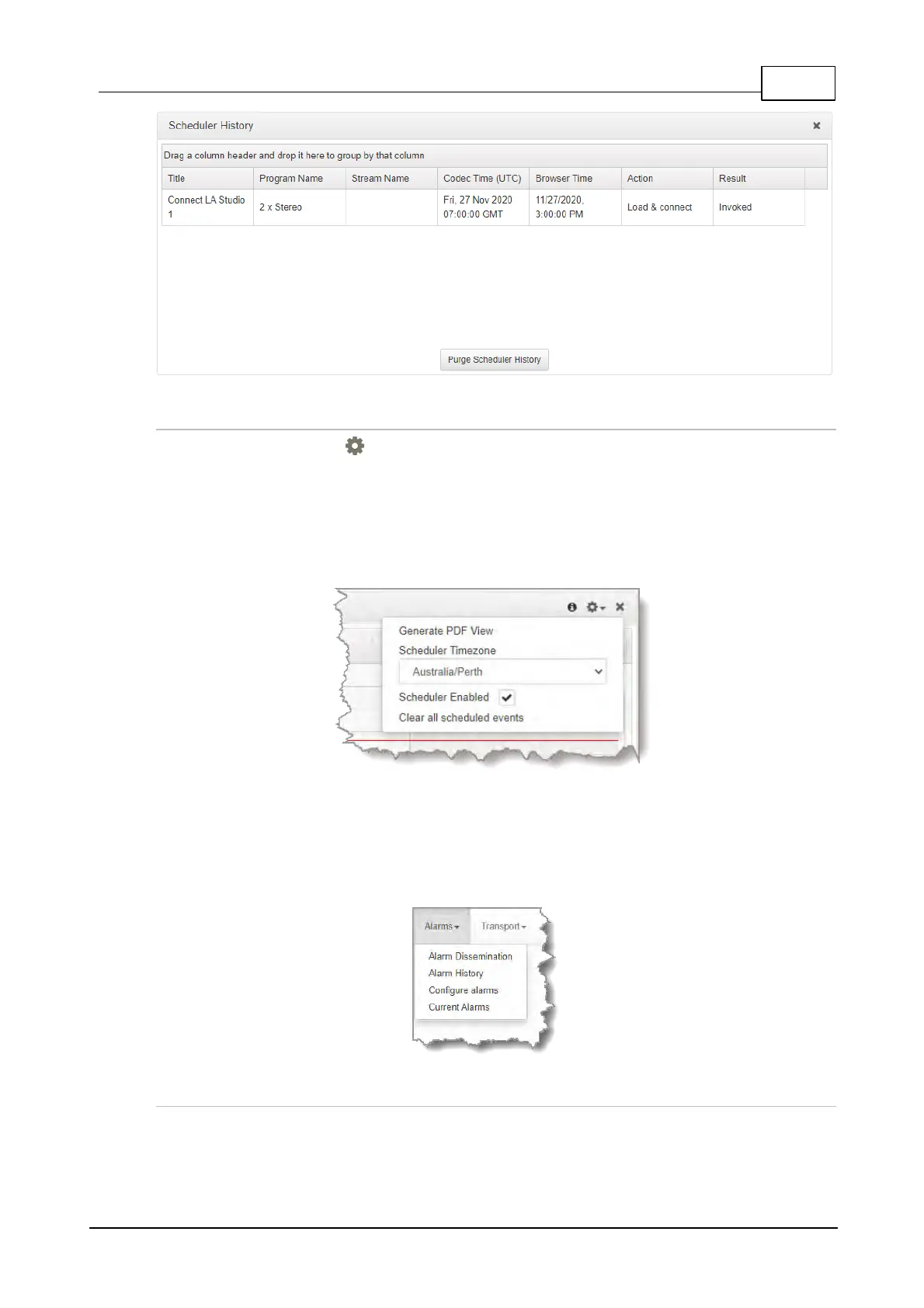
Click the Options symbol in the top right-hand corner of the Scheduler panel to reveal a drop-
down menu displaying other available options, including:
1. Generate a PDF view of scheduled events.
2. Adjust the Scheduler Timezone.
3. Enable / Disable the Scheduler.
4. Clear all Scheduled Events.
23.34 Configuring Alarms
Open the HTML5 Toolbox Web-GUI and click Alarms in the Menu Bar to open and view panels
used to configure and monitor a range of alarms.
Configure and Enable Alarms
1. Open the HTML5 Toolbox Web-GUI and click Alarms, then select Configure alarms to open
the panel.



 To Next Page