173
© Tieline Research Pty. Ltd. 2021
Gateway and Gateway 4 Manual v1.2
Important Notes:
· By default local audio ports are arbitrarily assigned when answering calls using SIP
accounts. The default UDP audio port range used is from 5004 to 5054. This setting
can be adjusted in the SIP Interfaces panel in the HTML5 Toolbox web-GUI.
· By default, the session port used for each SIP account is the associated SIP interface
session port. The default session port is the registered UDP port number 5060. It is
also possible to configure a custom local session port for each SIP account for
compatibility with Cisco Unified Communications Manager (CUCM). Ensure your
firewall has the required TCP and UDP ports open when receiving multiple SIP calls.
See Installing the Codec at the Studio for more information.
· Lock a loaded custom program or multistream program in a codec to ensure it cannot
be unloaded by a codec dialing in with a different type of program. For example, if a
multistream program is not locked it will be unloaded by a mono or stereo call.
· Failover is not available with SIP and SmartStream PLUS redundant streaming is not
available with SIP or sessionless IP.
23.20 Load, Unload and Dial a Program
A program can be loaded, unloaded and edited using the Program Manager panel or the
Connections panel. Audio stream dialing settings can be edited without unloading a program,
even if other audio streams are concurrently connected. Please note: If you need to use an existing
program as a template for a new program, or add a custom matrix mix to a program, you must use
the Program Manager panel to create a program.
Load and Unload a Program
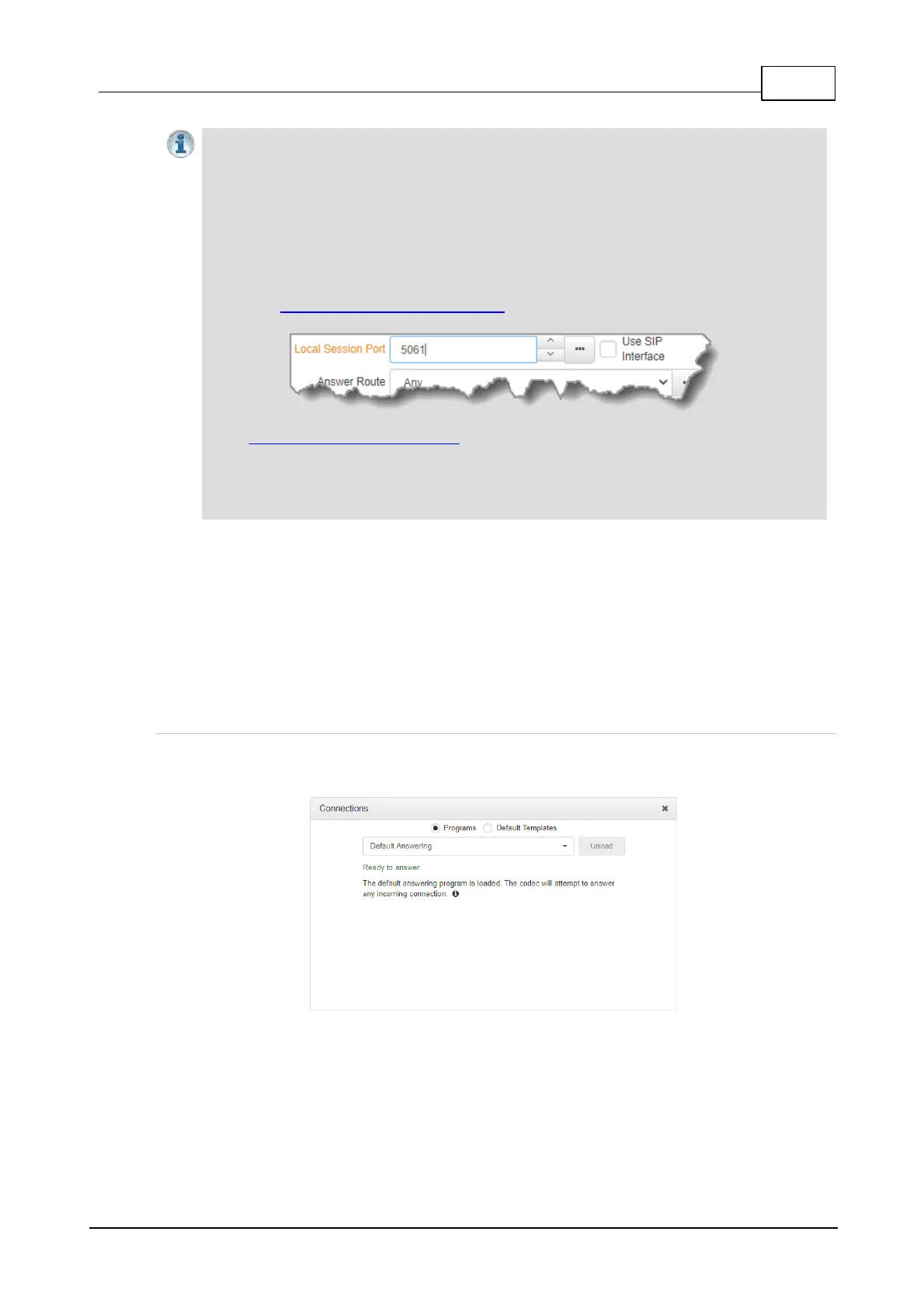
1. Open the HTML5 Toolbox Web-GUI and click Connect in the Menu Bar, then select
Connections to launch the Connections panel.
2. Select Programs and then click the drop-down arrow to select one of the programs in the
codec, then click Load.



 To Next Page