114 Gateway and Gateway 4 Manual v1.2
© Tieline Research Pty. Ltd. 2021
23.8
Configuring Output Settings
Outputs 1-4 can be configured as analog or digital inputs (AES3 or
AES67) in pairs
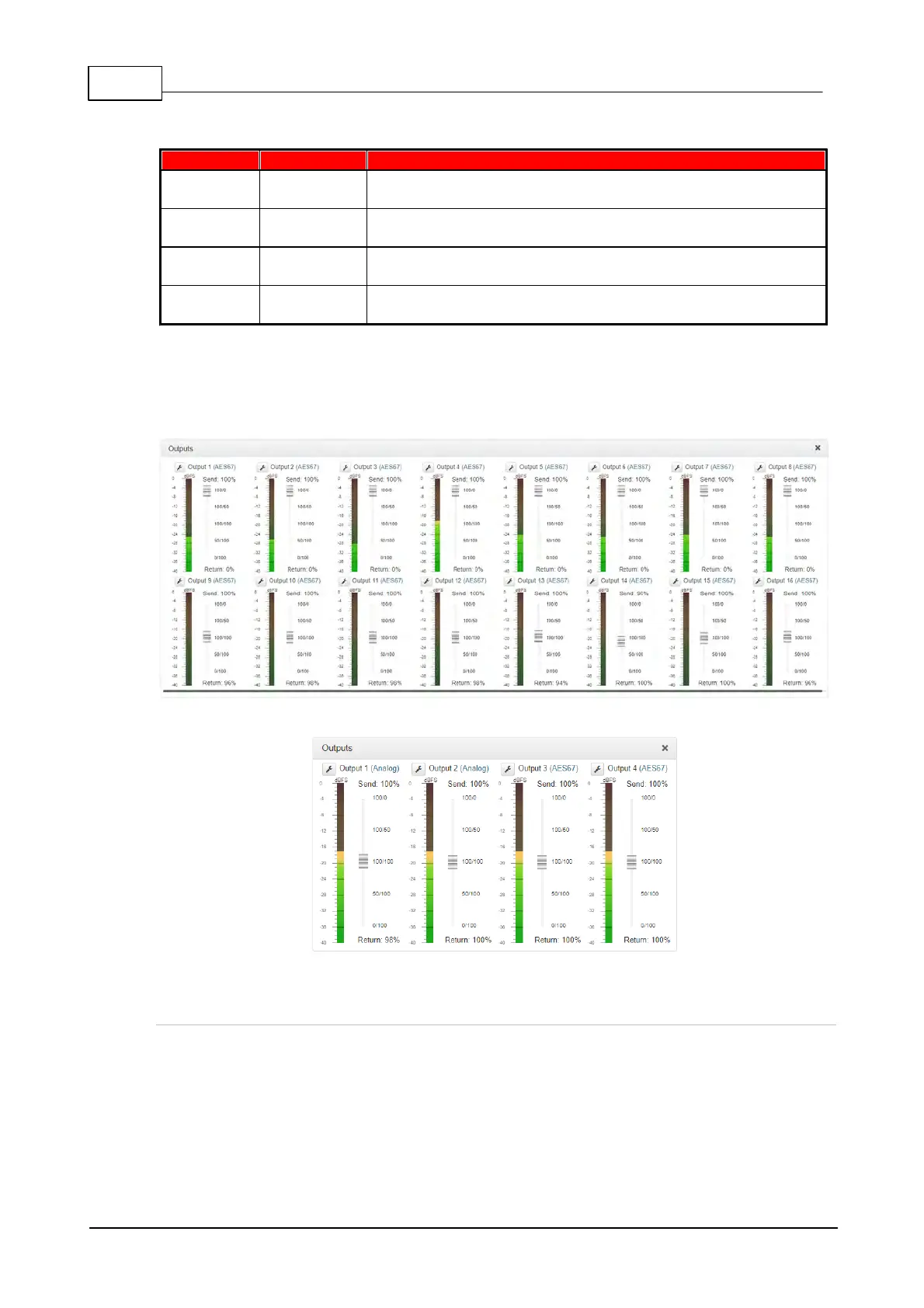
4 Outputs and PPMs displayed
Inputs 1-8 can be configured as analog or digital inputs (AES3 or
AES67) in pairs
8 - 16 Outputs and PPMs displayed (depending on codec
configuration purchased)
The Outputs panel can be configured to support either analog or digital output types for outputs 1
to 4 (Gateway 4) or outputs 1 to 8 (Gateway 8/16). Configuration of the digital output type, either
AES3 or AES67, is global and is configured for all 16 Gateway outputs using the Audio Options
panel.
Selecting the Global Digital Output Type
To select the digital output type for all outputs:
1. Open the HTML5 Toolbox Web-GUI and click Audio in the Menu Bar, then click
Audio Options to display the Audio Options panel.
2. Click the Digital Output Type drop-down menu and select either Audio Over IP
(AES67) or AES3, then click Save.



 To Next Page