223
© Tieline Research Pty. Ltd. 2021
Gateway and Gateway 4 Manual v1.2
23.38
Adjusting Codec Time and Date
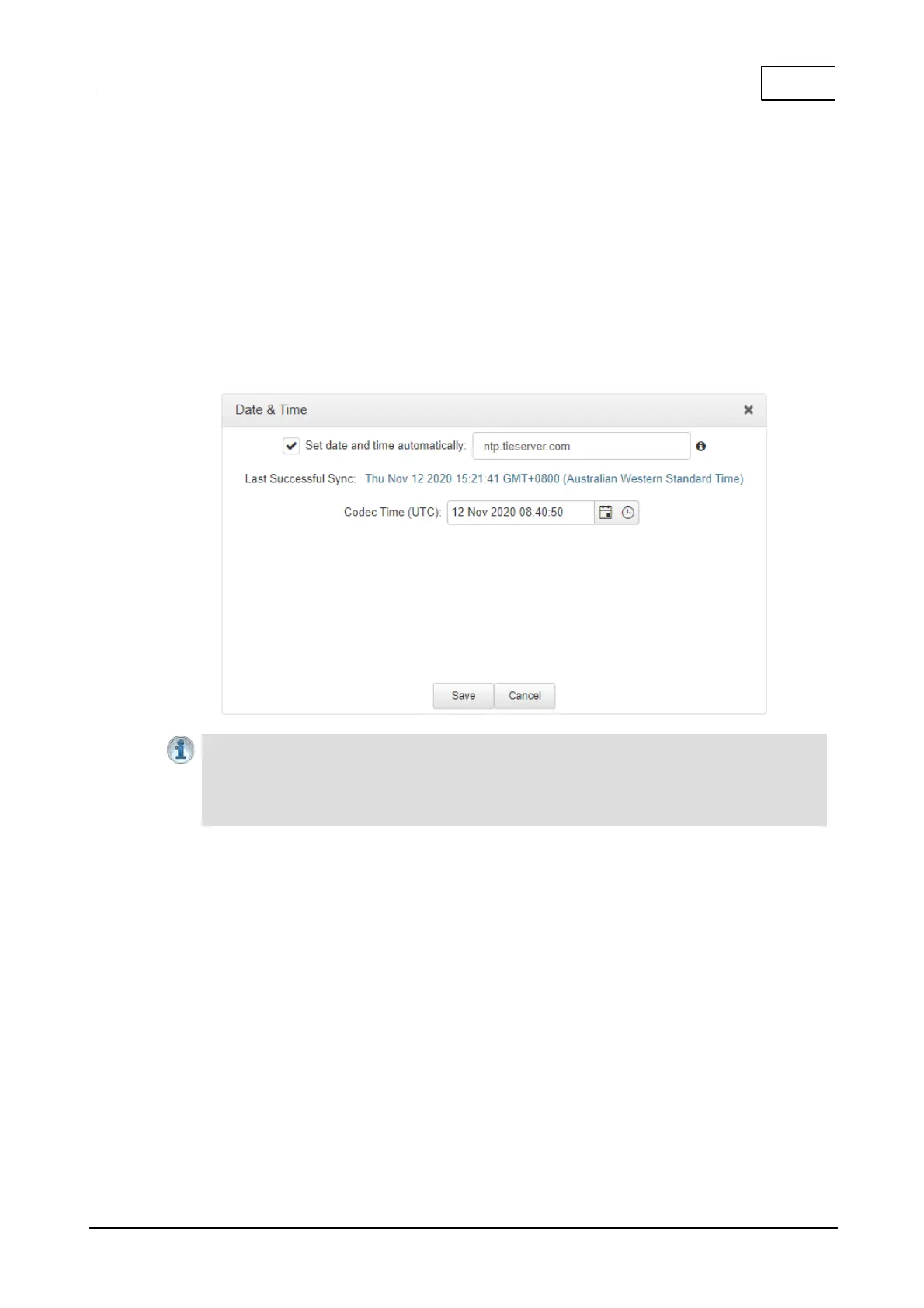
Network Time Protocol (NTP) is a networking protocol for clock synchronization between computer
systems over packet-switched, variable-latency data networks. By default Use NTP time is enabled
in the codec and it will synchronize with ntp.tieserver.com. When the codec is attached to a
network it will automatically ping the selected NTP server every two hours and update the time in the
codec. It is also possible to manually synchronize the time. Note: The codec will not ping a server
while connected.
To manually synchronize time settings in the codec:
1. Open the HTML5 Toolbox Web-GUI and click Settings in the Menu Bar, then click Date &
Time to display the Date & Time panel.
2. Click Force Sync to NTP Time to manually synchronize the codec to NTP time.
Important Notes:
· It may take more than one attempt to Force Sync to NTP Time.
· When NTP address settings are configured and enabled, the codec will immediately jump
to the new time when synchronized to the server. This may cause scheduled events to be
missed.



 To Next Page