67
© Tieline Research Pty. Ltd. 2021
Gateway and Gateway 4 Manual v1.2
23 Using the HTML5 Toolbox Web-GUI
The following sections provide an overview of the different configuration panels available within the
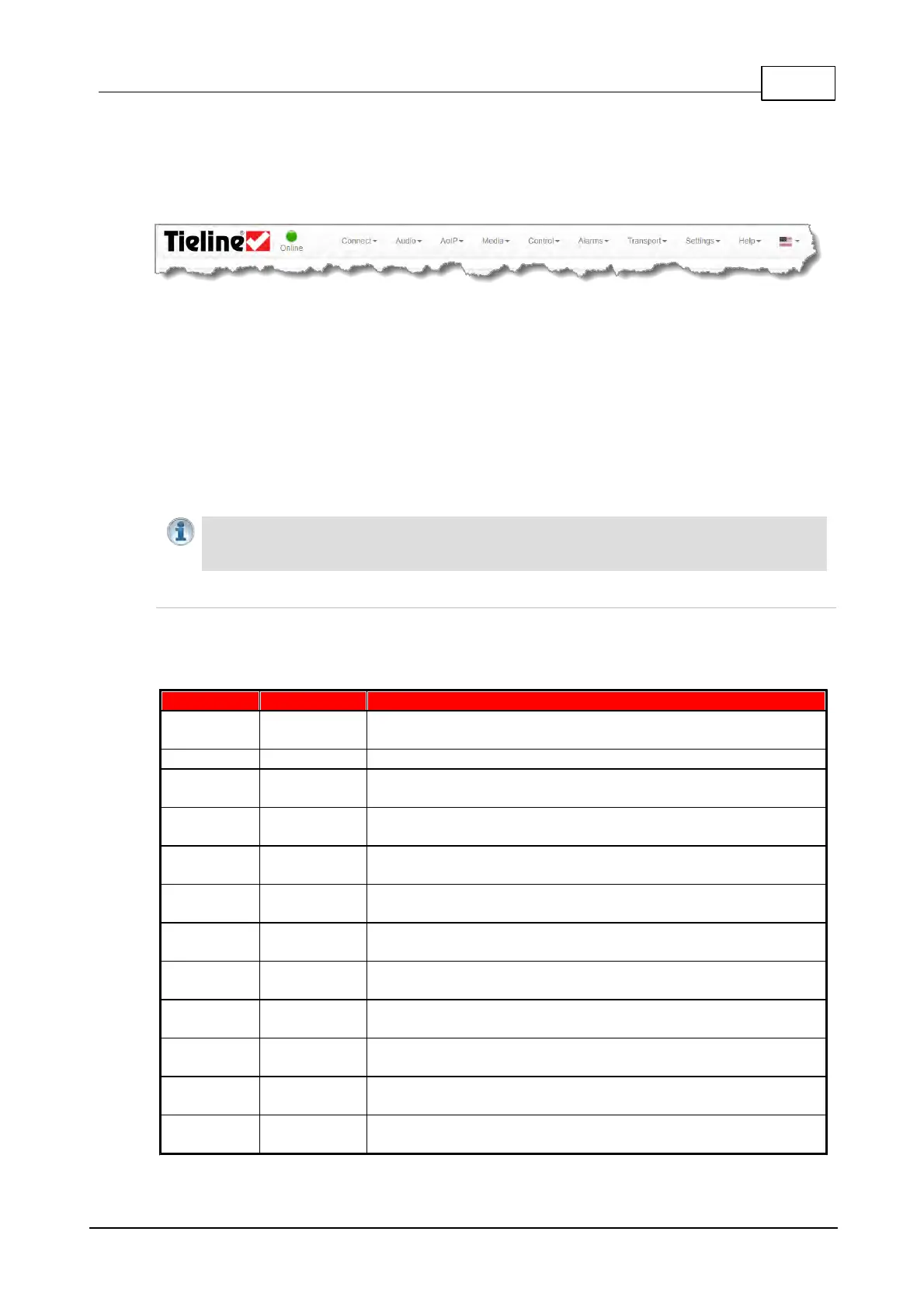
codec's HTML5 Toolbox Web-GUI. Navigate with the mouse pointer to the Menu bar at the top of
the Web-GUI screen and click to select and open each panel in turn.
HTML GUI Menu Bar for Opening Panels
When you first open the HTML5 Toolbox Web-GUI the Program Manager panel, Connections
panel and PPMs panel are loaded by default. If you retain cookies in your browser, any panels
opened previously in the Web-GUI are automatically populated when logging in subsequently. The
default panel view is displayed on login if cookies have been cleared.
The green Online indication in the top left-hand corner of the Toolbox Web-GUI indicates it is online
and can be used for codec control. A red Offline indication is displayed when the codec is
unavailable. The Upgrade symbol is displayed when a new firmware version is available for the
codec. Open the Firmware panel in the Settings menu to upgrade the codec with new firmware.
Important Note: The AoIP menu and associated panels are for managing AES67/ST2110-
30 AoIP streaming. Please see the AoIP Streaming Manual for configuration and streaming
information.
Features in Gateway and Gateway 4
Codec capabilities such as inputs, outputs and control port capabilities vary between different
models. The following table outlines major feature differences between the most popular codec
configurations available.
8 PPMs on front panel display 4 inputs/outputs or 4
encoders/decoders
Inputs 1-4 can be configured as analog or digital inputs (AES3 or
AES67) in pairs
4 inputs and PPMs displayed
Supports 8 control port inputs and 8 opto-isolated outputs via a
single DB25 CONTROL PORT I/O connectors
3 virtual inputs, 56 logical outputs, and 64 WheatNet Logic
Inputs/Outputs
16 PPMs on front panel can display
inputs/outputs/encoders/decoders
8-16 Channels In/Out (depending on codec configuration
purchased)
Inputs 1-8 can be configured as analog or digital inputs (AES3 or
AES67) in pairs
8 - 16 inputs and PPMs displayed (depending on codec
configuration purchased)
Supports 16 control port inputs and 16 opto-isolated outputs via
dual DB25 CONTROL PORT I/O connectors
3 virtual inputs, 48 logical outputs, and 64 WheatNet Logic
Inputs/Outputs



 To Next Page