66 Gateway and Gateway 4 Manual v1.2
© Tieline Research Pty. Ltd. 2021
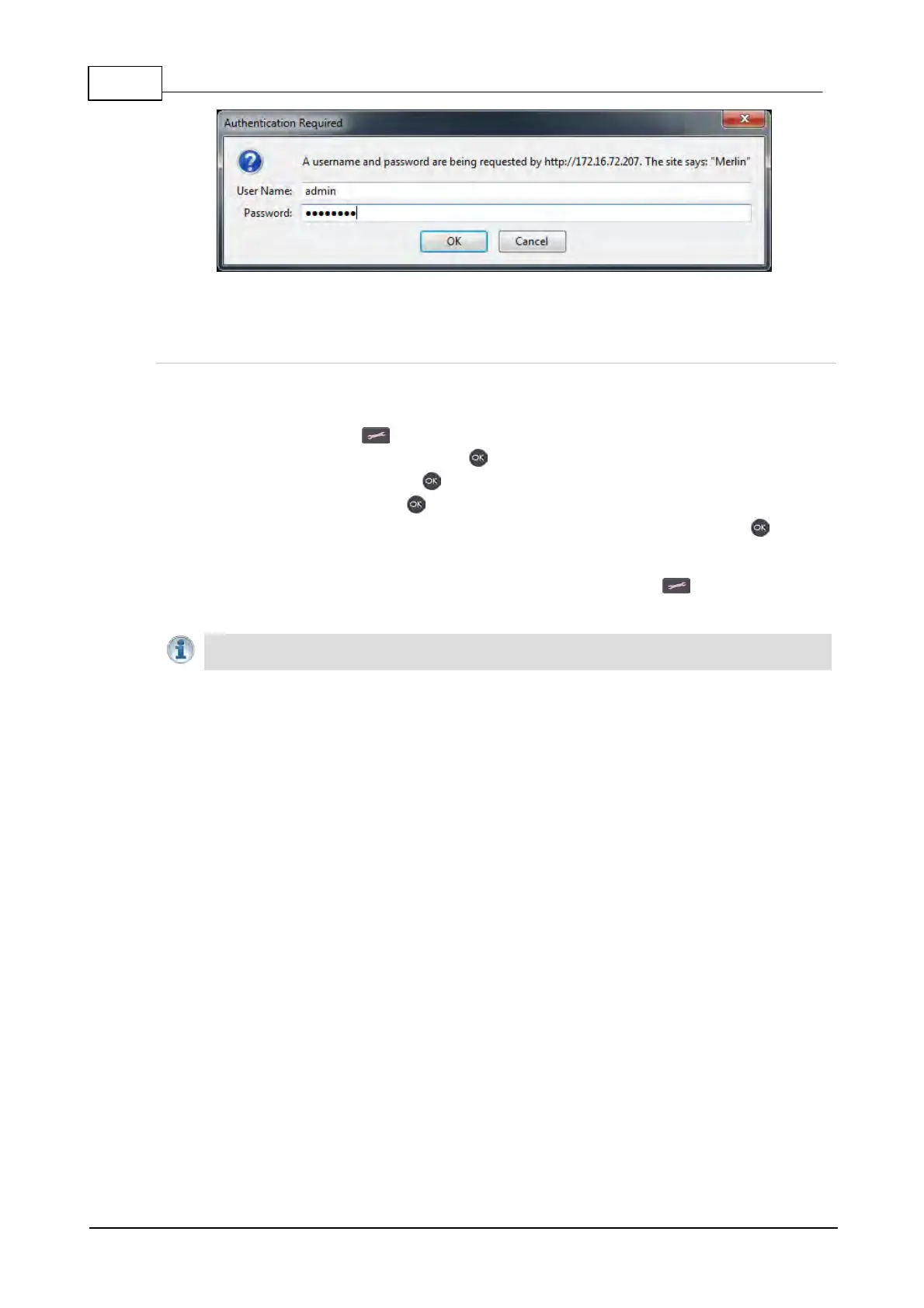
Toolbox HTML5 Web-GUI Login Dialog on a Merlin Codec
Creating a New Password
The authentication login password can be changed at any time using the codec keypad and LCD
SCREEN. Note that passwords are case sensitive:
1. Press the SETTINGS button.
2. Navigate to IP Options and press the button.
3. Select WebGUI and press the button.
4. Select Password and press .
5. Use the KEYPAD or onscreen keyboard to enter a new password and press the button to
save the new setting (Note: there is no character limit for passwords).
If you forget the password for the Toolbox web-GUI press the SETTINGS button on the codec
and navigate to IP Options > WebGUI to view the current password.
Important Note: The Username in the codec menu is permanently set to admin and
cannot be changed; only the Password can be changed.



 To Next Page