200 Gateway and Gateway 4 Manual v1.2
© Tieline Research Pty. Ltd. 2021
Important Note:
· A black Padlock symbol appears next to the program name in the Connections panel
and in the Program Loader panel (in the Quick Connect web-GUI), to indicate a
program is locked in the codec.
· It is only possible to lock custom programs in a codec.
· If Lock Program is enabled and you load a new custom program in the codec, Lock
Program remains enabled and locks the most recently loaded custom program.
23.30 Configure Country Setting
The Country setting in the codec configures country-specific settings like the use of G.711 µ -law for
North America and Japan, and G.711 a-law in most other regions of the world (e.g.
Europe/Australasia), when the G.711 algorithm is used for IP/SIP connections. To configure the
Country setting:
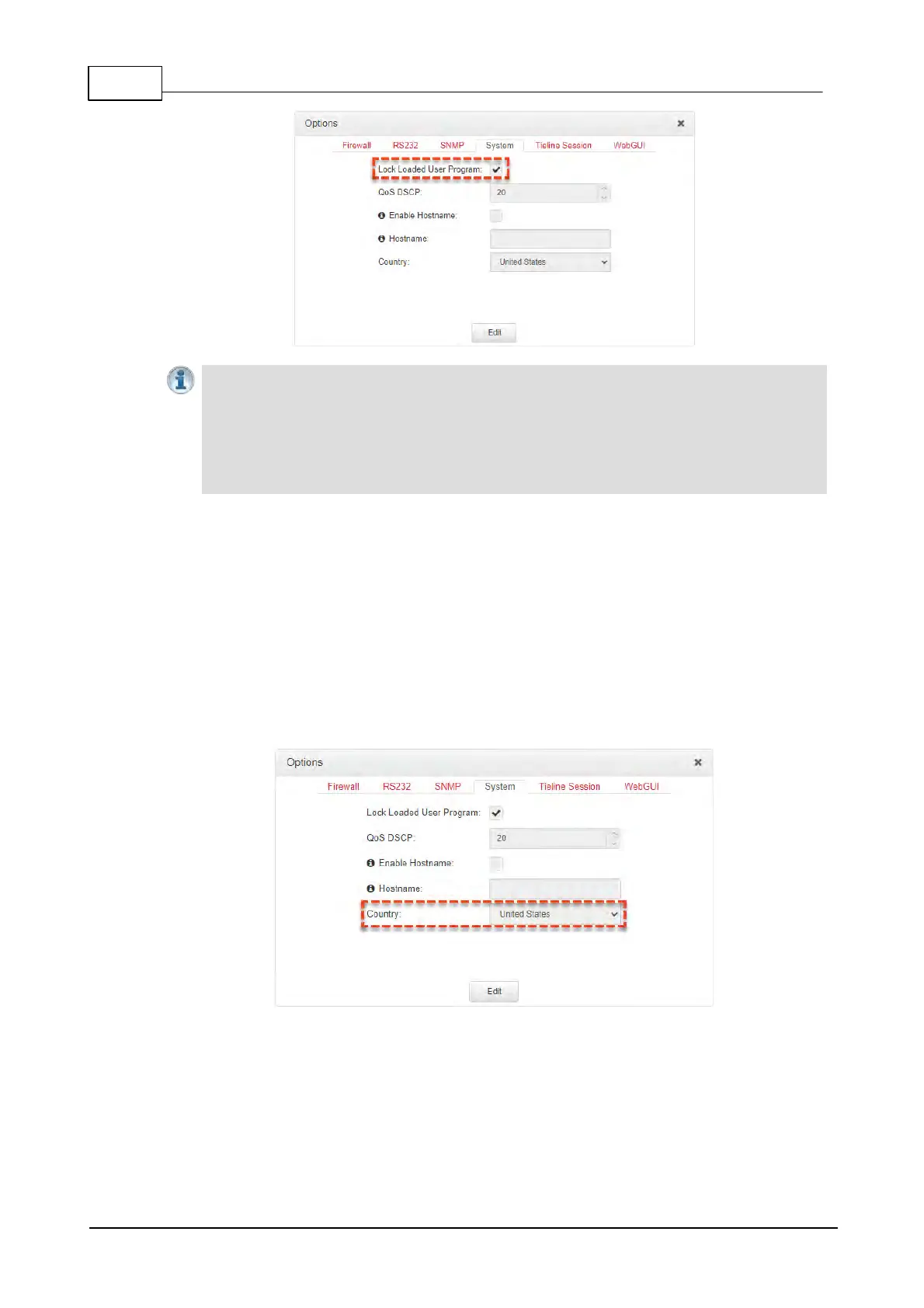
1. Open the HTML5 Toolbox Web-GUI and click Settings in the Menu Bar, then click Options
to display the Options panel.
2. Select System and then Edit.
3. Click the Country drop-down menu arrow to select the country of operation.
4. Click the Save button to store the new configuration.



 To Next Page