177
© Tieline Research Pty. Ltd. 2021
Gateway and Gateway 4 Manual v1.2
23.21
Configure Speed Dialing
The Toolbox HTML5 web-GUI supports dialing programs using preconfigured speed dials. This is
configured and managed using the Speed Dial panel.
Create a New Speed Dial
To configure speed dialing:
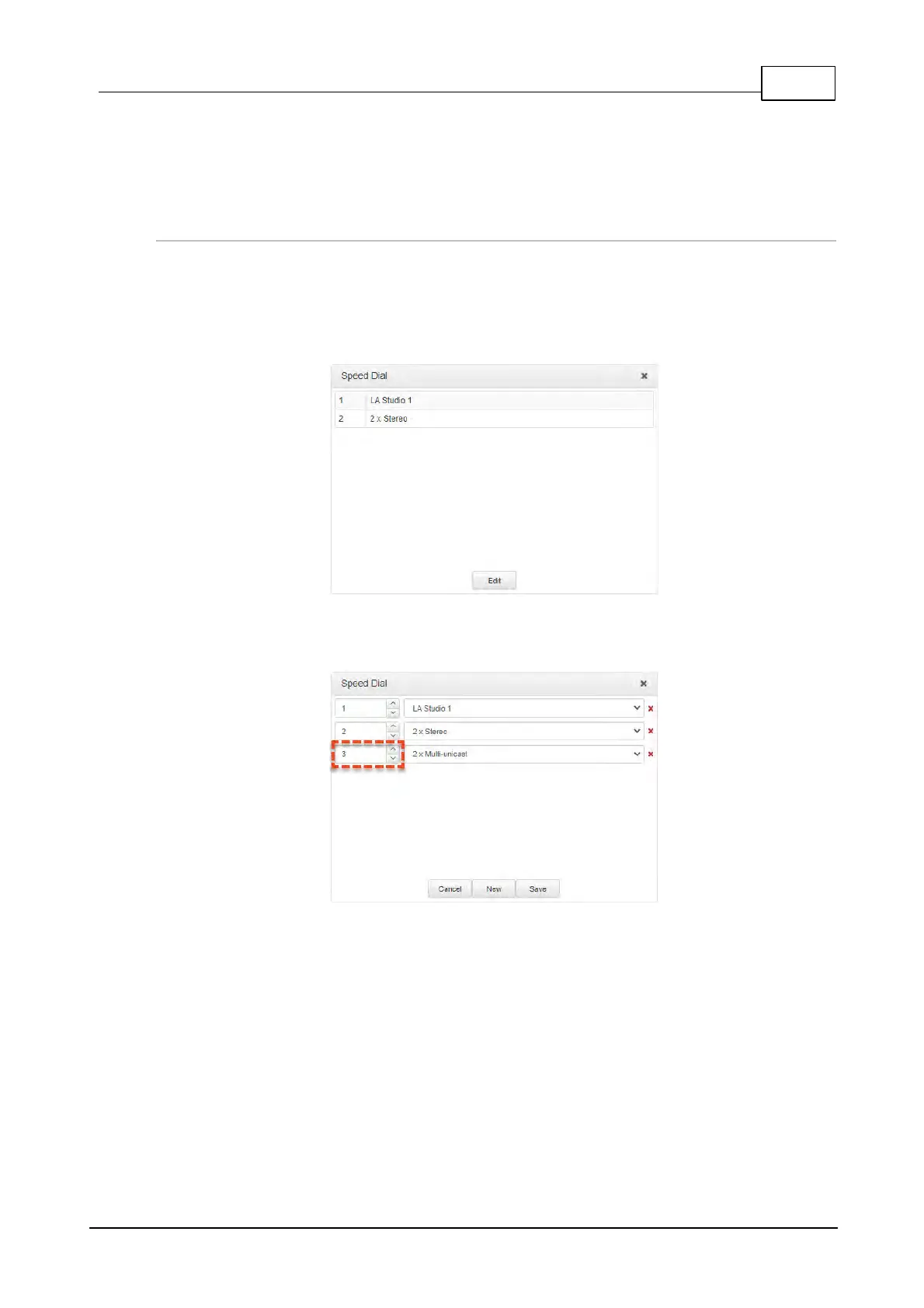
1. Open the HTML5 Toolbox Web-GUI and click Connect in the Menu Bar, then click Speed
Dial to open the Speed Dial panel.
2. Click Edit.
3. Click New to create a new speed dial and then click the arrows on the left side of the panel
to select the speed dial number.
4. Click the drop-down arrow on the right side of the panel to select the program to associate
with the speed dial number.



 To Next Page