198 Gateway and Gateway 4 Manual v1.2
© Tieline Research Pty. Ltd. 2021
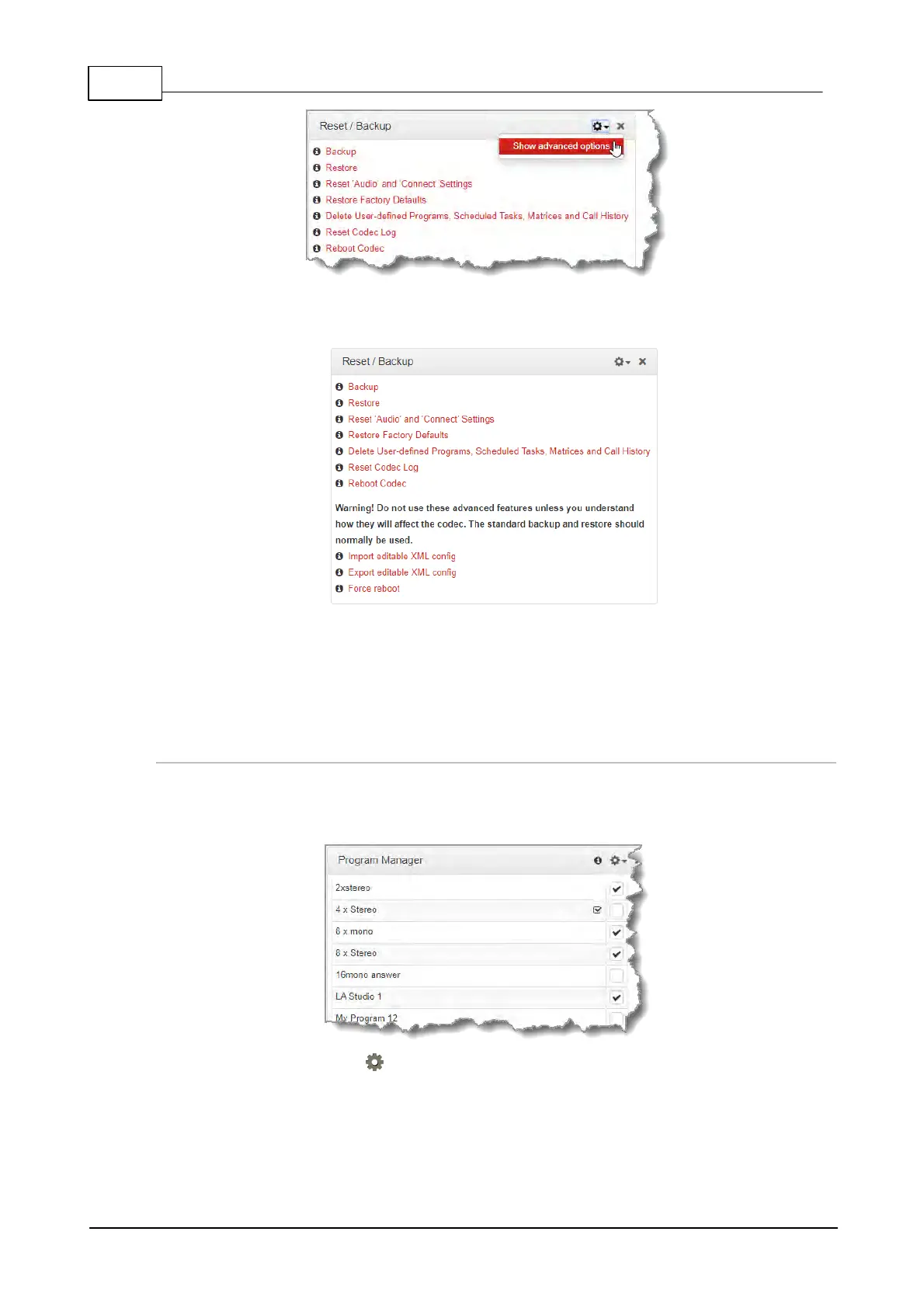
3. Click to select Import/Export editable XML config as required, or force the codec to
reboot.
23.28 Import and Export Programs
It is possible to import and export individual programs using the Program Manager panel.
Exporting Programs
1. Open the HTML5 Toolbox Web-GUI and click Connect in the Menu Bar, then select Program
Manager to launch the Program Manager panel.
2. Click to select the check-box for the program or programs to be exported.
3. Click the Options symbol in the top right-hand corner of the Program Manager and select
Export Selected Programs.



 To Next Page