267
© Tieline Research Pty. Ltd. 2021
Gateway and Gateway 4 Manual v1.2
Important Note: For more information on SNMP codec settings see Configuring SNMP in
the Codec.
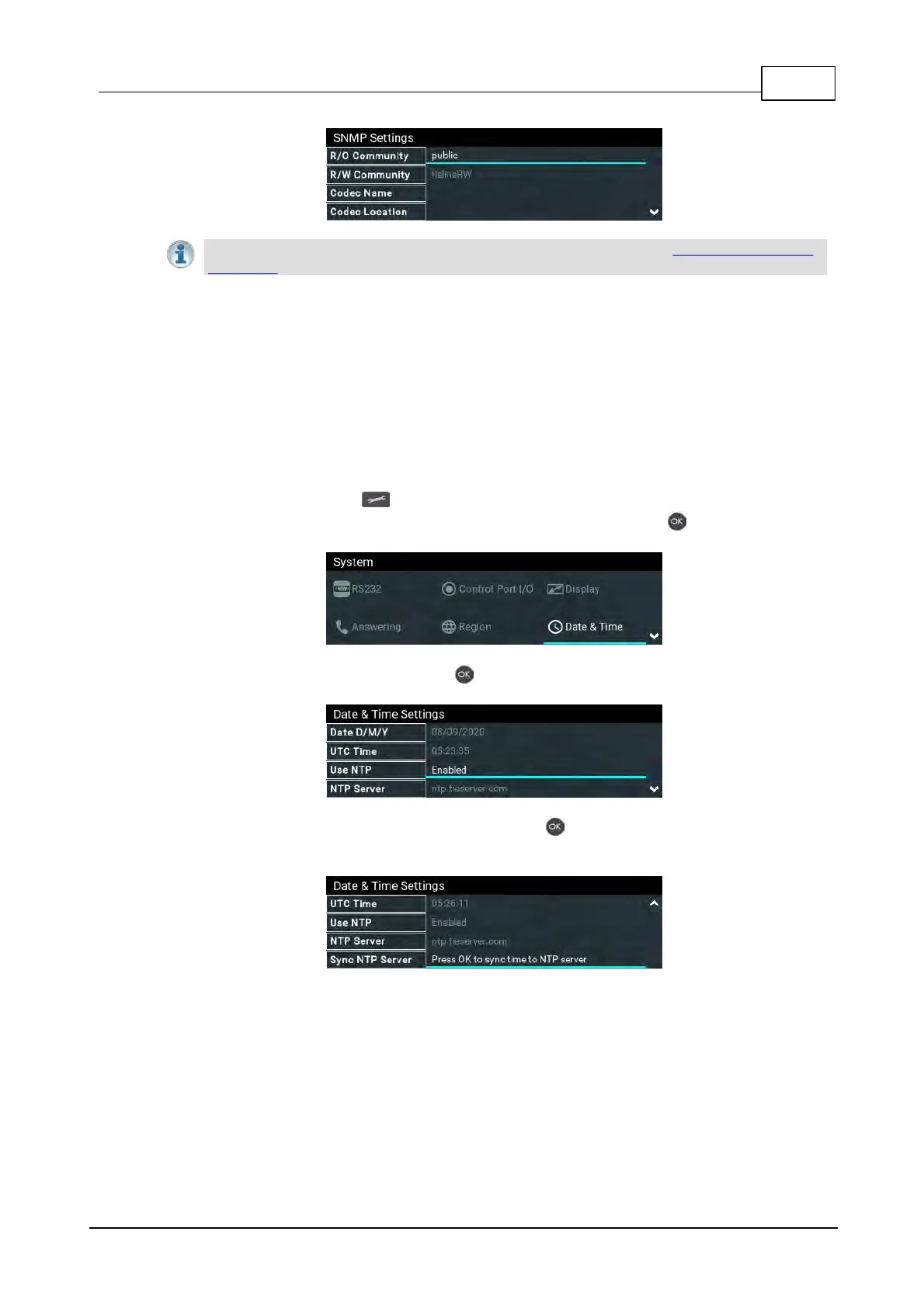
24.18 Adjusting Time Settings
By default Use NTP time is enabled in the codec. When the codec is attached to a network it will
automatically ping the selected NTP server every two hours and update the time in the codec. It is
also possible to manually synchronize the time. Note: The codec will not ping a server while
connected.
To adjust time settings in the codec:
1. Press the SETTINGS button and navigate to System.
2. Use the navigation buttons to select Date and Time and press the button.
3. Navigate to Use NTP and press the button to enable or disable this feature.
4. Navigate to NTP Synchronize Now and press the button to synchronize the codec time
with the designated NTP Server.



 To Next Page