61
© Tieline Research Pty. Ltd. 2021
Gateway and Gateway 4 Manual v1.2
21.3
Disconnecting a Connection
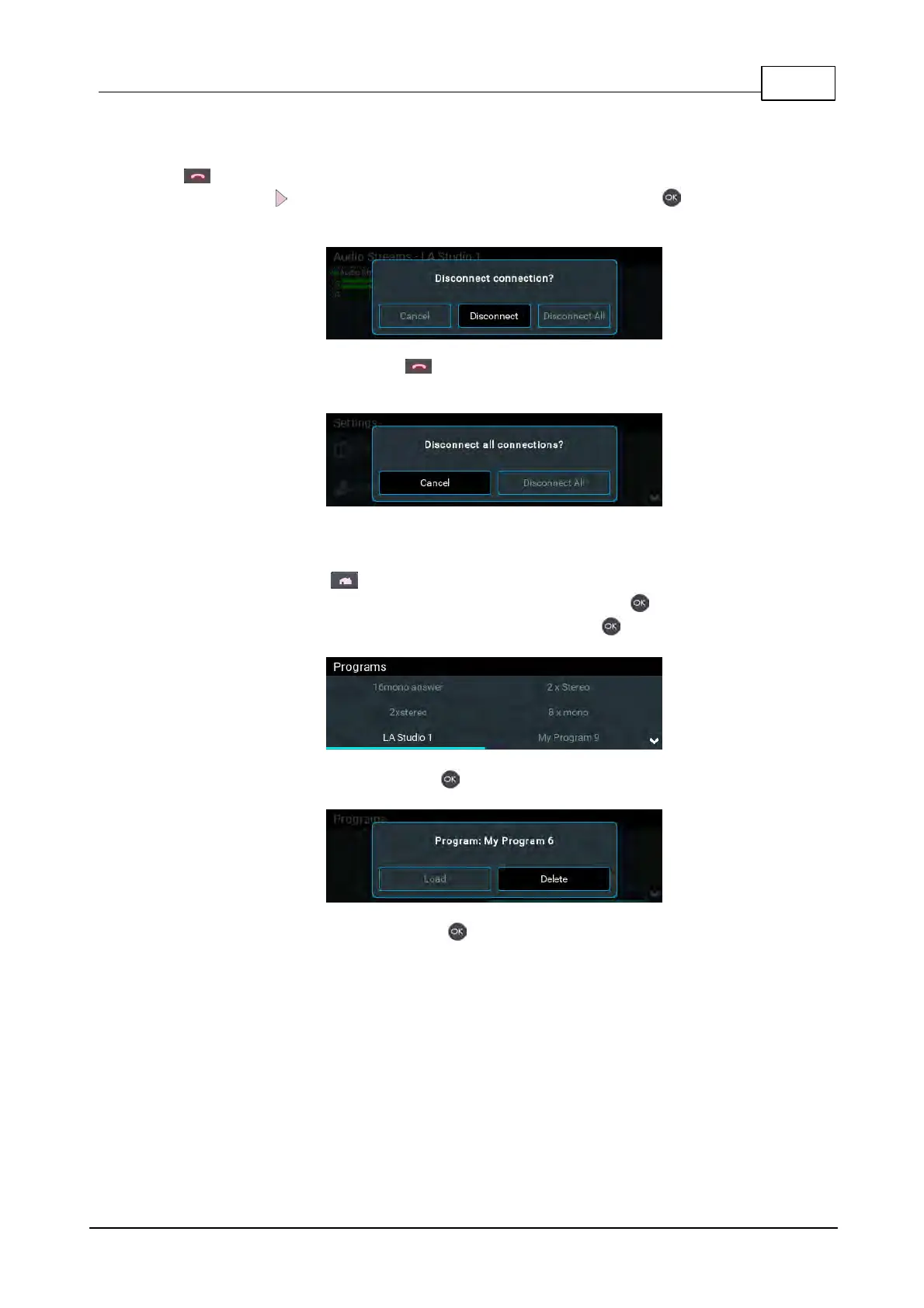
1. Navigate to the Connections screen and select a connection, then press the red DISCONNECT
button on the numeric KEYPAD at any time to hangup an individual connection.
2. Use the right navigation button to select Disconnect and press the button to confirm the
disconnection.
Note: Press the red DISCONNECT button on the numeric KEYPAD from other menus at any
time to disconnect all active connections.
21.4 Deleting Programs
1. Press the HOME button to return to the Home screen.
2. Use the navigation buttons to select Programs and press the button.
3. Navigate to the program you want to delete and press the button.
4. Navigate to Delete and press the button.
5. Confirm the deletion and press the button.



 To Next Page