60 Gateway and Gateway 4 Manual v1.2
© Tieline Research Pty. Ltd. 2021
4. Navigate to the Connections screen and press the CONNECT button to make a
connection.
5. A dialog appears during the connection process with connection details displayed.
Editing the IP Address or ISDN Number
It is possible to edit the IP address of a destination or the ISDN number for ISDN calls.
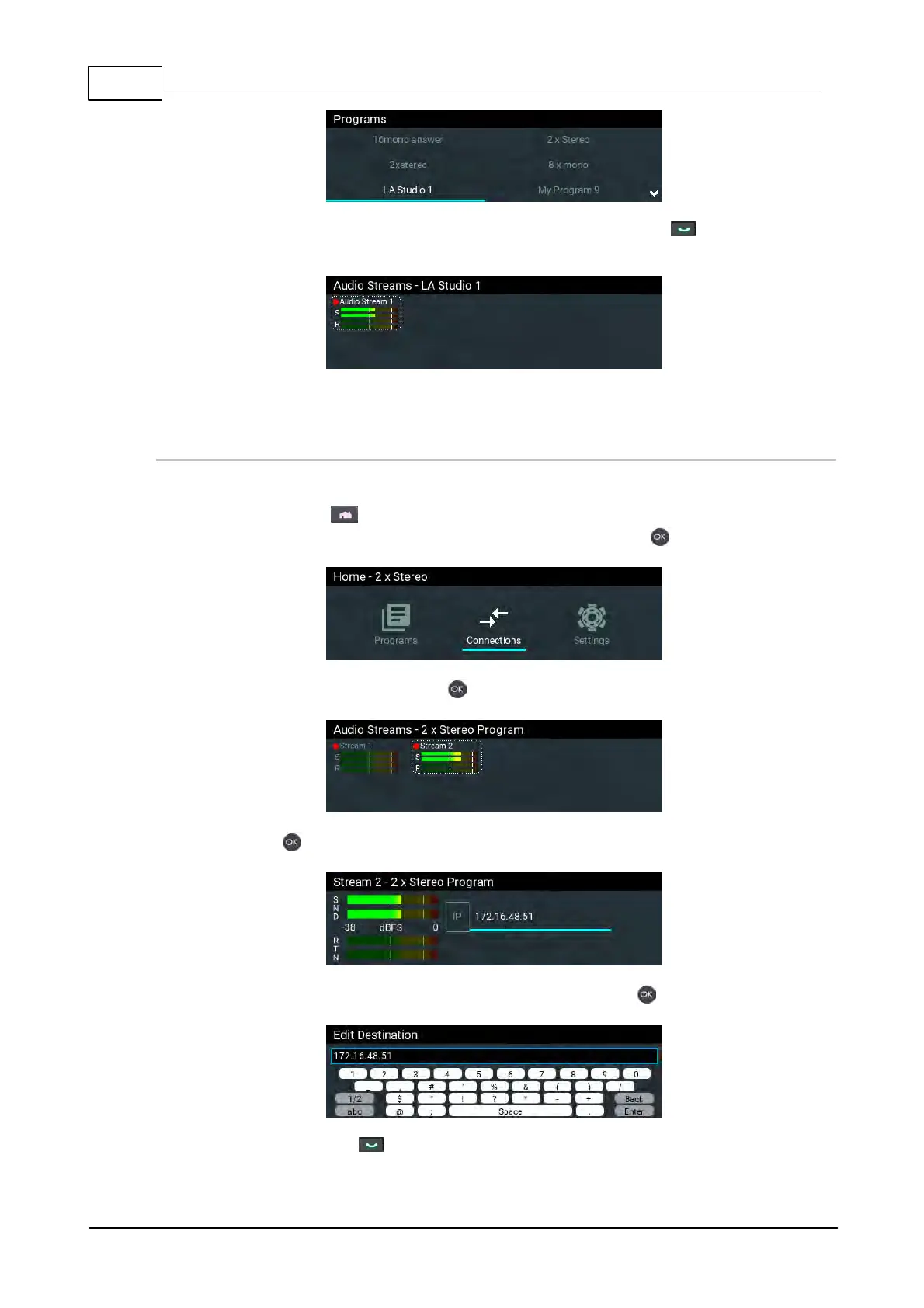
1. Press the HOME button to return to the Home screen.
2. Use the navigation buttons to select Connections and press the button.
3. Select a connection and press the button.
4. Press the button to edit the destination address/number.
5. Use the onscreen keypad to edit the dial string, then press the button to save it.
6. Press the CONNECT button to make a connection.



 To Next Page