32 Gateway and Gateway 4 Manual v1.2
© Tieline Research Pty. Ltd. 2021
12 Menu Navigation
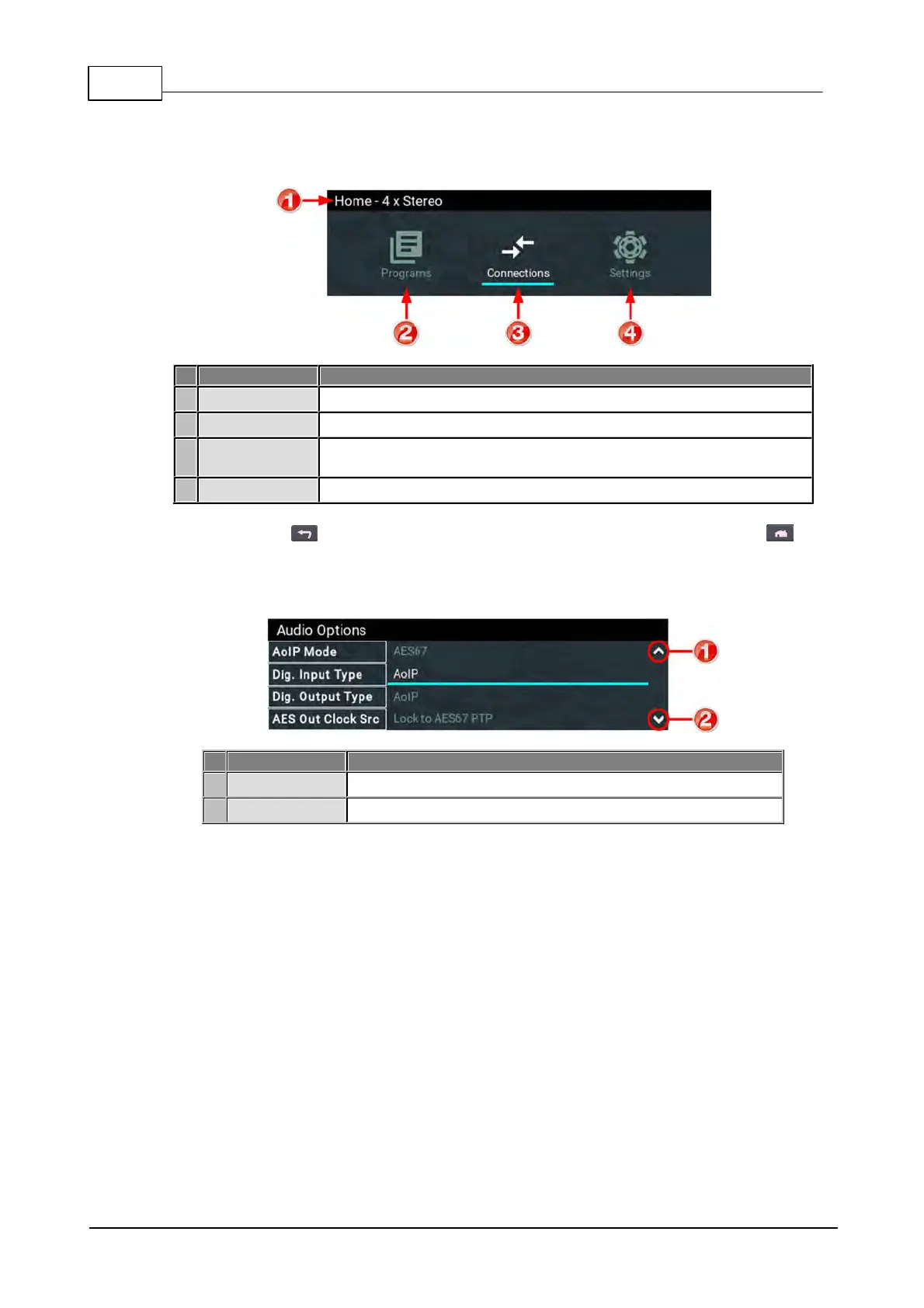
All front panel codec menus can be launched from the Home screen as follows:
Codec Home Screen Elements
The name of the current screen
View and edit Program configurations
Adjust connection settings and show connections and connection
details.
Menus for configuring a wide range of codec settings
Press the RETURN button to navigate backwards through menus, or press the HOME
button to return to the Home screen from any menu. If a complete menu cannot be viewed on a
single codec screen, arrows on the right hand side of the screen indicate that the current menu has
options below and/or above the visible items. Use the navigation arrows to scroll up and down.
Codec Home Screen Elements
Arrow indicating menus can scroll upwards
Arrow indicating menus can scroll downwards



 To Next Page