176 Gateway and Gateway 4 Manual v1.2
© Tieline Research Pty. Ltd. 2021
Change Dialing Settings
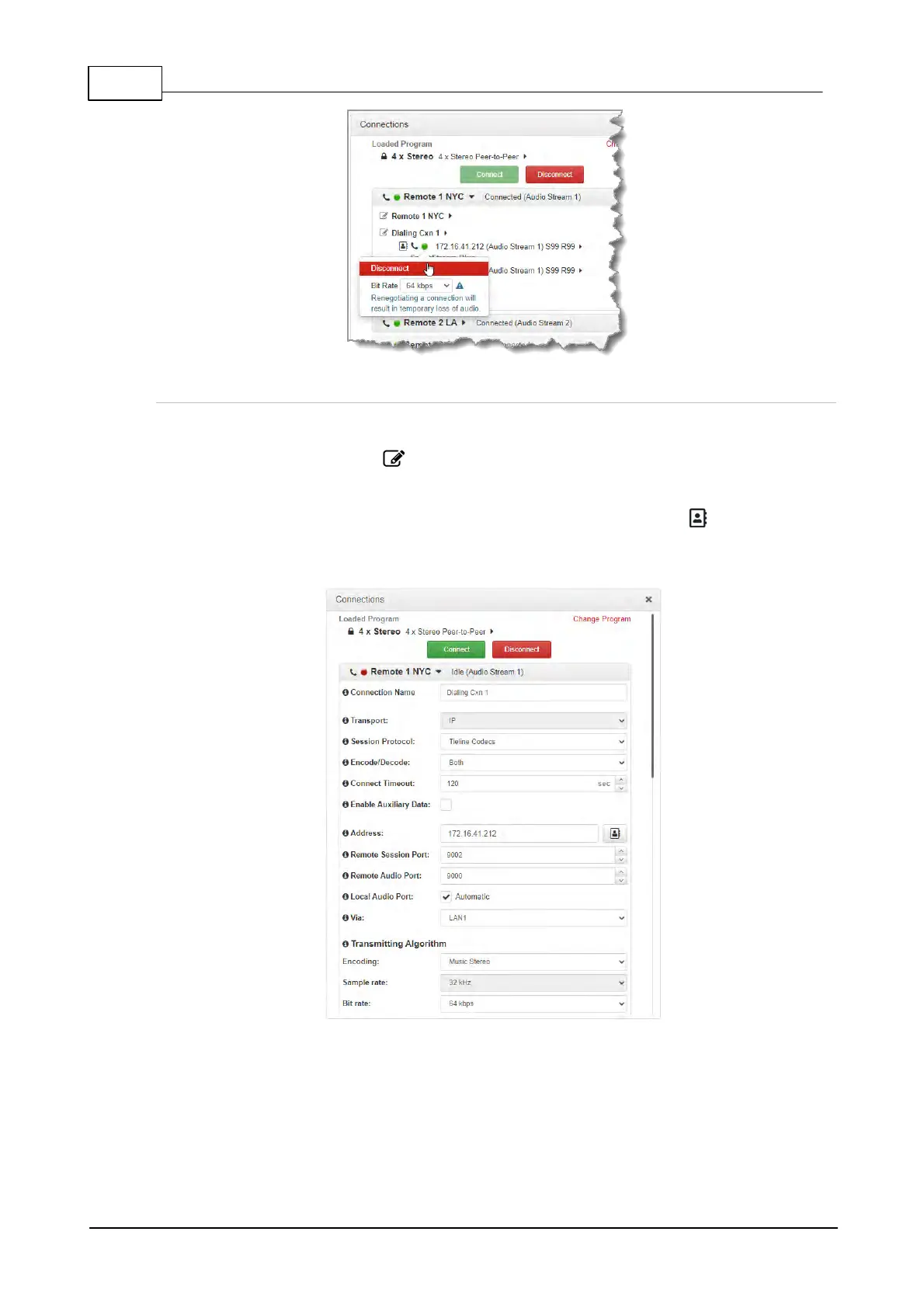
To edit destination dialing settings:
1. Click the Edit symbol adjacent to a connection. Note: The connection must be
disconnected before editing.
2. Adjust dialing and connection settings and then click Save to change edited settings in the
program. Note: The IP address can be changed, or a TieLink contact can be selected if
Traversal Server Contact Lists have been configured. See Configuring TieLink Settings for
more info.



 To Next Page