68 Gateway and Gateway 4 Manual v1.2
© Tieline Research Pty. Ltd. 2021
Adjusting the Theme
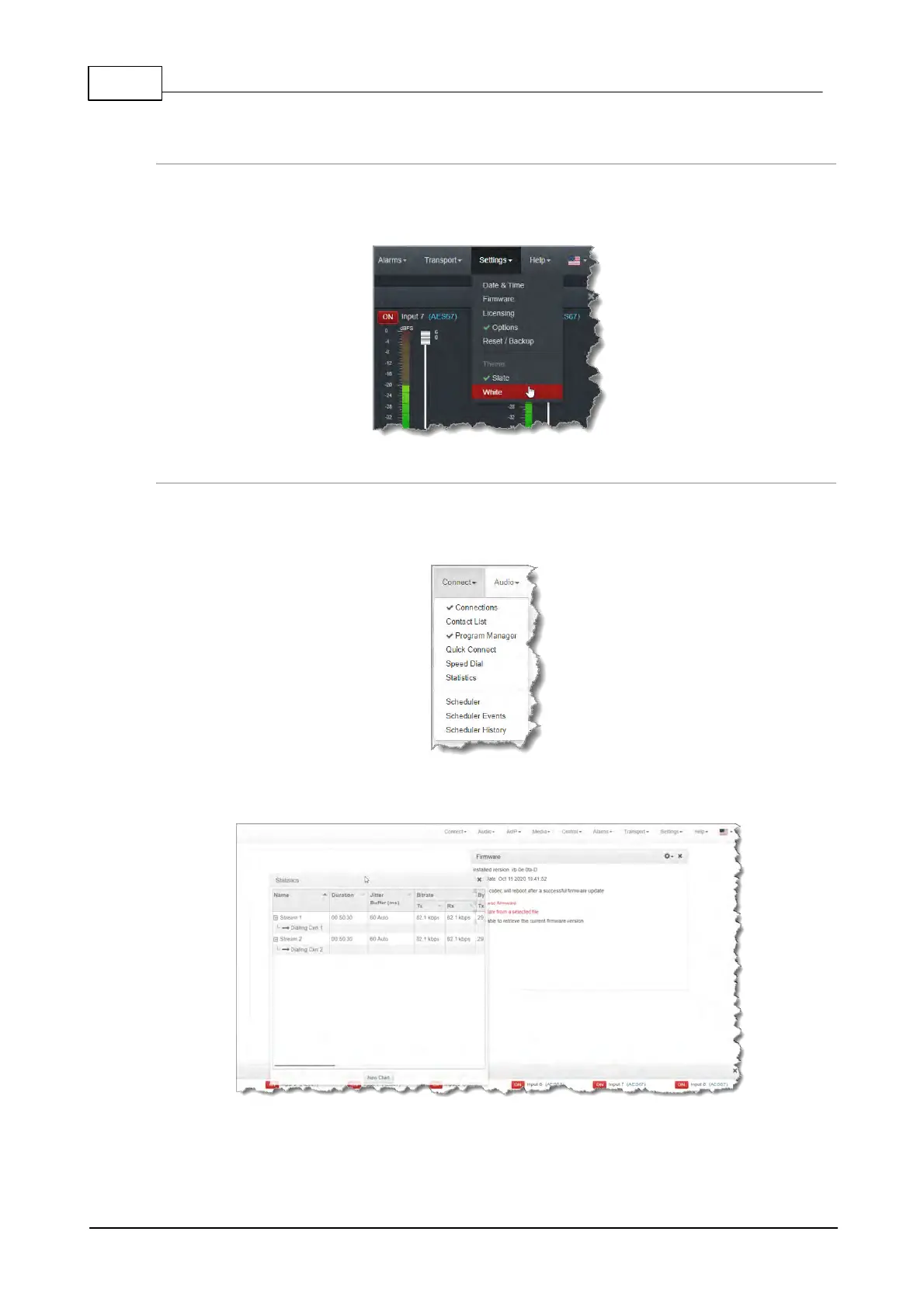
To adjust the Theme or 'skin' of the HTML5 Toolbox Web-GUI, navigate to the Menu bar at the top
of the screen and click Settings, then click to select the preferred option. Note: this manual uses
the White theme for most images.
Opening a Panel & Adjusting Size or Screen Position
Click an item in the Menu bar to display available panel options, then click to select and open a
panel. New panels automatically open in the top left of the screen. A green Tick adjacent to a panel
name in the menu signifies it is already open in the web-GUI.
Position the mouse pointer over a panel's Title bar and click and drag to move a panel and
reposition it in a preferred screen position.



 To Next Page