174 Gateway and Gateway 4 Manual v1.2
© Tieline Research Pty. Ltd. 2021
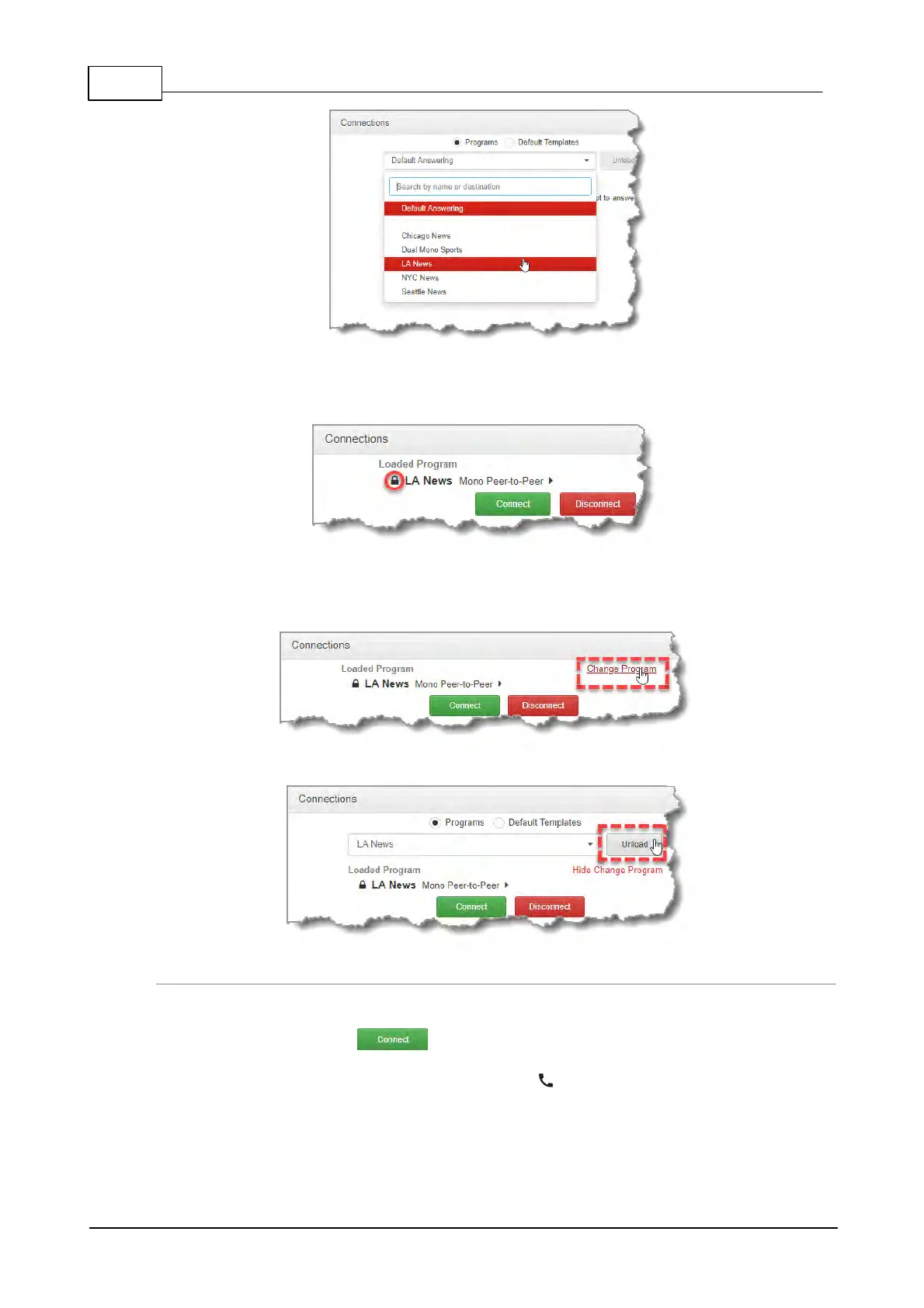
3. If Lock Loaded User Program has been configured in the Options panel, a black Padlock
symbol appears next to the program name in the Connections panel, to indicate a program is
locked in the codec.
Unload a Program
1. To unload a loaded program click Change Program.
2. Click Unload.
Connecting a Program
To connect audio streams and connections within an existing program there are three options:
1. Click the Connect button to connect all audio streams and connections
configured in a program.
2. Click the audio stream Connect/Disconnect symbol and then click Connect; this
connects all connections associated with this audio stream.



 To Next Page