206 Gateway and Gateway 4 Manual v1.2
© Tieline Research Pty. Ltd. 2021
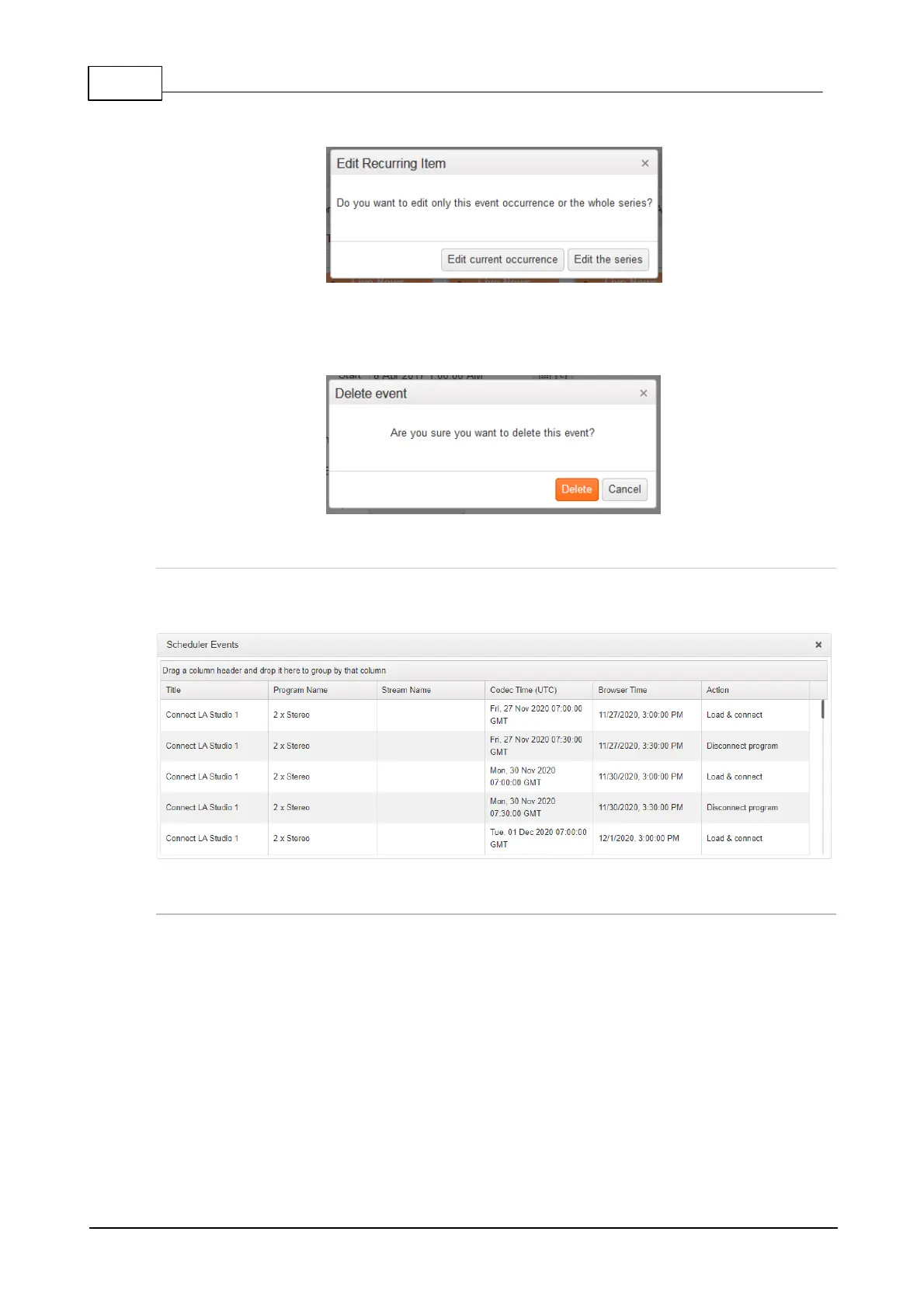
· Edit the current event you have selected, or
· Edit all events in the series.
3. Select the preferred option and edit settings in the Event, then click Save to store all changes.
Click Delete to delete an Event.
4. A confirmation dialog is presented to confirm the deletion of an event.
View Scheduler Events
To view all scheduled events click Connect in the Menu Bar, then select Scheduler Events to
launch the Scheduler Events panel. Use the scroll bar to view future events.
View Event History
To view the history of scheduled events in a codec click Connect in the Menu Bar, then select
Scheduler History to launch the Scheduler History panel. Press the Purge Scheduler History
button to delete all events listed.



 To Next Page