271
© Tieline Research Pty. Ltd. 2021
Gateway and Gateway 4 Manual v1.2
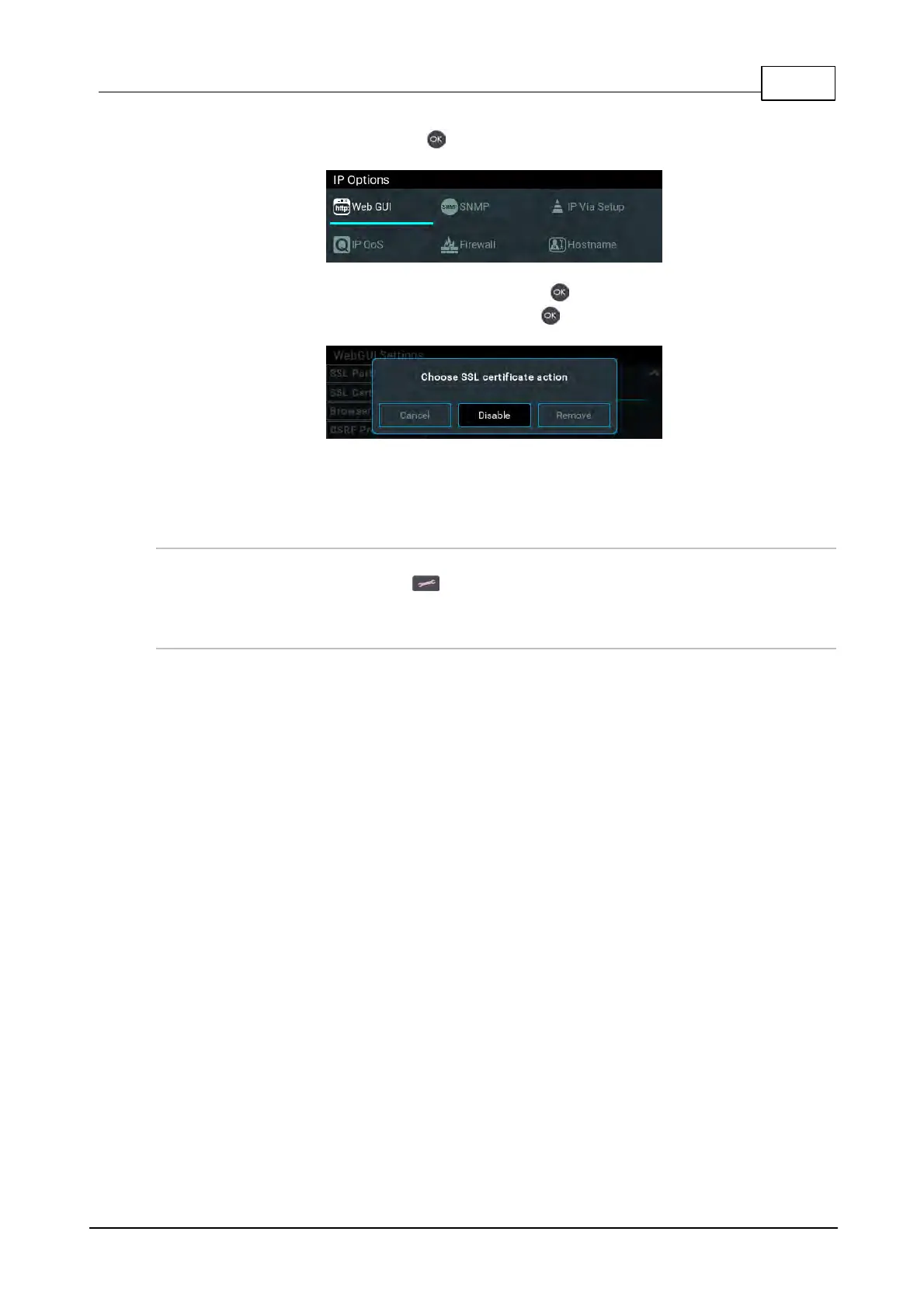
3. Select Web-GUI and press the button.
4. Navigate down to SSL Certificates and press the button.
5. Select either Disable or Remove and press the button.
6. Confirm disabling or removal of the SSL files in the onscreen dialog.
7. A dialog confirms the certificates have been disabled or removed successfully.
Changing the Default SSL Port
The codec uses the standard TCP port 443 for SSL communications. The port number can be
adjusted by navigating to SETTINGS > IP Options > Web-GUI > SSL Port.
Troubleshooting Certificate Installation
If you type "https://" before the codec IP address and can't open the Toolbox web-GUI, first uninstall
the certificates and then reinstall them. Also double-check you are installing the correct certificates.
If you continue to have issues, contact your certificate vendor to ensure the certificate is valid.



 To Next Page