117
© Tieline Research Pty. Ltd. 2021
Gateway and Gateway 4 Manual v1.2
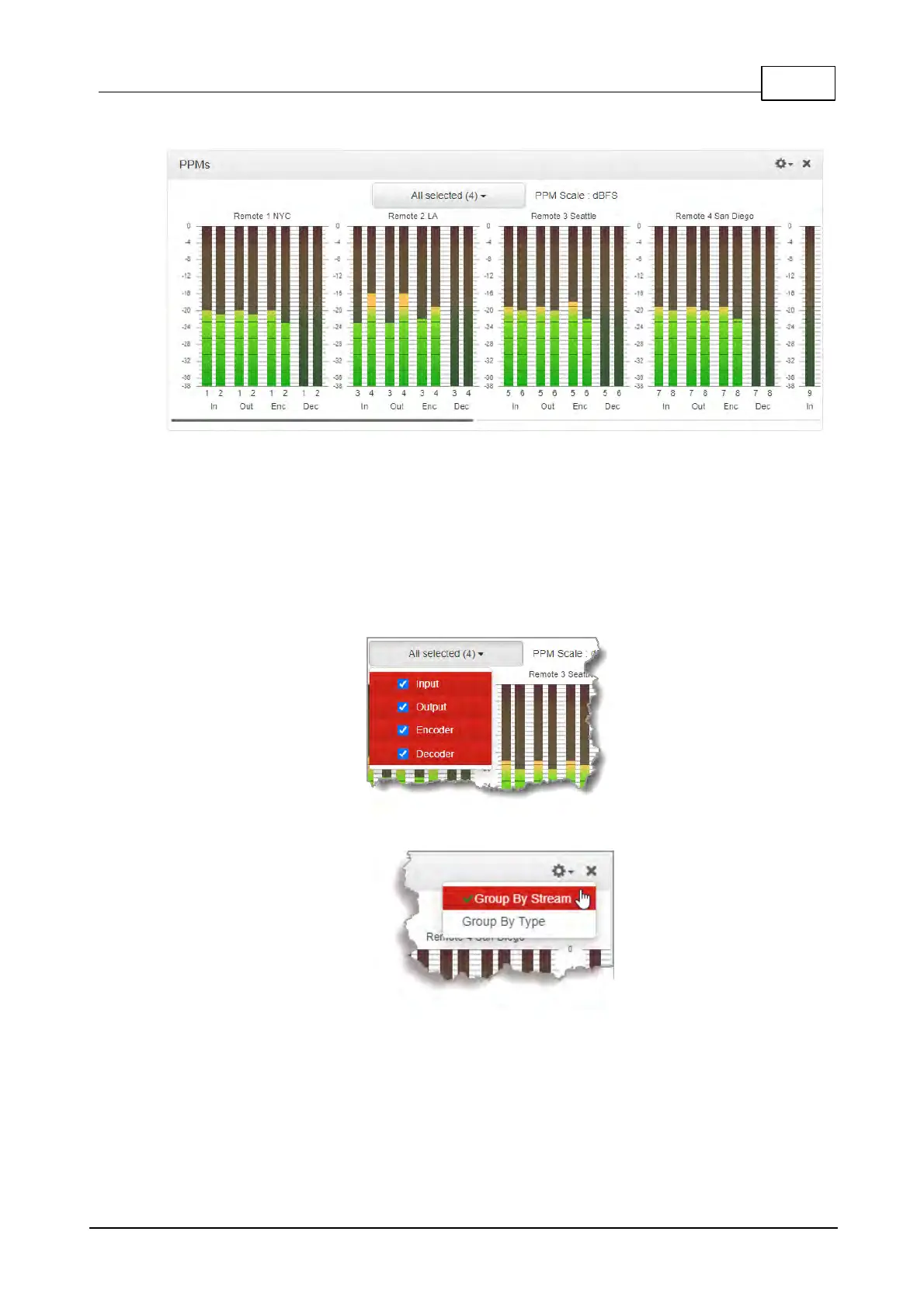
The PPMs panel is able to monitor incoming and outgoing audio streams in the codec.
PPMs grouped by stream and identified by Stream Name
Click the drop-down PPM selector arrow to select whether the panel will display PPMs for:
· Inputs
· Outputs
· Encoders
· Decoders.
Select the check-boxes to select or deselect the PPMs displayed for each audio stream.
Click the Options menu in the panel to choose whether PPMs are grouped by stream or by type.
PPMs grouped by type appear as follows:



 To Next Page