144 Gateway and Gateway 4 Manual v1.2
© Tieline Research Pty. Ltd. 2021
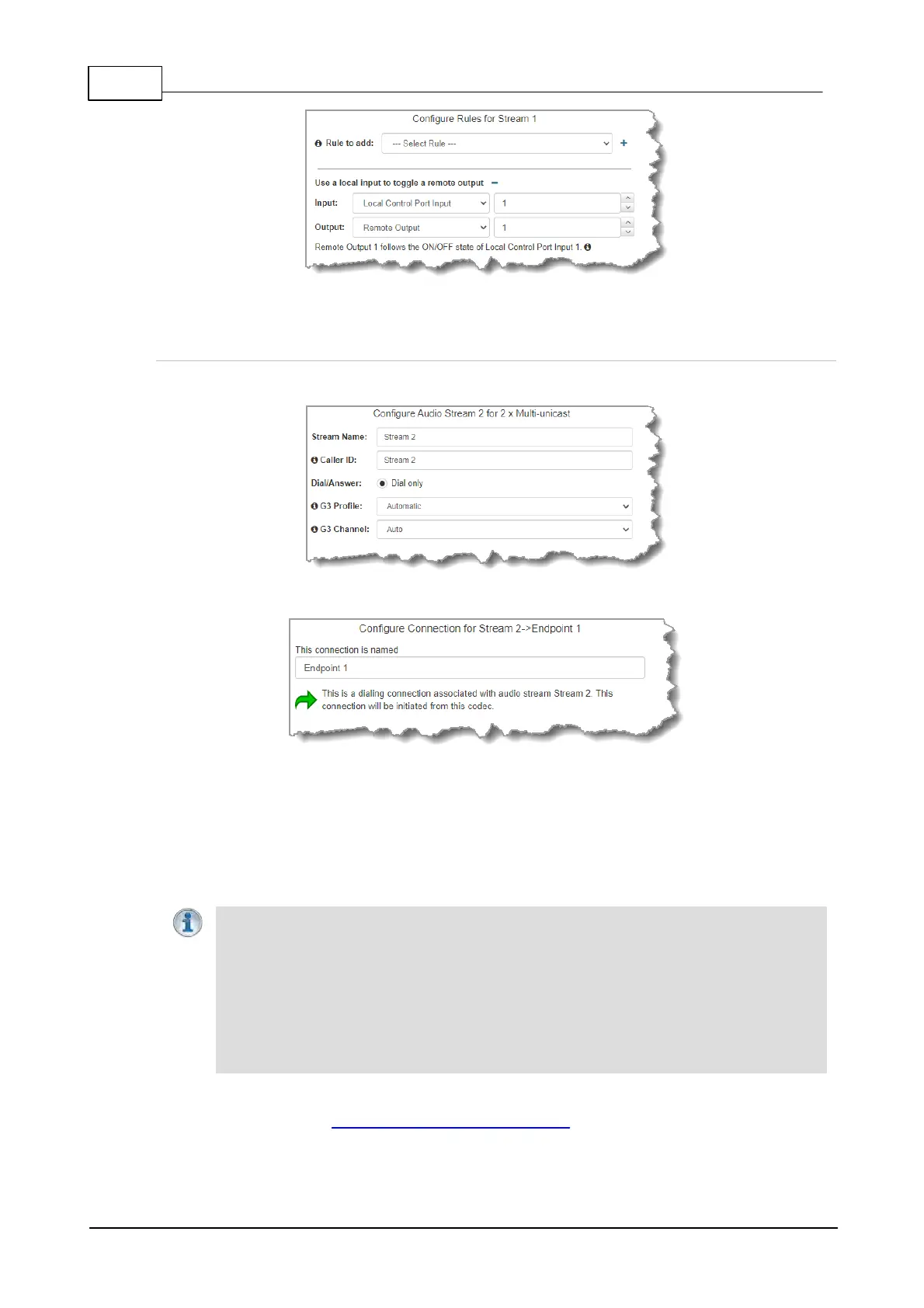
7. Click Next stream to configure the next audio stream.
Configure the Second Multi-unicast Audio Stream
1. Click Next Stream to configure the second multi-unicast audio stream.
2. Enter the name of the first connection for this audio stream in the text box, then click Next.
3. Continue through the program wizard and configure all multi-unicast connections for this audio
stream. After all connections are configured there are three options:
· Click Next to configure the Output Audio Source for the audio stream.
· Click Next to configure rules for this audio stream.
· Click Save to save the currently configured settings.
4. Click Save to save the program settings, then click Finish or Load to load the new program.
Important Notes: Configure new audio streams and connections as required for 3 x
Multi-unicast or 6 x Multi-unicast programs. Following are the default ports used when
configuring up to 6 multi-unicast audio streams (up to 80 connections supported in total):
· Audio Stream 1: Audio Send Port 9000
· Audio Stream 2: Audio Send Port 9010
· Audio Stream 3: Audio Send Port 9020
· Audio Stream 4: Audio Send Port 9030
· Audio Stream 5: Audio Send Port 9040
· Audio Stream 6: Audio Send Port 9050
5. The newly created program can be loaded from within the Program Manager panel and
Connections panel. Select and connect audio streams in a program using the Connections
panel, or connect the program manually using the codec front panel.



 To Next Page