168 Gateway and Gateway 4 Manual v1.2
© Tieline Research Pty. Ltd. 2021
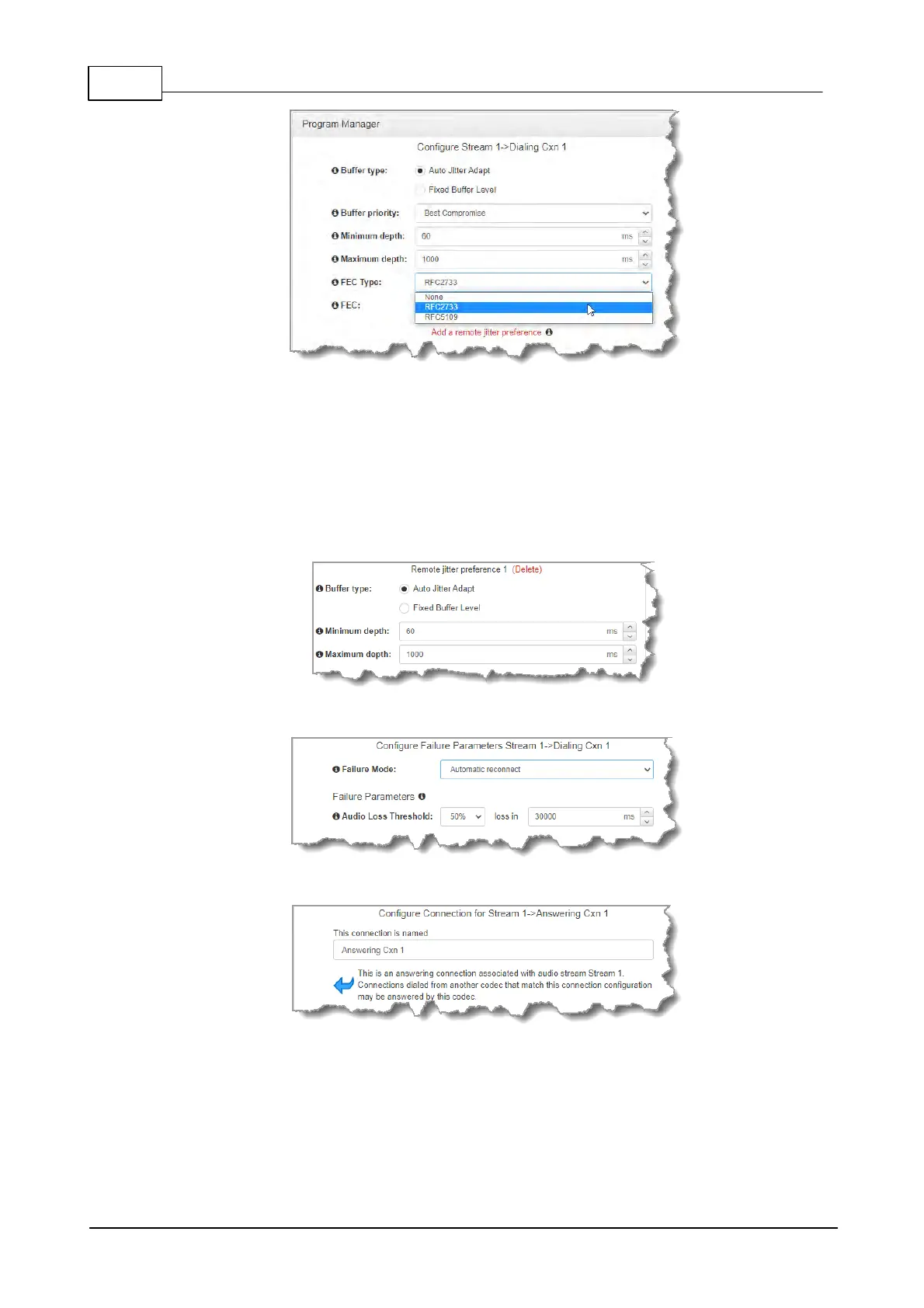
10. Click Add a remote jitter preference to send preferred jitter settings to a remote codec.
Note: this is just a preference as per EBU Tech 3368 and there is no guarantee that the
remote codec will accept or support these jitter configuration settings. Verify configuration
settings on the remote codec to ensure settings are correct. Recommended jitter buffer
limits are as follows:
· 1,000ms for PCM and G.711, G.722 and aptX Enhanced encoding.
· 2,500ms for AAC ELD, AAC LD.
· 5,000 for all other algorithms including Opus, MP2, AAC, AAC-HE, Tieline Music and Music
PLUS.
11. Click Next to select the check-box if you want to Enable Auto Reconnect.
12. Click Next to name the answering connection for when calls are received by the codec.
13. Click Next to configure the Session Protocol as SIP for the answering connection to
receive a SIP call.



 To Next Page