219
© Tieline Research Pty. Ltd. 2021
Gateway and Gateway 4 Manual v1.2
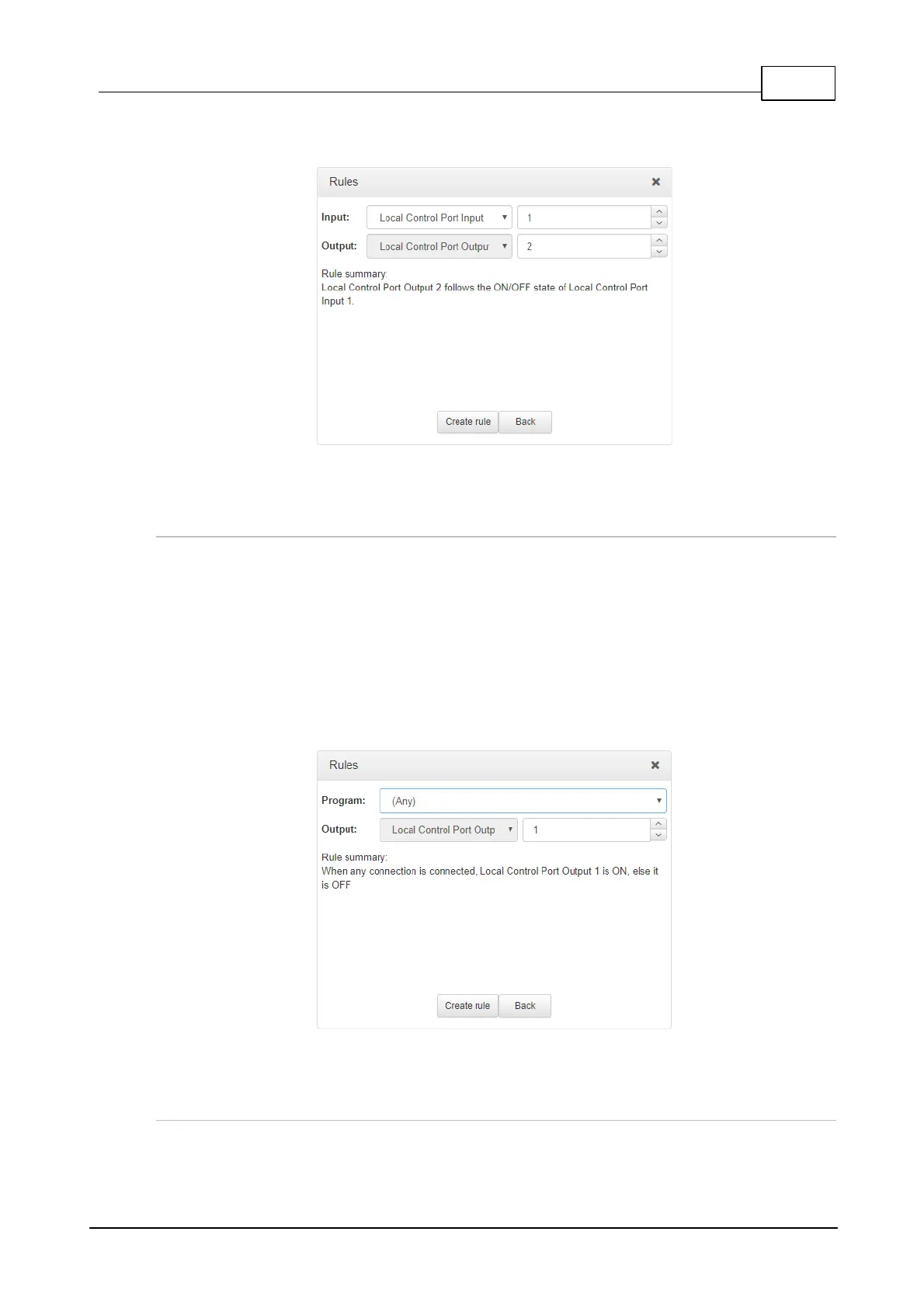
2. Click the drop-down arrow to select the local control port input used to control a local control
port output.
3. Check the Rule summary and click Create Rule to save the settings.
Rule 5: Use the Connected State of the Codec to Toggle a Local Output
This rule is used to toggle a codec's control port relay output each time a program connects and
disconnects.
1. Click the fourth rule in the Rules panel titled Use the connected state of the codec to
toggle a local output.
2. Click the drop-down Program arrow to select the program which will affect the relay toggle
function, or use the default setting whereby any program connecting will toggle the relay
output.
3. Click the drop-down arrow and select the relay output you want to toggle.
4. Check the Rule summary and click Create Rule to save the settings.
Deleting Rules
1. Open the Toolbox HTML5 Web-GUI and click Rules in the Menu Bar to display the Rules
panel.



 To Next Page