238 Gateway and Gateway 4 Manual v1.2
© Tieline Research Pty. Ltd. 2021
Lock to AES11 Input
AES11 is a standard AES3 signal with an accurate clock reference (DARS, or Digital Audio
Reference Signal), usually without the audio data. To use this input attach a female BNC
connector to the SYNC I/O 1 connector on the codec rear panel. Supported sample rates
include 32 kHz, 44.1 kHz, 48 kHz and 96 kHz. Note: The reference clock must be within +/-
50ppm of the listed sample rates.
Fixed Sample Clock
Select from a range of fixed output sample rates including:
1. 32 kHz
2. 44.1 kHz
3. 48 kHz
4. 88.2 kHz
5. 96 kHz
6. 192 kHz
Note: The reference clock must be within +/- 50ppm of the listed sample rates.
Reference Level
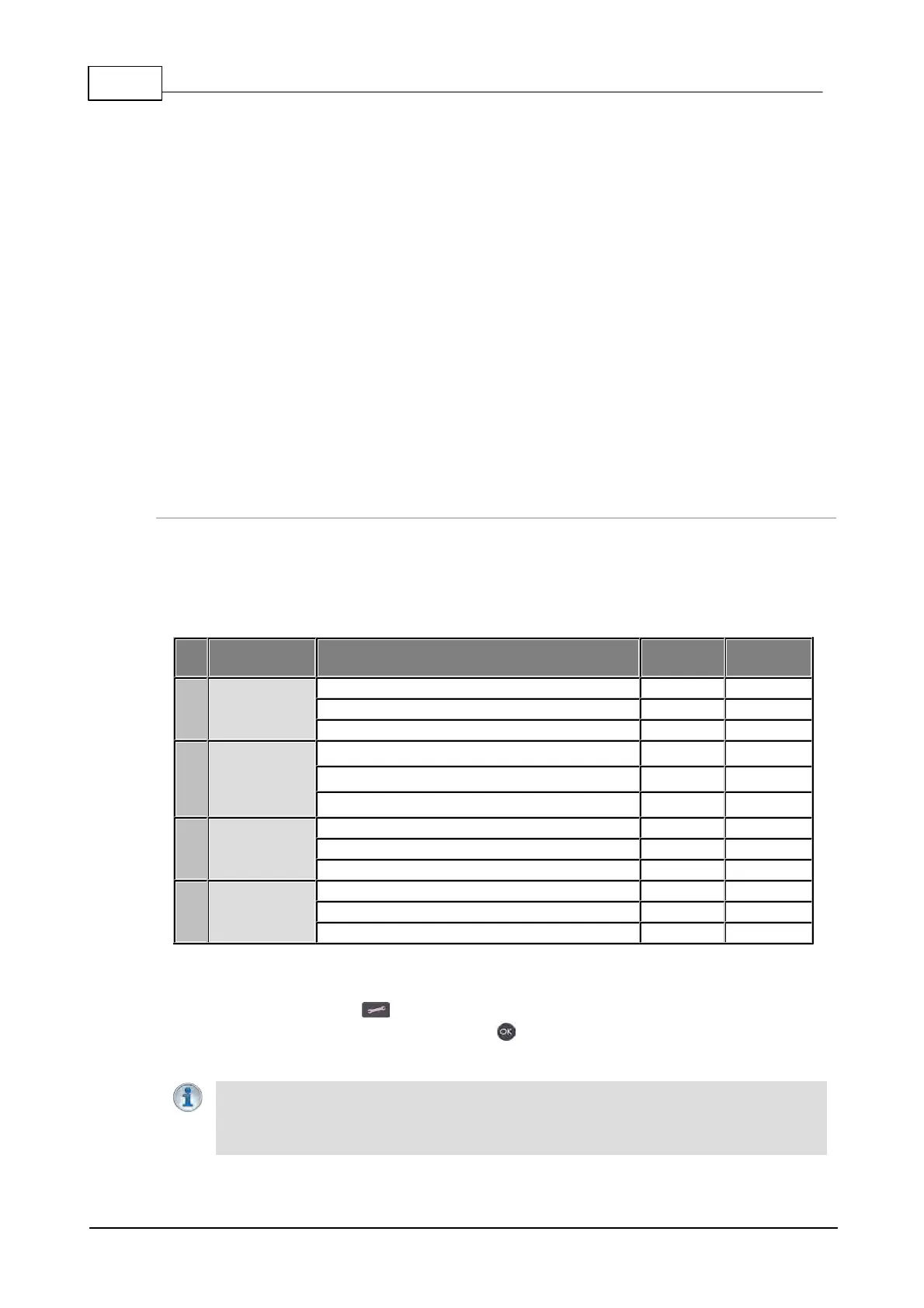
The default Tieline G6 audio reference scale displayed on the PPMs when connecting to a Tieline
G6 codec is -40dBFS to 0dBFS. Using this reference scale audio peaks can safely reach 0dBFS
without clipping, providing 20dB of headroom from the nominal 0vu point. The comparison table
below outlines the reference scales for G6, G5, G3 codecs and Report-IT in dBFS, as well as the
equivalent dBU scale.
Nominal 0vu reference level
Level at which audio will clip/distort
Tieline G5
(Genie,
Merlin,
Bridge-IT)
Nominal 0vu reference level
Level at which audio will clip/distort
Tieline G3
(Commandera
nd i-Mix)
Nominal 0vu reference level
Level at which audio will clip/distort
Nominal 0vu reference level
Level at which audio will clip/distort
The default setting in the codec is Auto. To reconfigure this:
1. Press the SETTINGS button.
2. Navigate to Audio Options and press the button.
3. Select Reference Level.
Important Note: If a codec supports multiple stream programs and the Auto (default)
reference level is selected, the first codec to connect will configure the reference level
used for all subsequent connections. I.e. If a G5 codec connects first then the G5 Audio
Reference Level will be configured for all connections.



 To Next Page