262 Gateway and Gateway 4 Manual v1.2
© Tieline Research Pty. Ltd. 2021
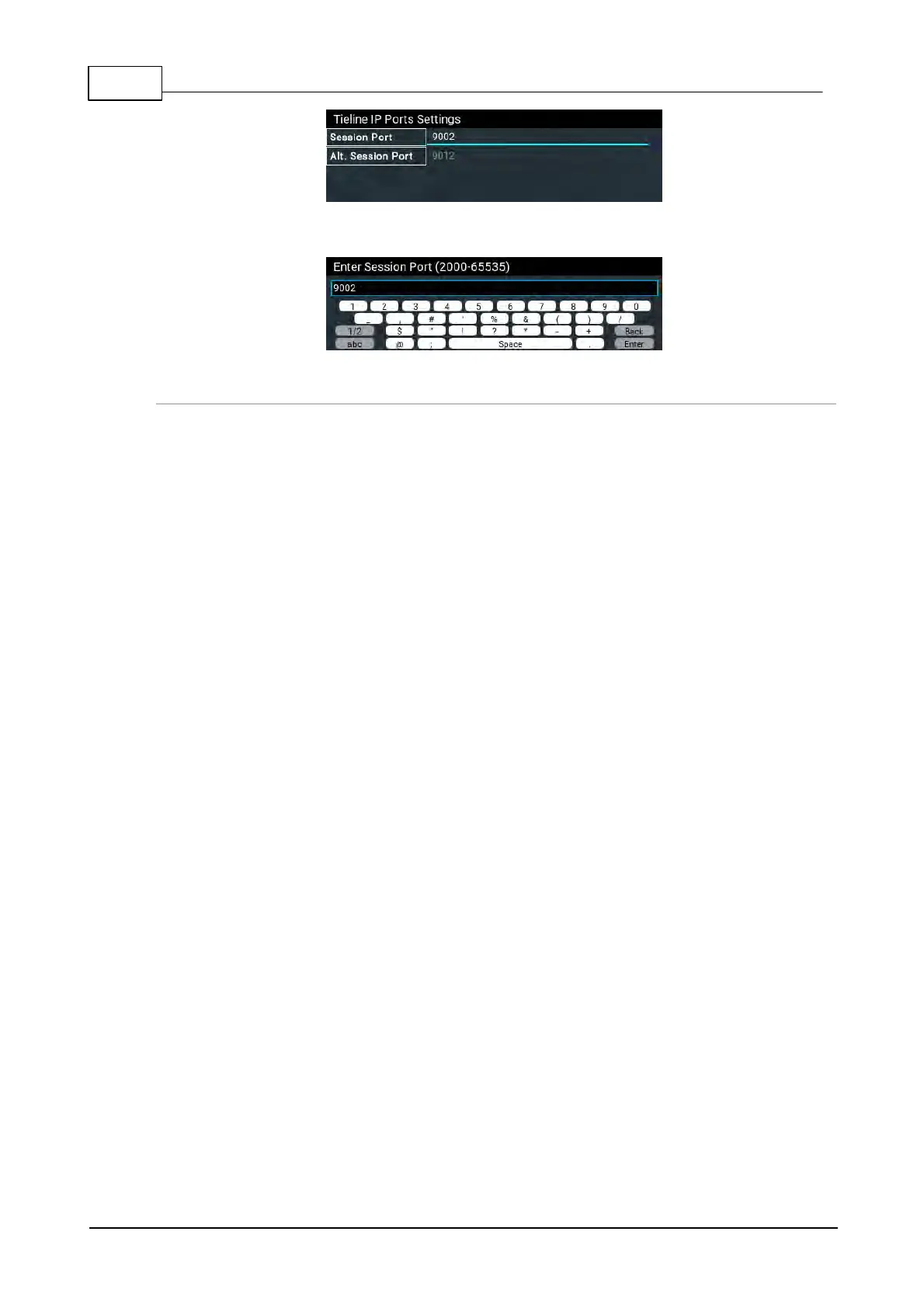
6. Adjust the port number and press Enter on the onscreen keyboard to save the new setting.
Audio Port Settings for Tieline Session Data and Sessionless IP Calls
The codec supports sessionless IP streaming, whereby the codec does not send Tieline session
data when attempting to connect. When using this mode you need to configure the "send" audio
port (codec port at the remote end of the link to which you are sending audio) and "return" audio port
(port used by the local codec to receive audio from the remote codec).
It is also possible to configure the remote and local audio ports for a codec using Tieline session
data to establish IP connections. This may be required because some firewalls require symmetric
port configuration.
Sessionless Audio Port Configuration
When you select Sessionless as the Session Protocol:
· The default value for both the Local and Remote (audio) Ports is 9000
· The range of values for the audio ports is 2000 to 65535
· The audio port values can be set independently
· Both audio ports can always be configured, i.e. there is no dependency on
encode/decode direction
"Tieline Codec" Port Configuration
If using the Tieline Codec setting for call establishment (i.e. Tieline session data is enabled),
you can also change the default audio ports if required.
· The default value for the Remote Audio Port is 9000
· The range of values for the Remote Audio Port is 2000 to 65535
· The default port value for the Local Audio Port is Automatic. Note: Automatic
indicates that the codec will allocate the local port value and send this information to the
codec to which you are dialing
· The range of values for the Local Audio Port is 2000 to 65535
Sessionless Multicast Connections
For a sessionless multicast server connection:
· Only the Remote Audio Port is available
· The default value for the port is 9000
· The range of values for the port is 2000 to 65535
For a sessionless multicast client connection:
· Only the Local Audio Port is available
· The default value for the port is 9000
· The range of values for the port is 2000 to 65535



 To Next Page