58 Gateway and Gateway 4 Manual v1.2
© Tieline Research Pty. Ltd. 2021
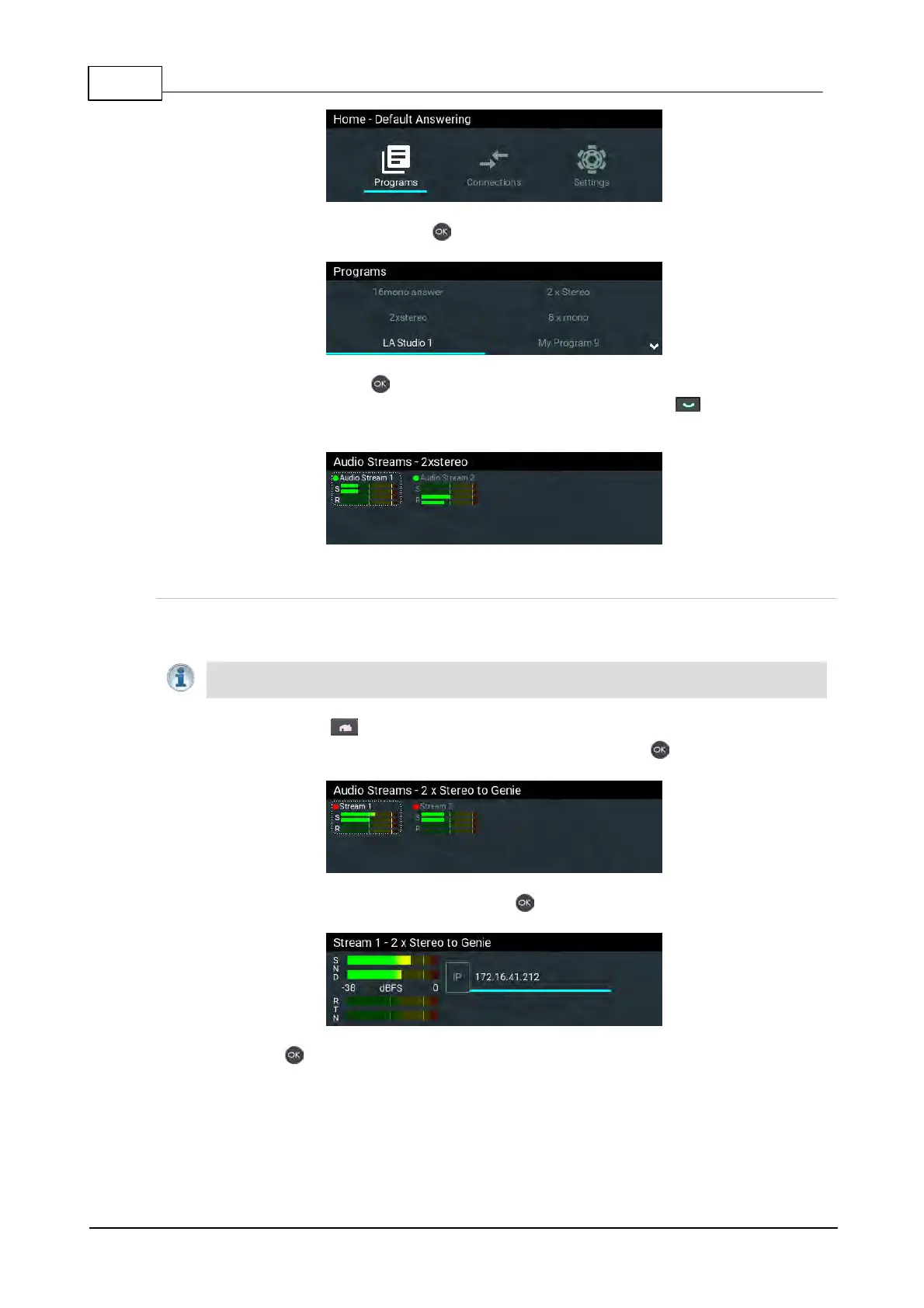
3. Navigate to a program and press the button to select it.
4. Select Load and press the button to load the program.
5. Navigate to the Connections screen and then press the CONNECT button to make a
connection.
Edit the IP Address in a Loaded Program
It is not possible to create a program from the codec front panel, however it is possible to edit an IP
address for each audio stream connection.
Important Note: The IP address for an audio stream connection can only be edited when it
is disconnected.
1. Press the HOME button to return to the Home screen.
2. Use the navigation buttons to select Connections and press the button.
3. Select a disconnected stream and press the button.
4. Press the button again to edit the IP address using the keypad or onscreen keyboard,
then press the Enter button on the onscreen keyboard.



 To Next Page