User Manual: WaveLinx Lite (4.0)
142
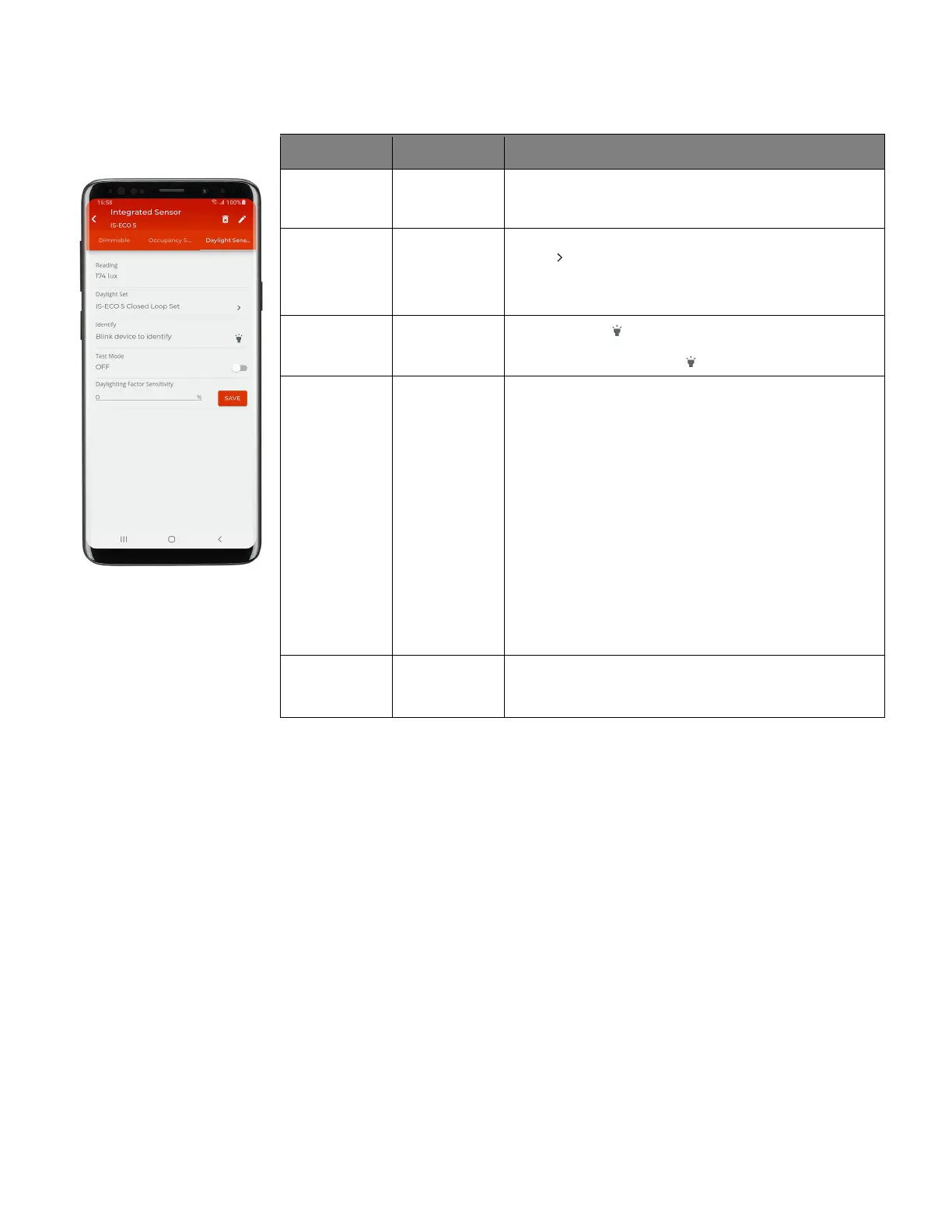
Device Details Daylight Sensor Page
Setting Default Description
Reading N/A Displays sensor’s light level reading in lux.
Note: If the reading does not dynamically update, exit the screen, and
then re-enter to verify current reading.
Daylight Set Shows the zone’s currently assigned daylight set. Tap the
arrow ‘ ’to go to the closed loop daylight set page. For open
loop, always access the open loop daylight set from the
daylight set list (see “Modify Open Loop Daylight Control
” on
Blink to Identify N/A
Tap on the icon ‘ ’ to cause the connected fixture to flash on
and off for a 15 second period. To cancel ‘blink to identify’
before the timer expires, tap ‘ ‘ again.
Test Mode N/A If test mode is activated (slide switch to activate), the daylight
sensor will begin test mode operation. During test mode, the
daylight fade rate is changed to 10 seconds and the time
delays for OFF and ON functions are reduced to the following:
• When the measured light level exceeds 150% of the
calibrated light level for more than 30 seconds, the
sensor will turn lighting OFF.
• Lighting will be turned back ON when one of the two
conditions occurs:
• The measured light level falls between 100% and 50% of
the calibrated light level for more than 20 seconds
• The measured light level falls below 50% of the calibrated
light level for longer than 5 seconds
Once finished with the daylight sensor test, slide the switch to
the OFF position. If left on, test mode will automatically time
Daylight Factor
Sensitivity
0% WARNING: Do not adjust the daylight factor sensitivity from
the 0% default unless resolving a daylighting issue.
See page 169 for further details.



 To Next Page